After several weeks of waiting on parts, troubleshooting questionable storage hardware, and getting distracted by Network UPS Tools while I waited, pbs.lab is finally complete.
This has been one of the more important milestones in the rebuild. Up to this point, the lab already had a fairly good local backup structure built around SCHBKUPS, which lives on a mirrored pair of enterprise SAS drives inside home.lab. That storage contains Proxmox configuration backups, infrastructure exports, service configuration archives, and local rollback data.
The obvious problem is that all of that still lives inside the same physical server. If home.lab loses the backup pool, has a controller failure, gets accidentally wiped, or experiences some other sufficiently creative disaster, a backup stored inside that same machine is not much of a backup anymore.
The goal for pbs.lab is to create a second independent recovery tier.
home.lab
├── Primary workloads and storage
├── SCHBKUPS
│   ├── Infrastructure configuration exports
│   ├── Service configuration backups
│   └── Local recovery data
│
└── Proxmox VE cluster
        ↓
        ↓ nightly backups
        ↓
pbs.lab
└── Proxmox Backup Server
    ├── VM/LXC backups
    ├── SCHBKUPS file-level backups
    ├── Retention
    ├── Pruning
    └── Garbage collection
It is not truly “off-site” storage. Everything is still sitting in the same rack. However, it is a separate system, separate operating system, separate storage controller, separate disk pool, and separate failure domain from the primary server, which is a significant improvement.
Building the PBS Hardware#
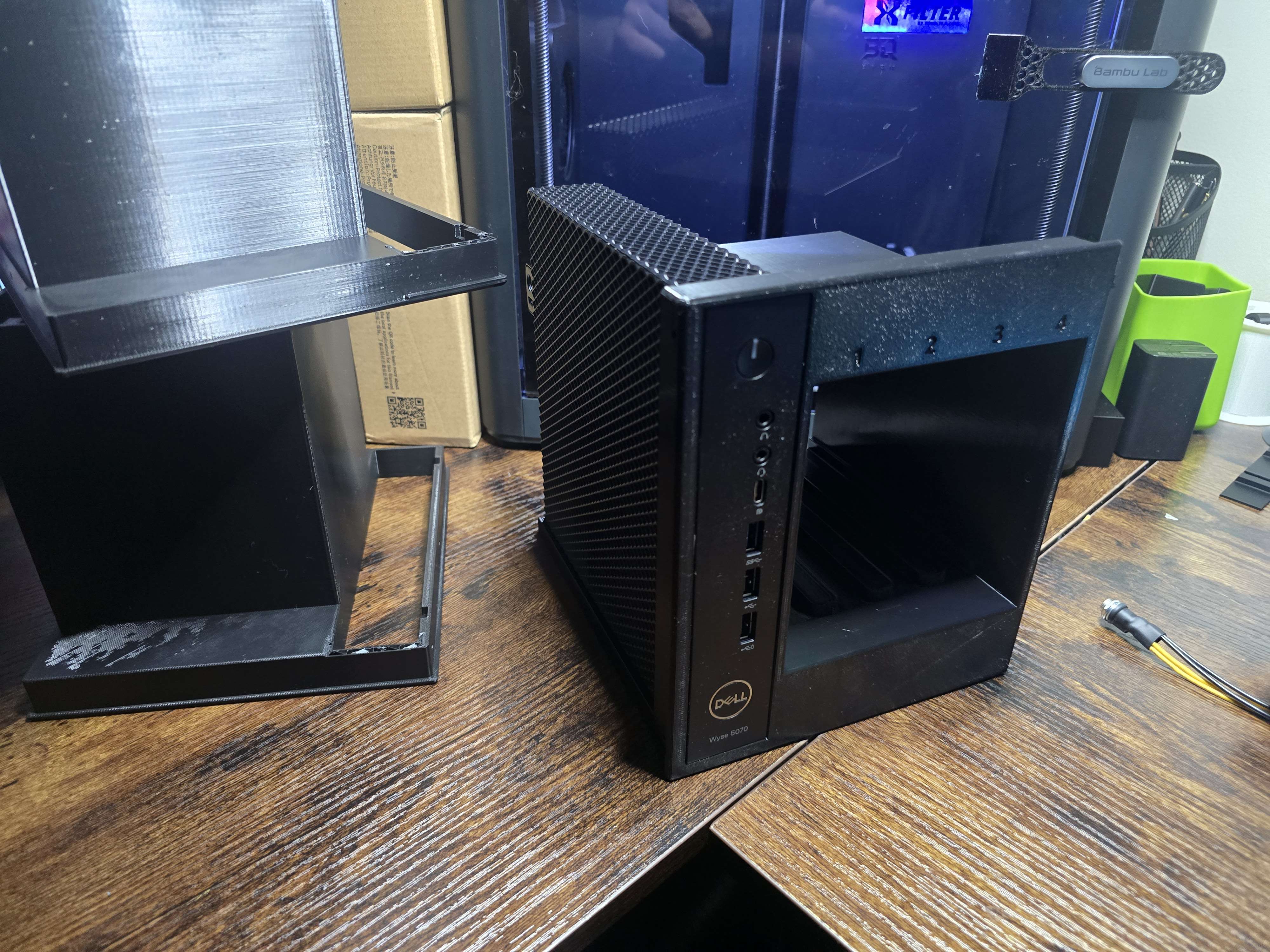
The original plan for the third Dell Wyse 5070 was always to keep it outside of the Proxmox VE cluster and use it exclusively as a Proxmox Backup Server.
The two other Wyse systems became wyse01.lab and wyse02.lab, which joined home.lab as a three-node Proxmox VE cluster. The third became pbs.lab at 172.16.10.243, dedicated entirely to Proxmox Backup Server.
The internal 256 GB M.2 SATA SSD is used only for the operating system.
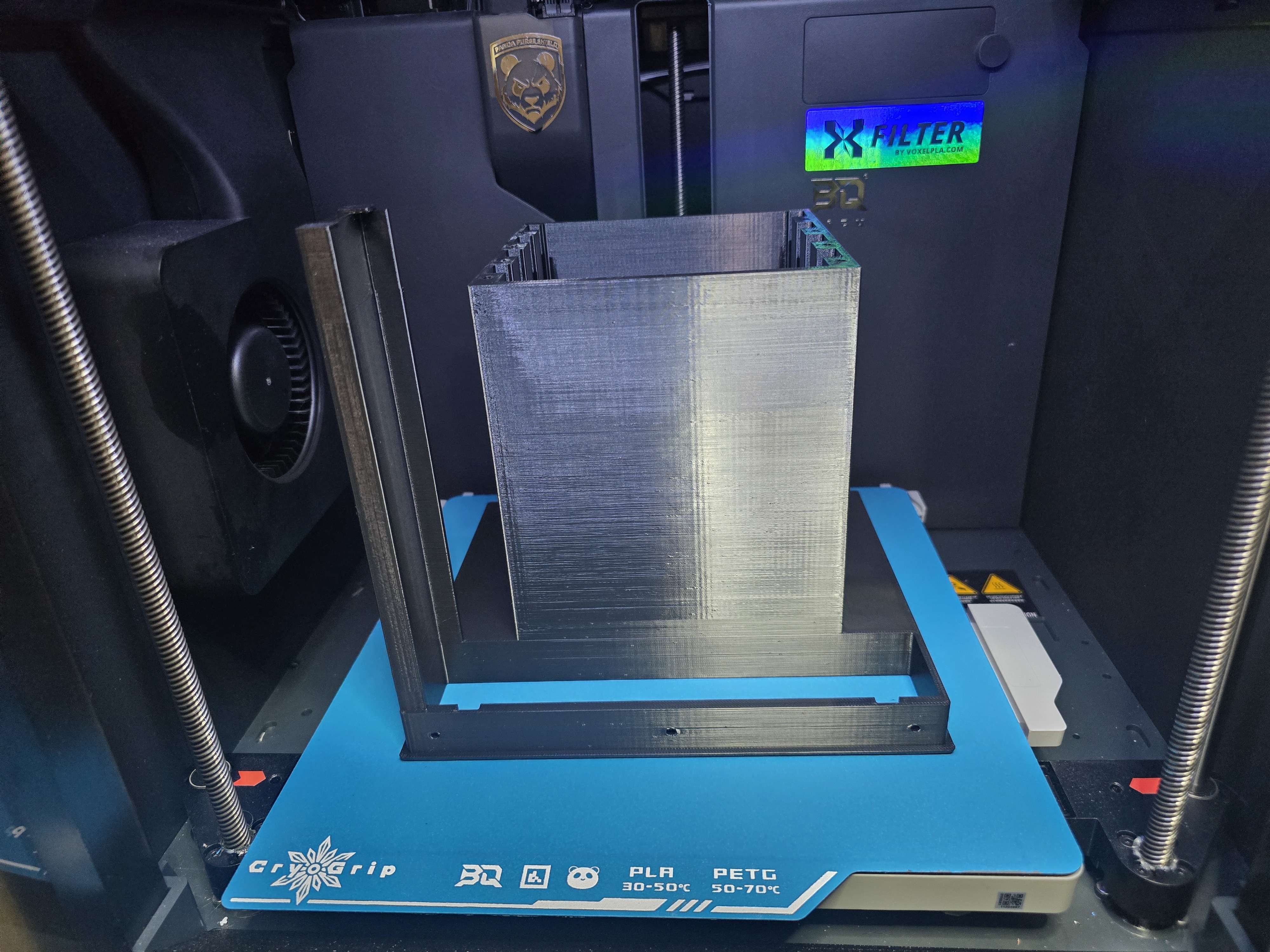
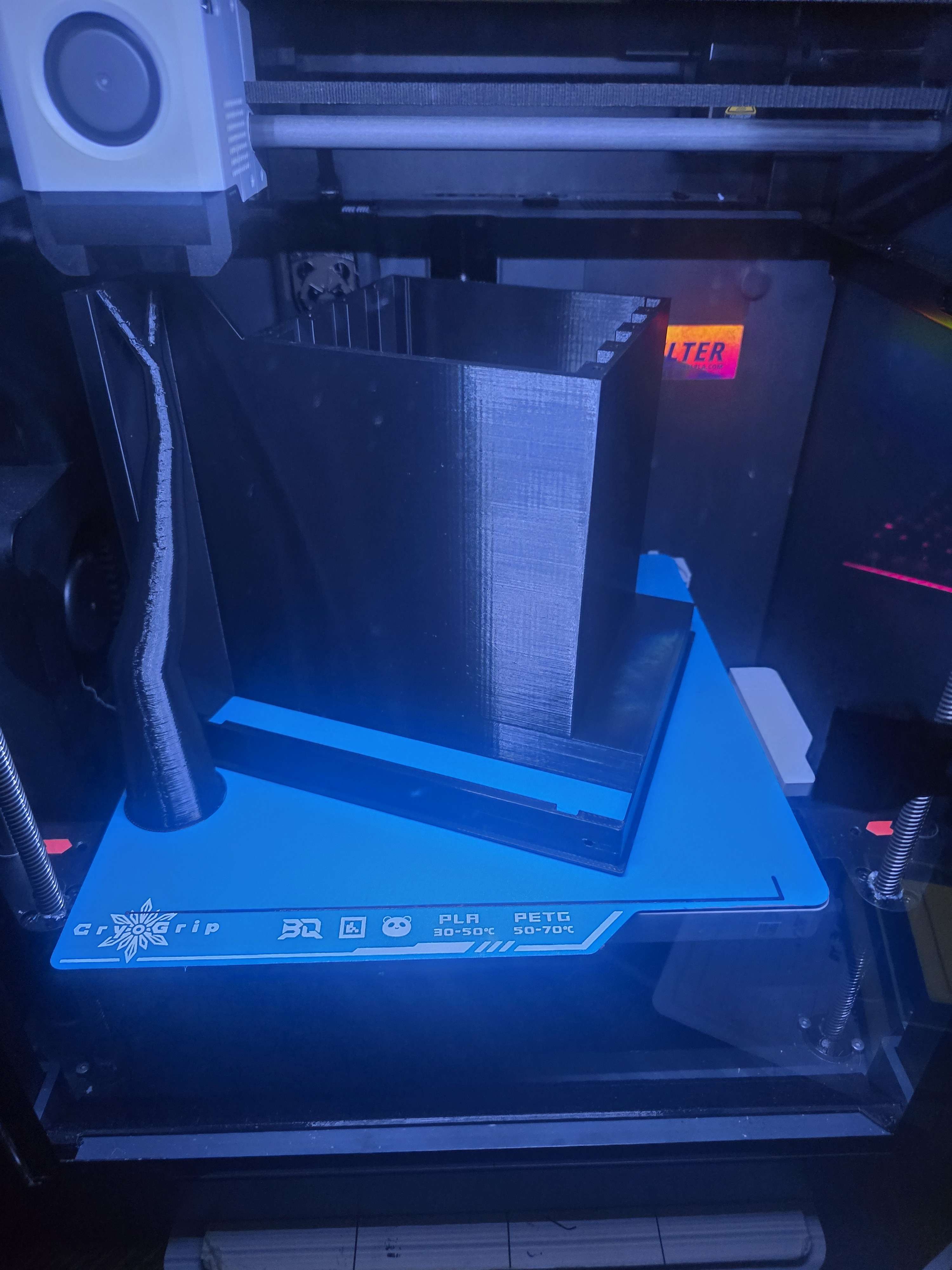
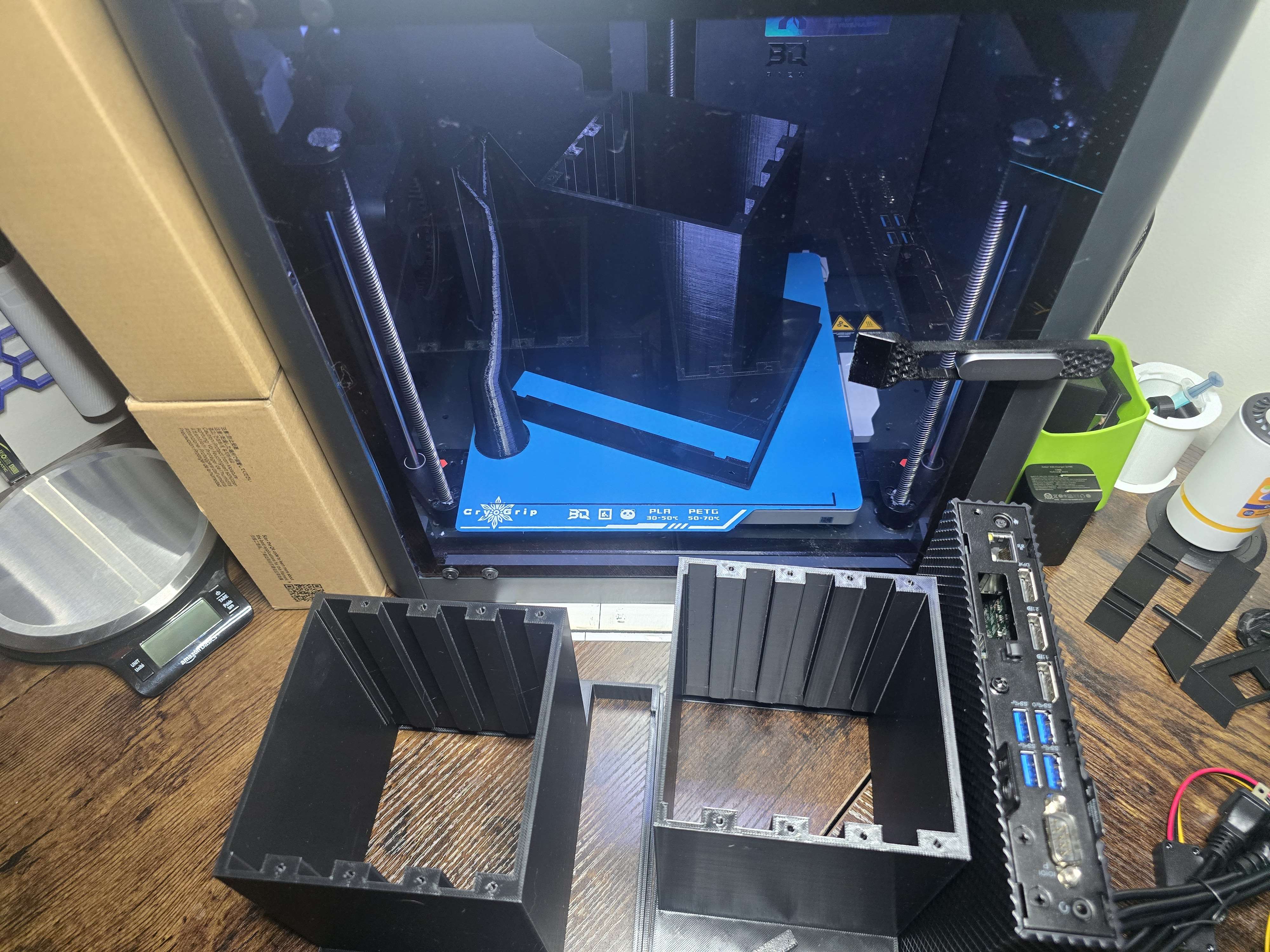
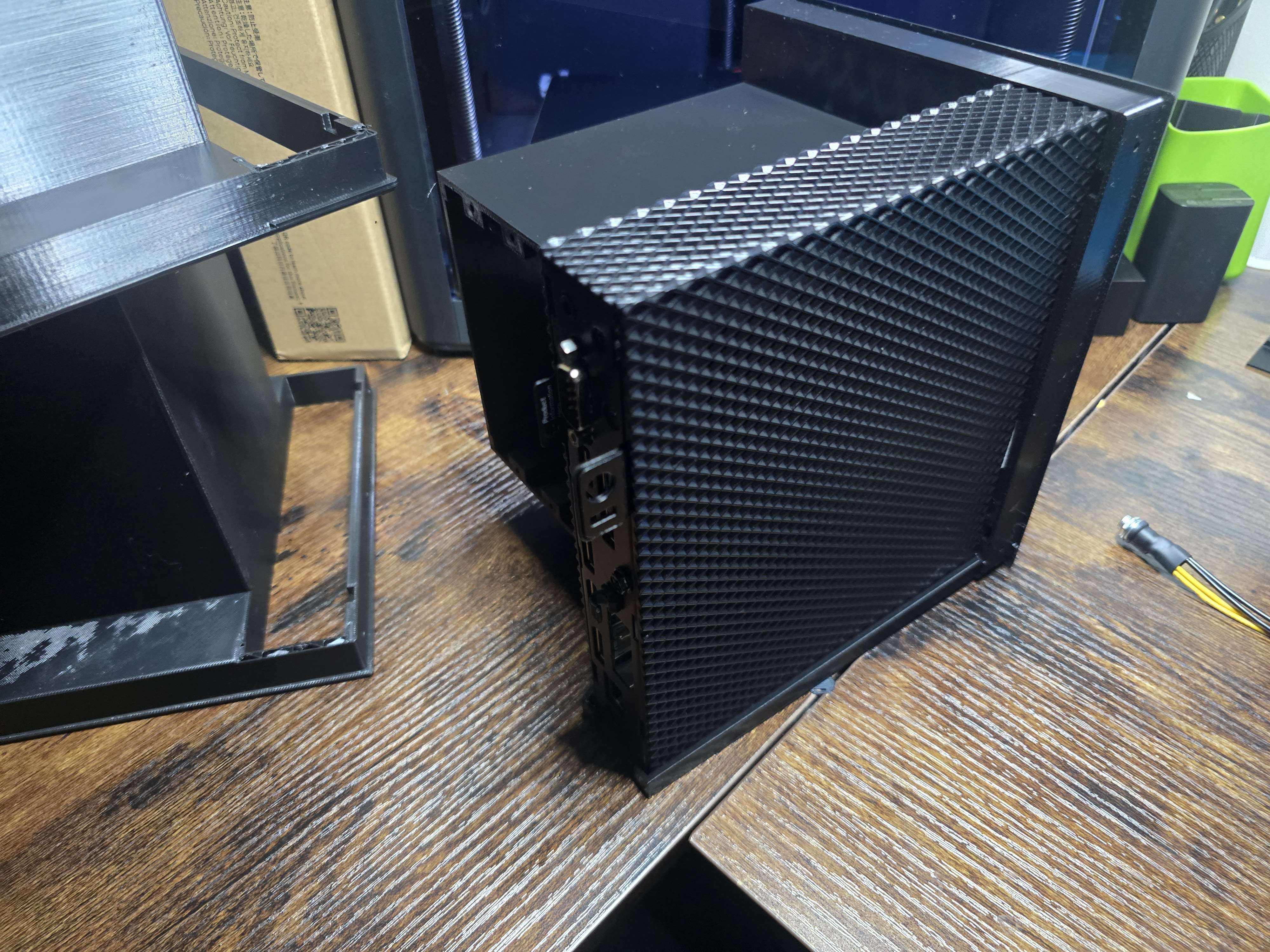
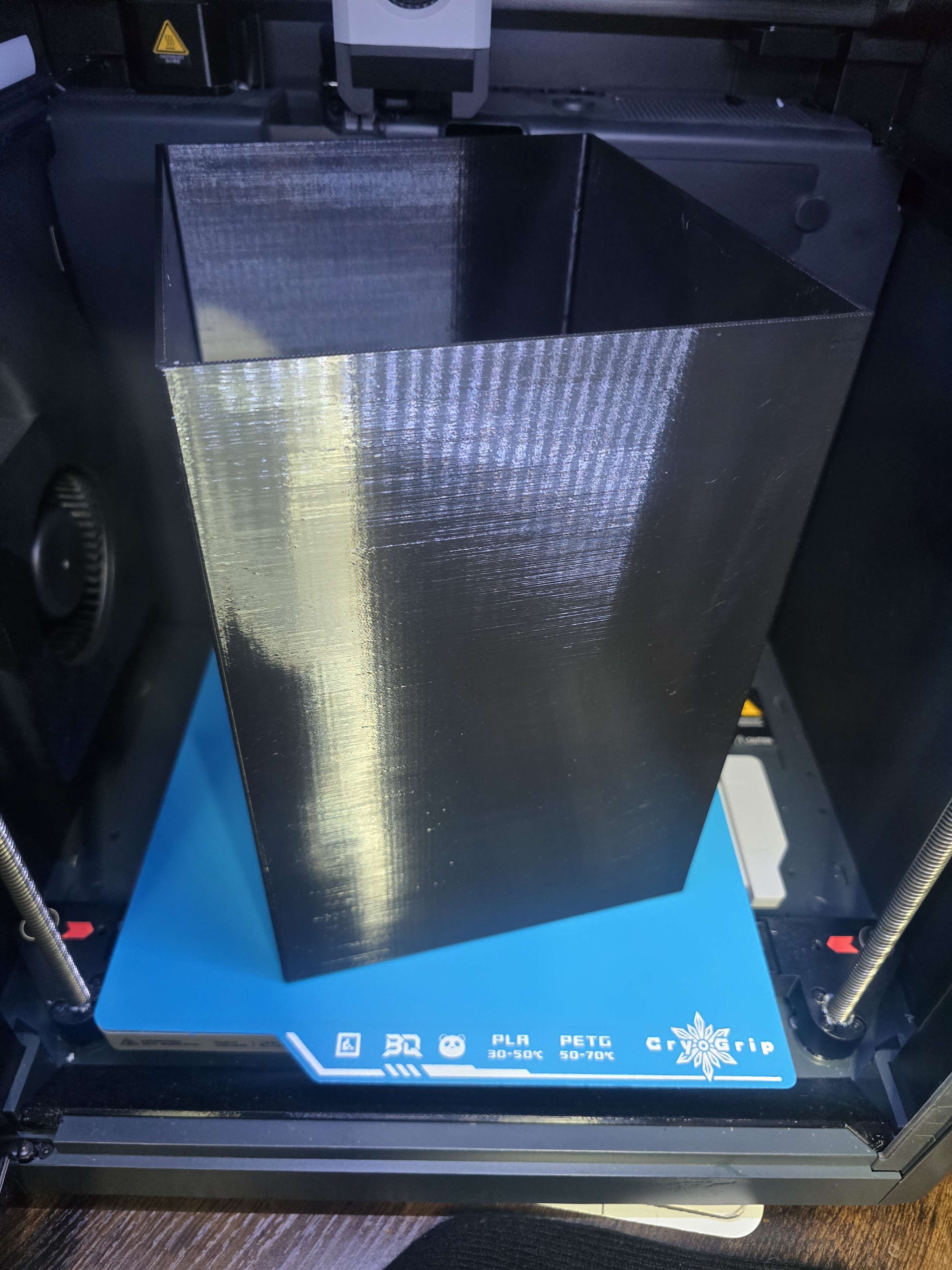
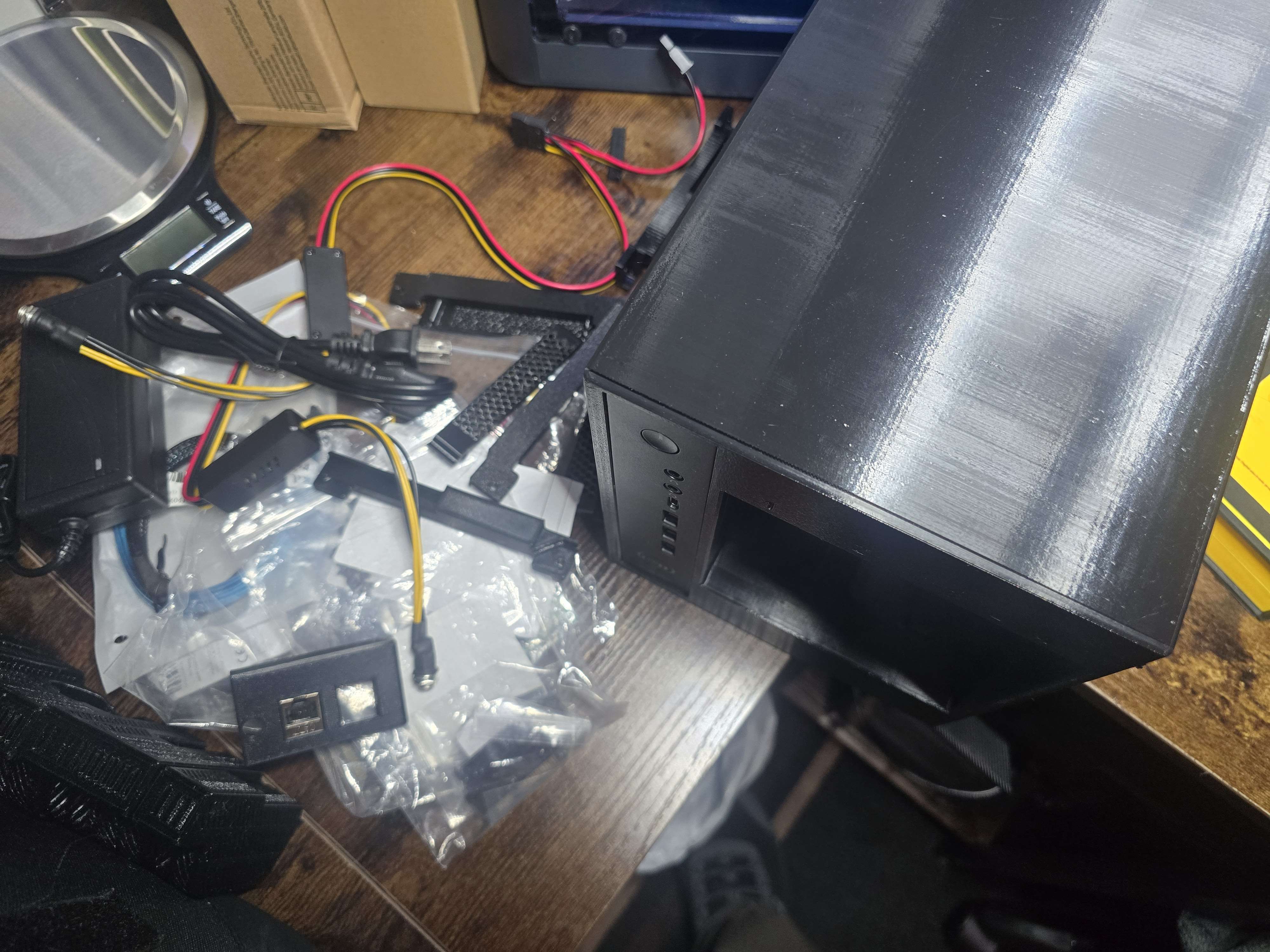
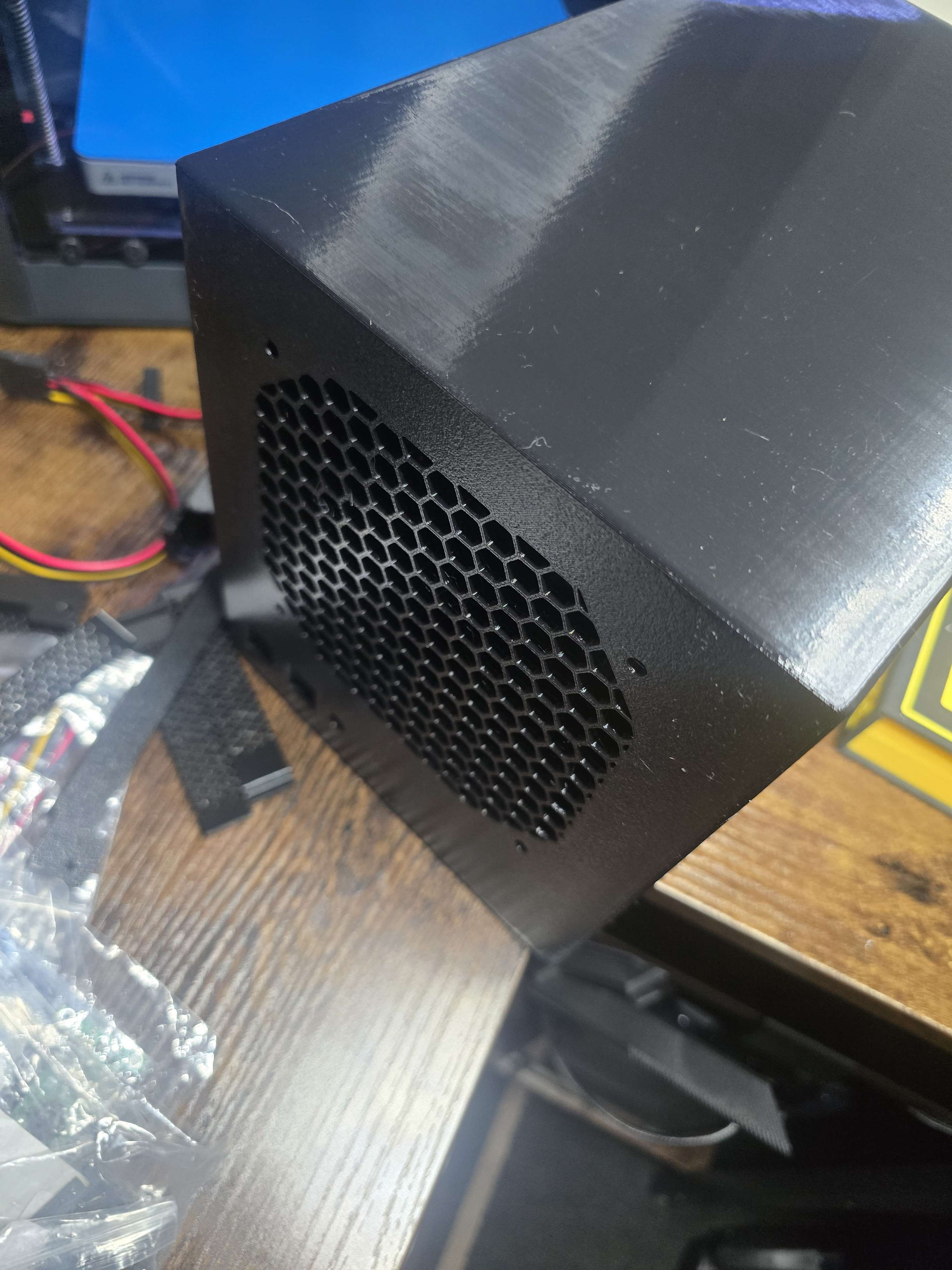
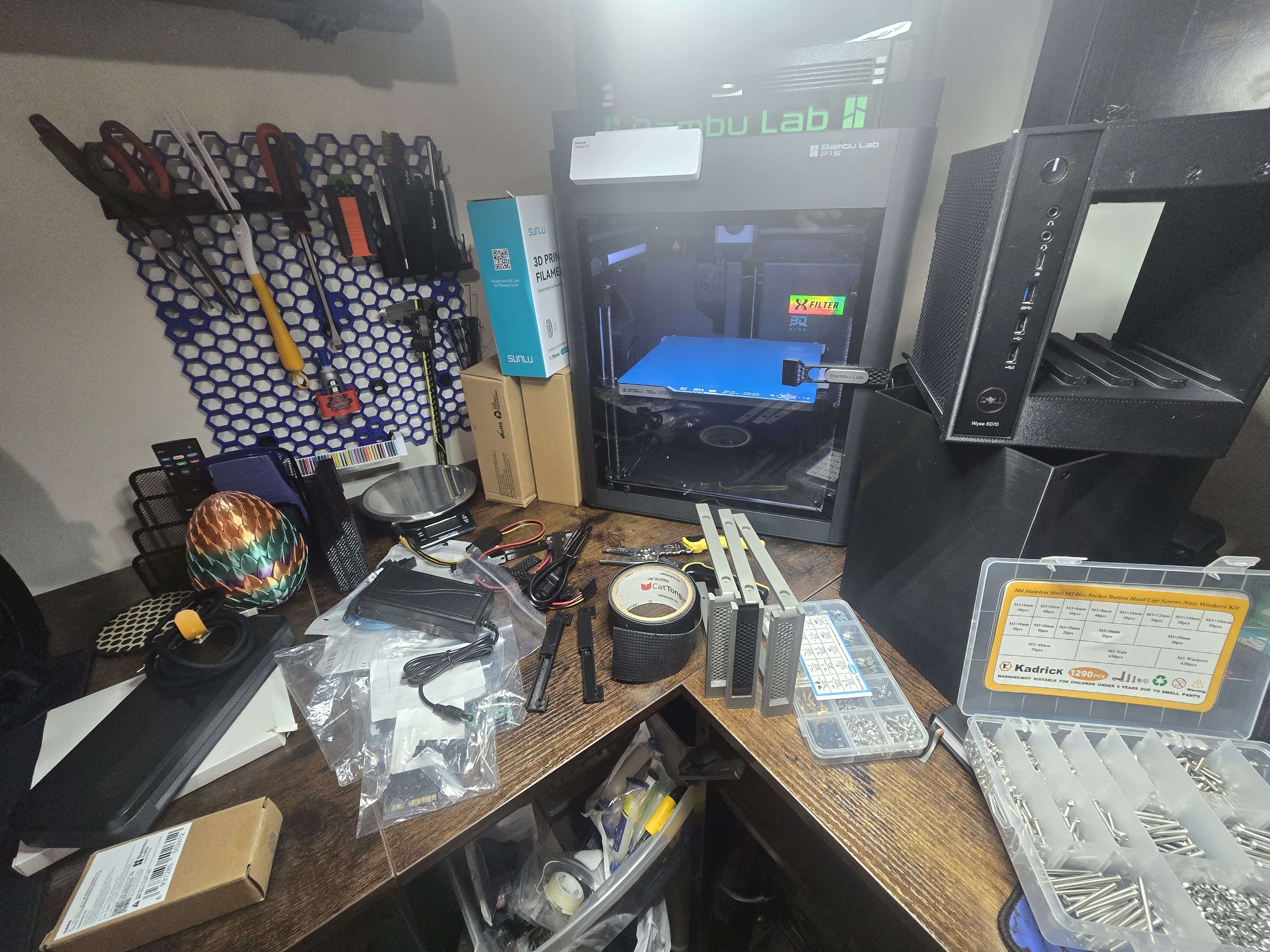
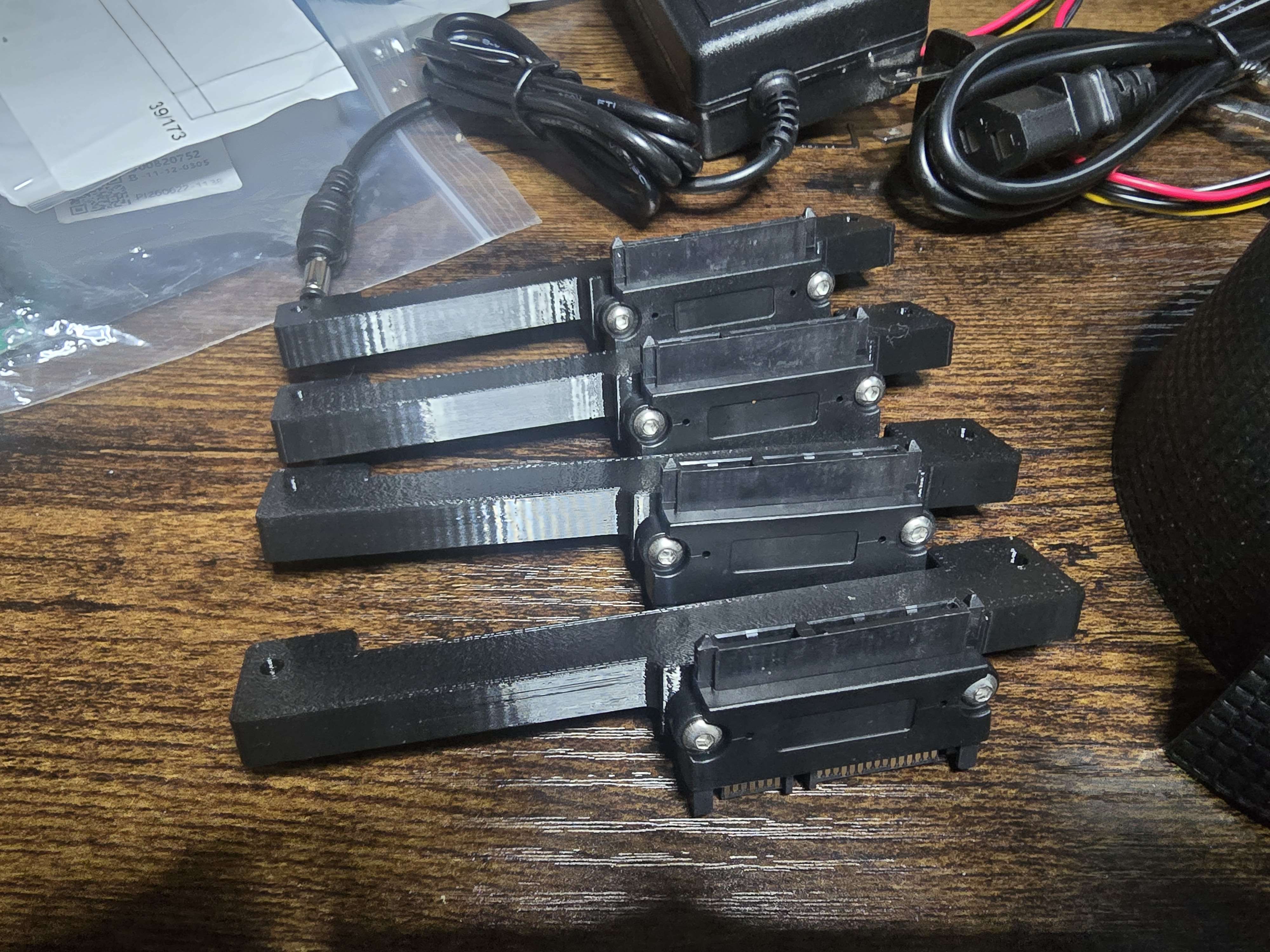
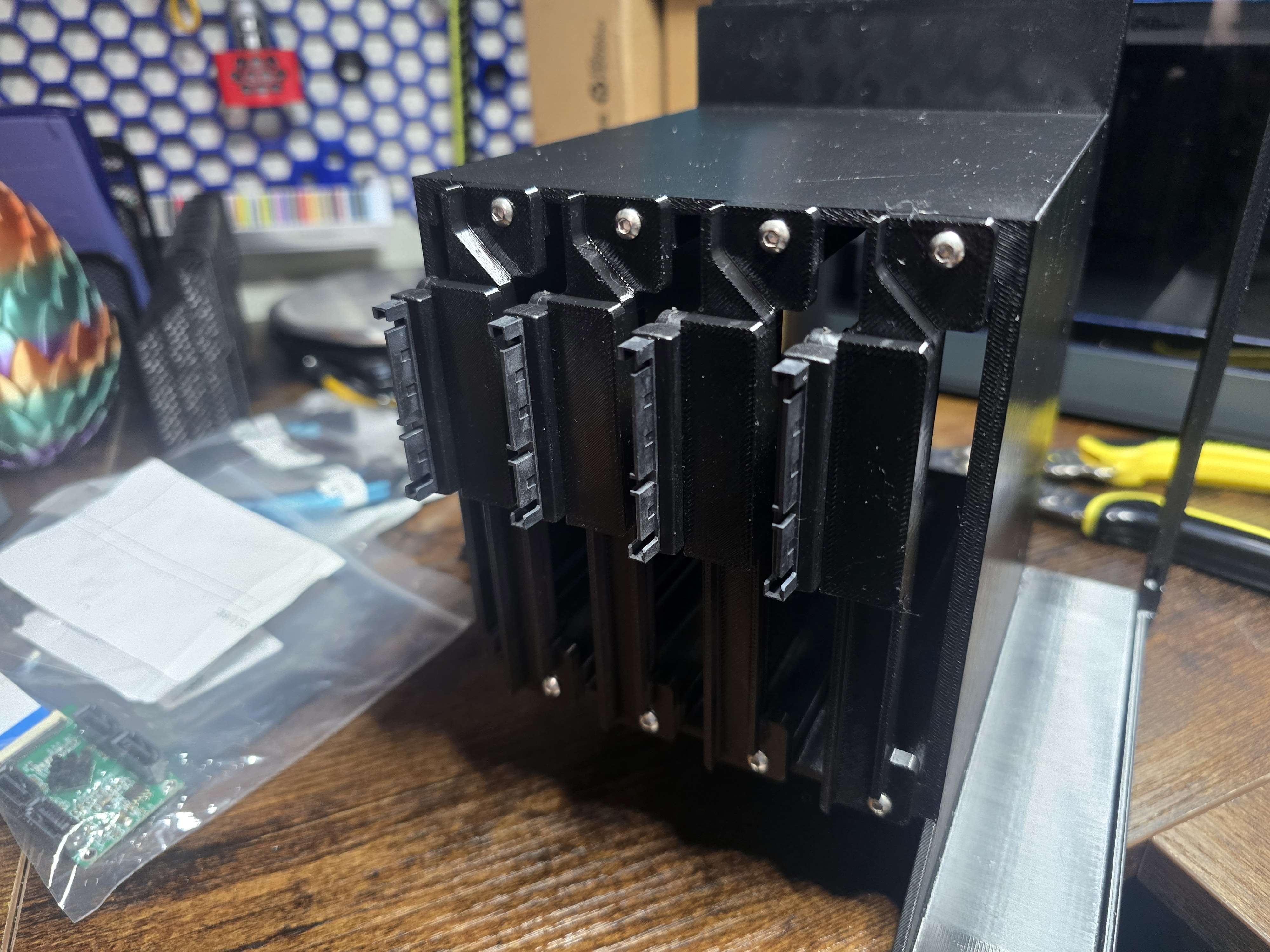
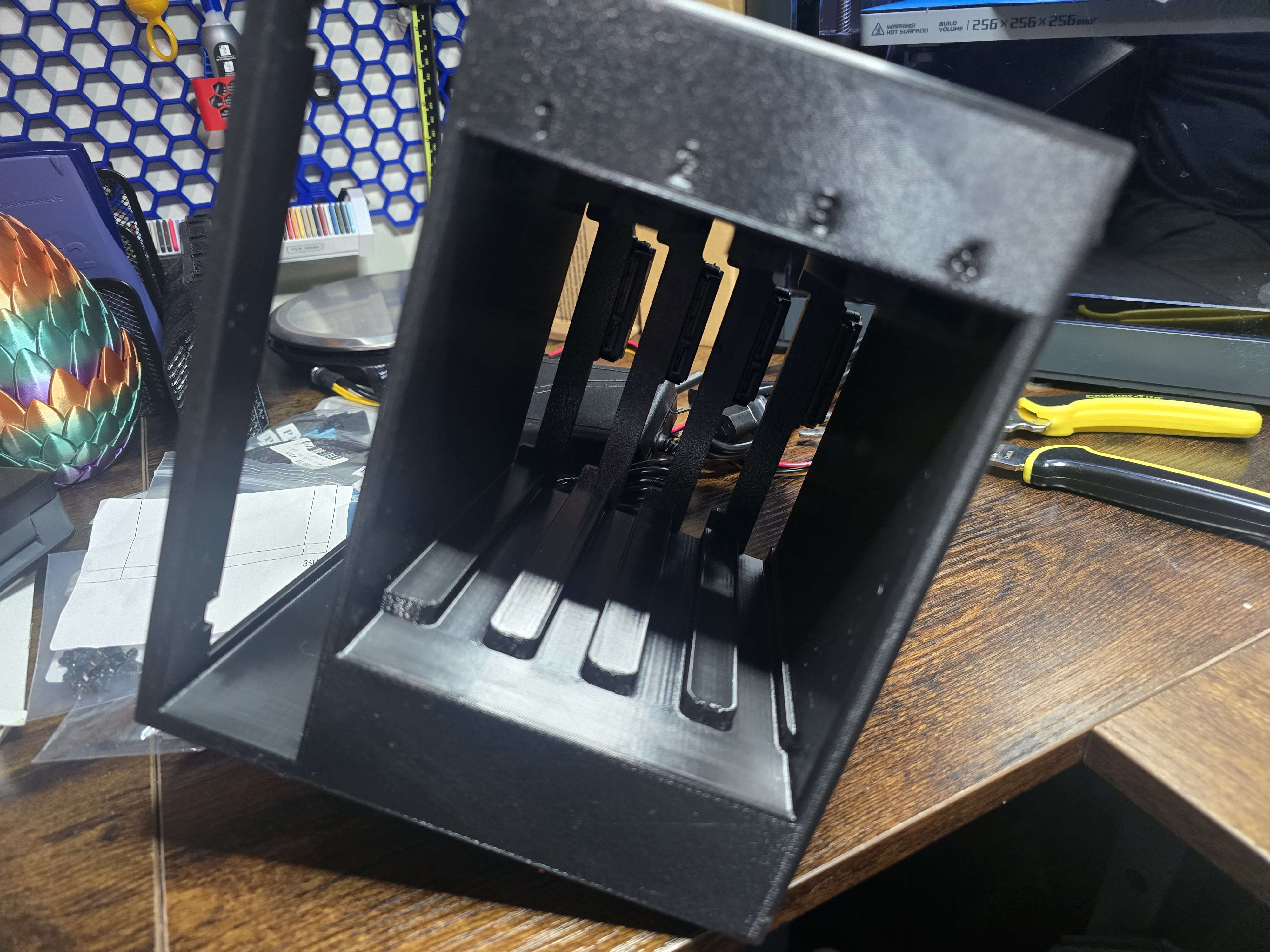
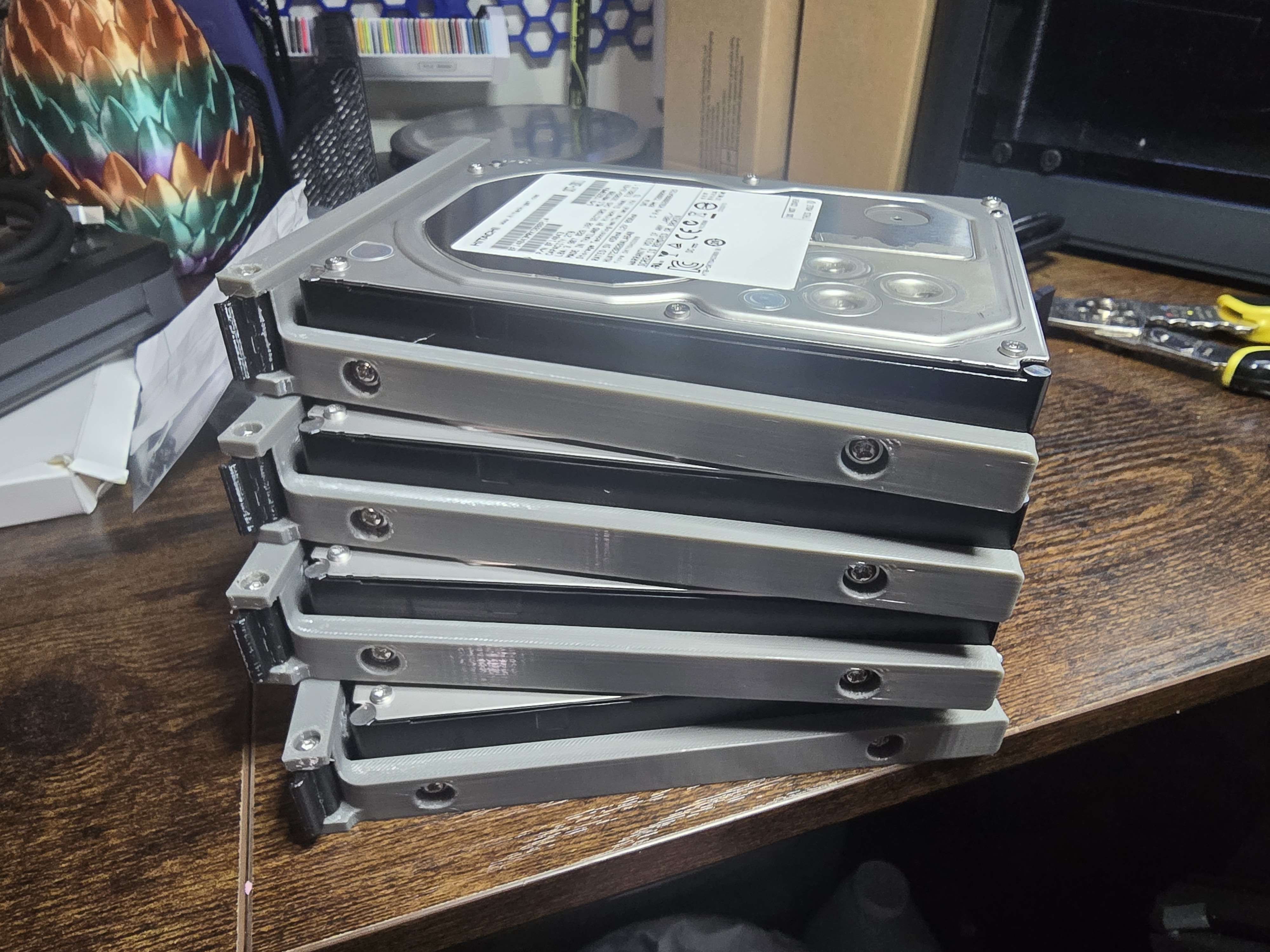
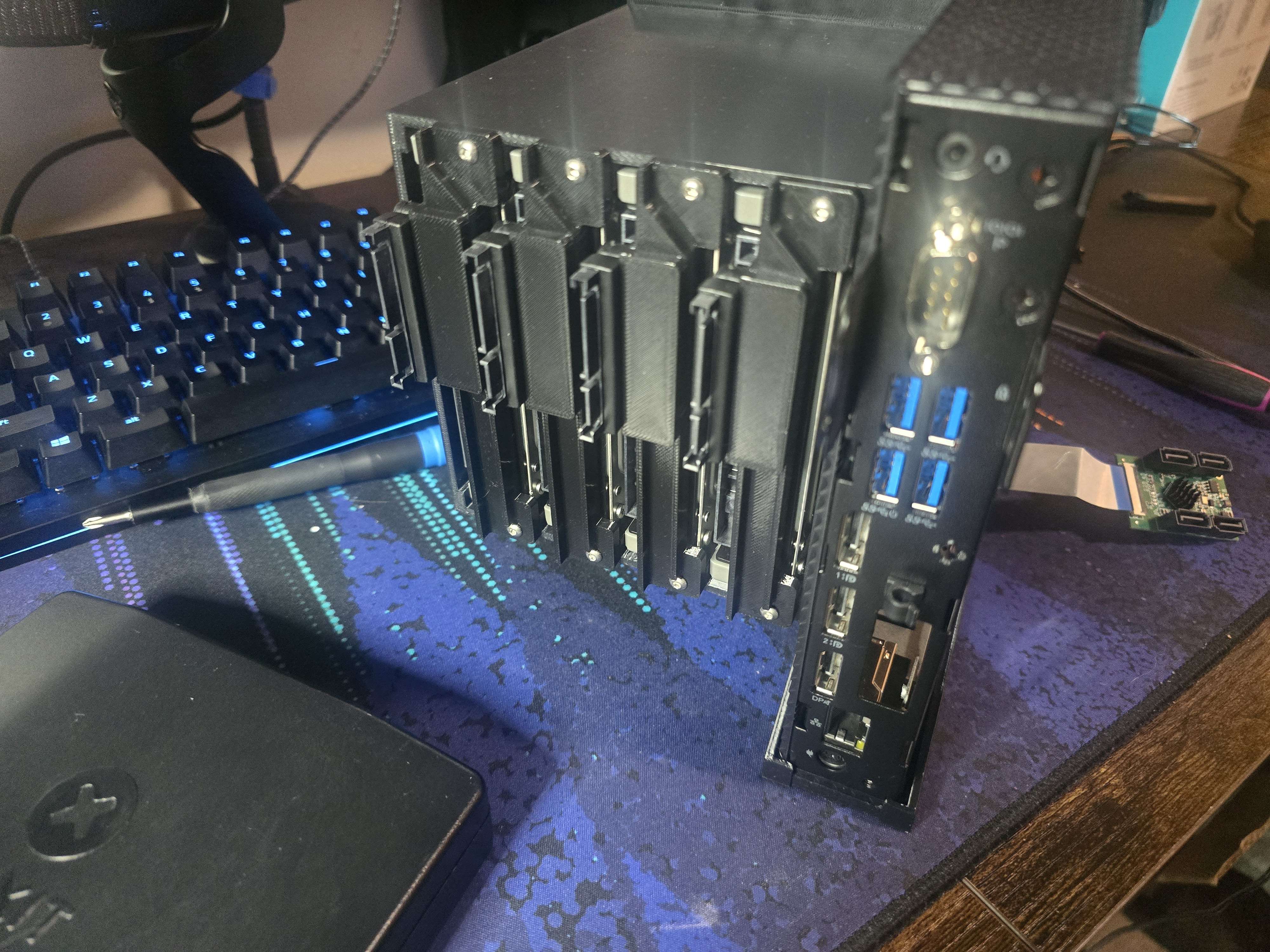
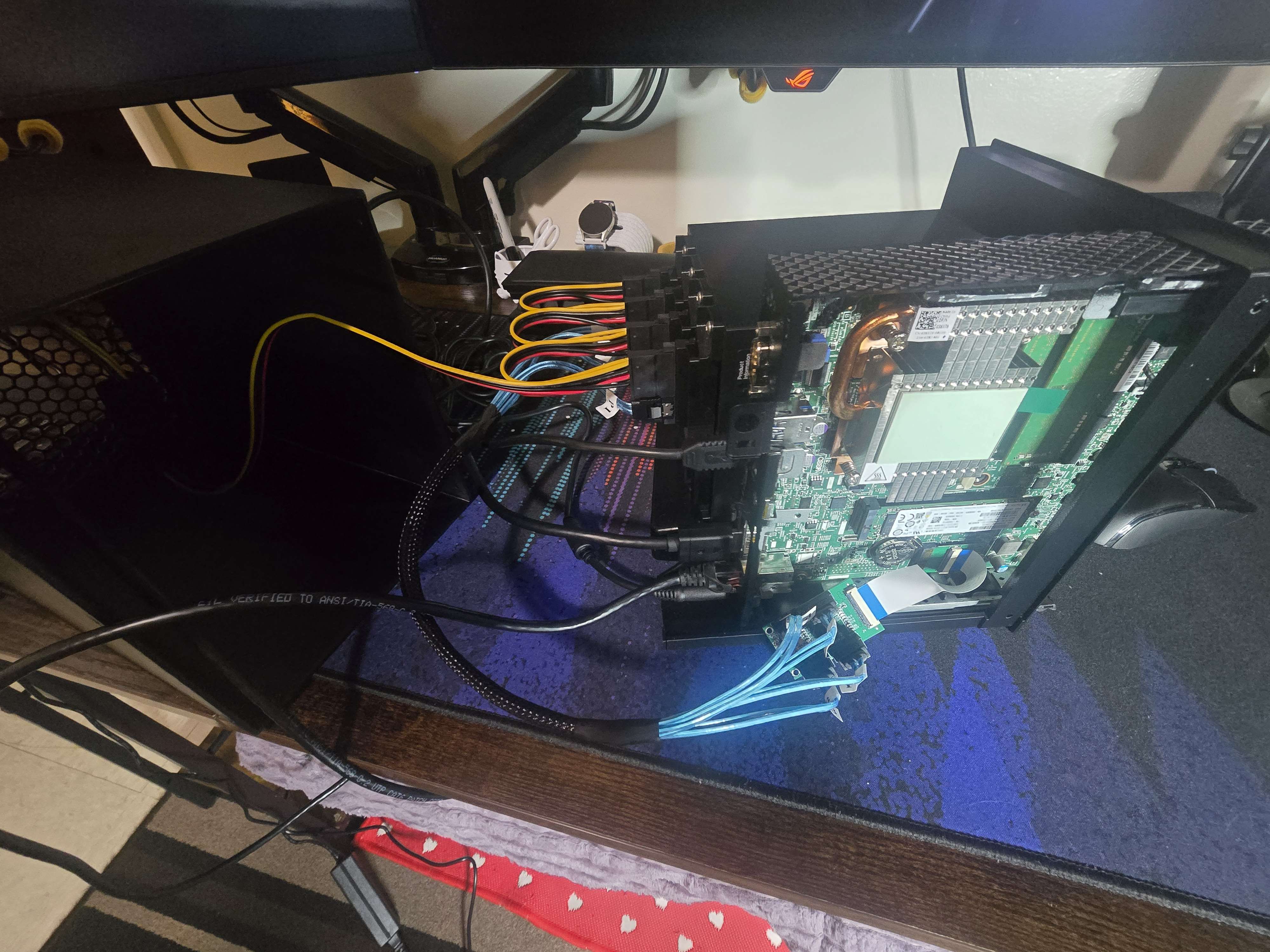
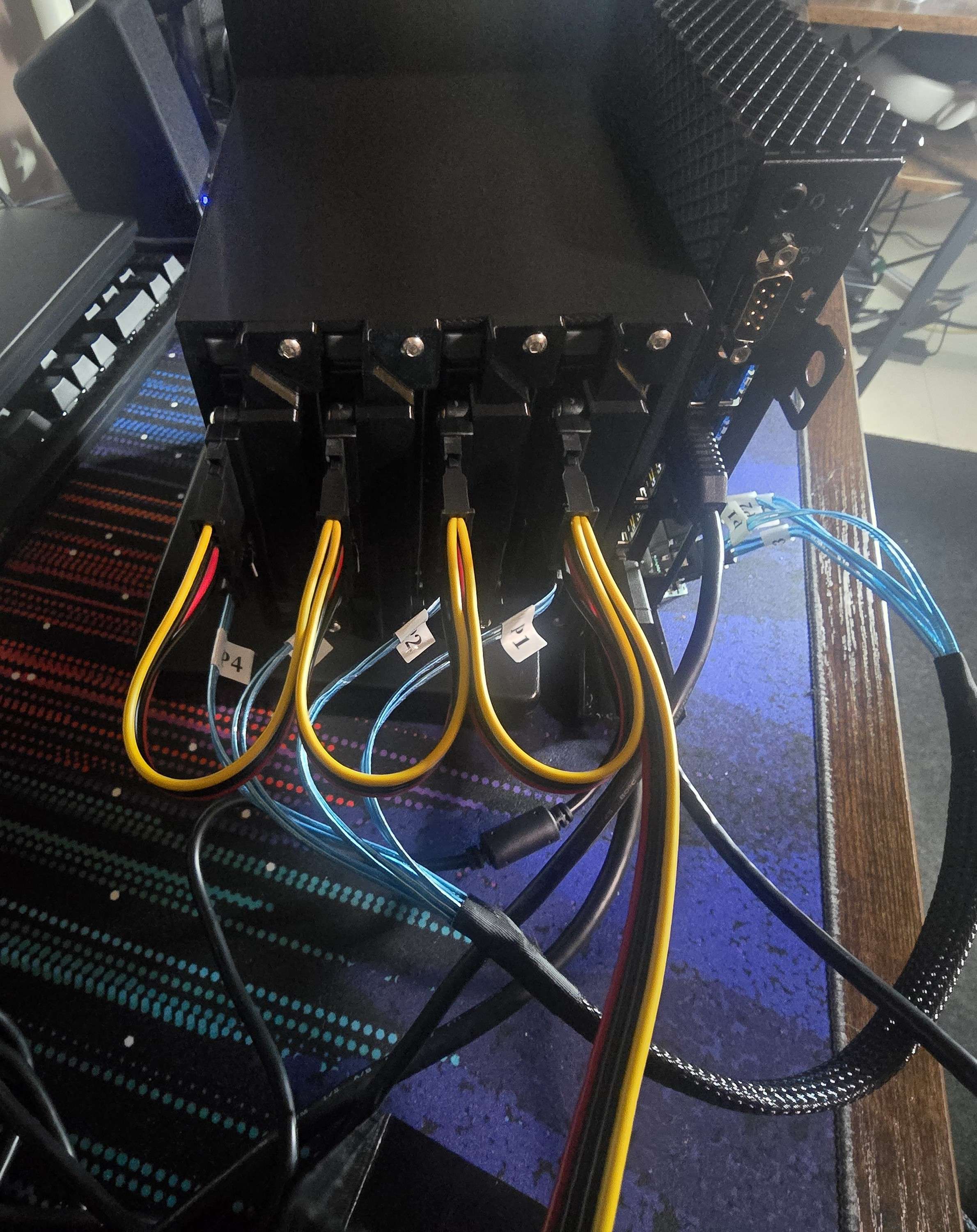
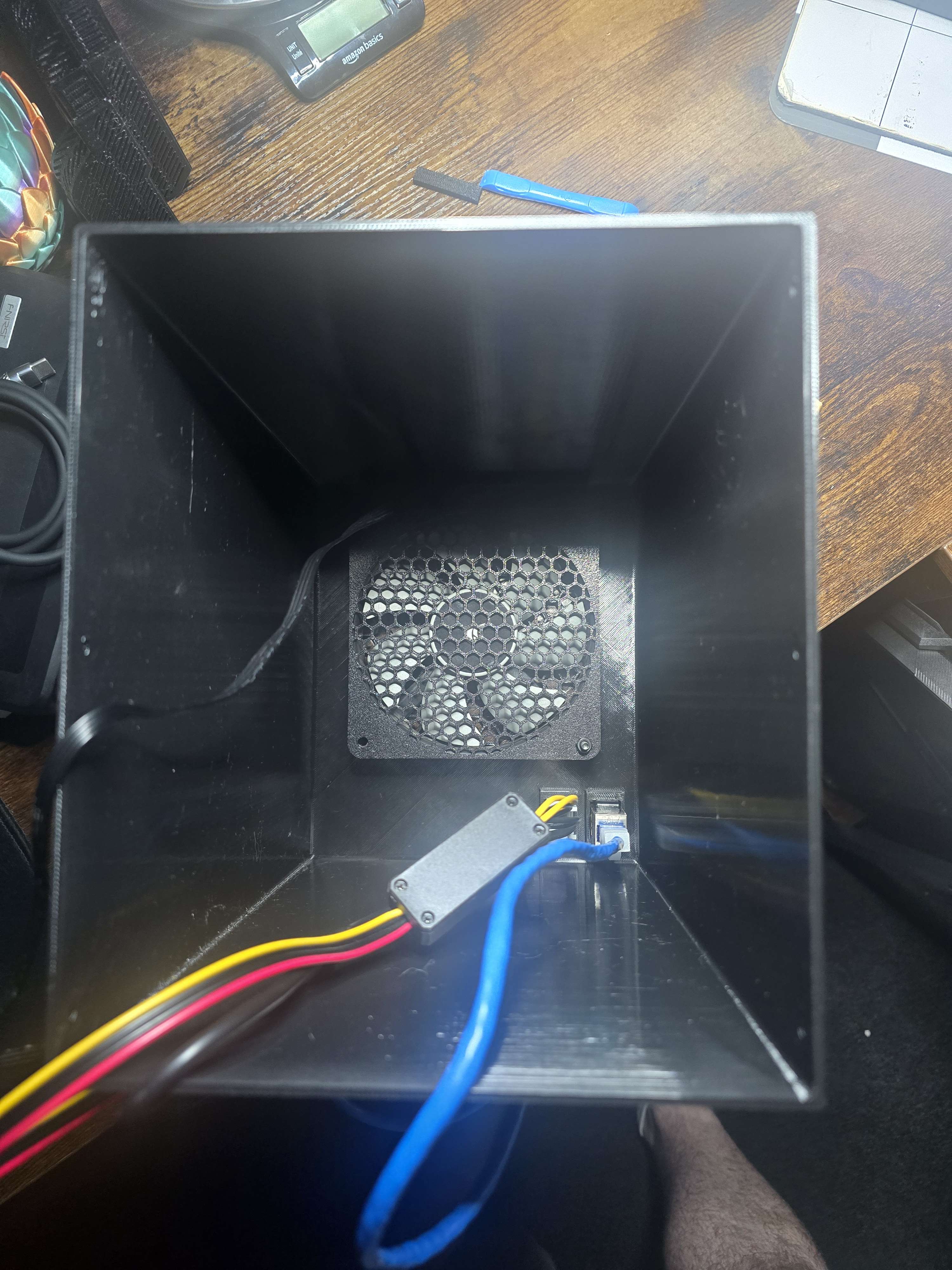
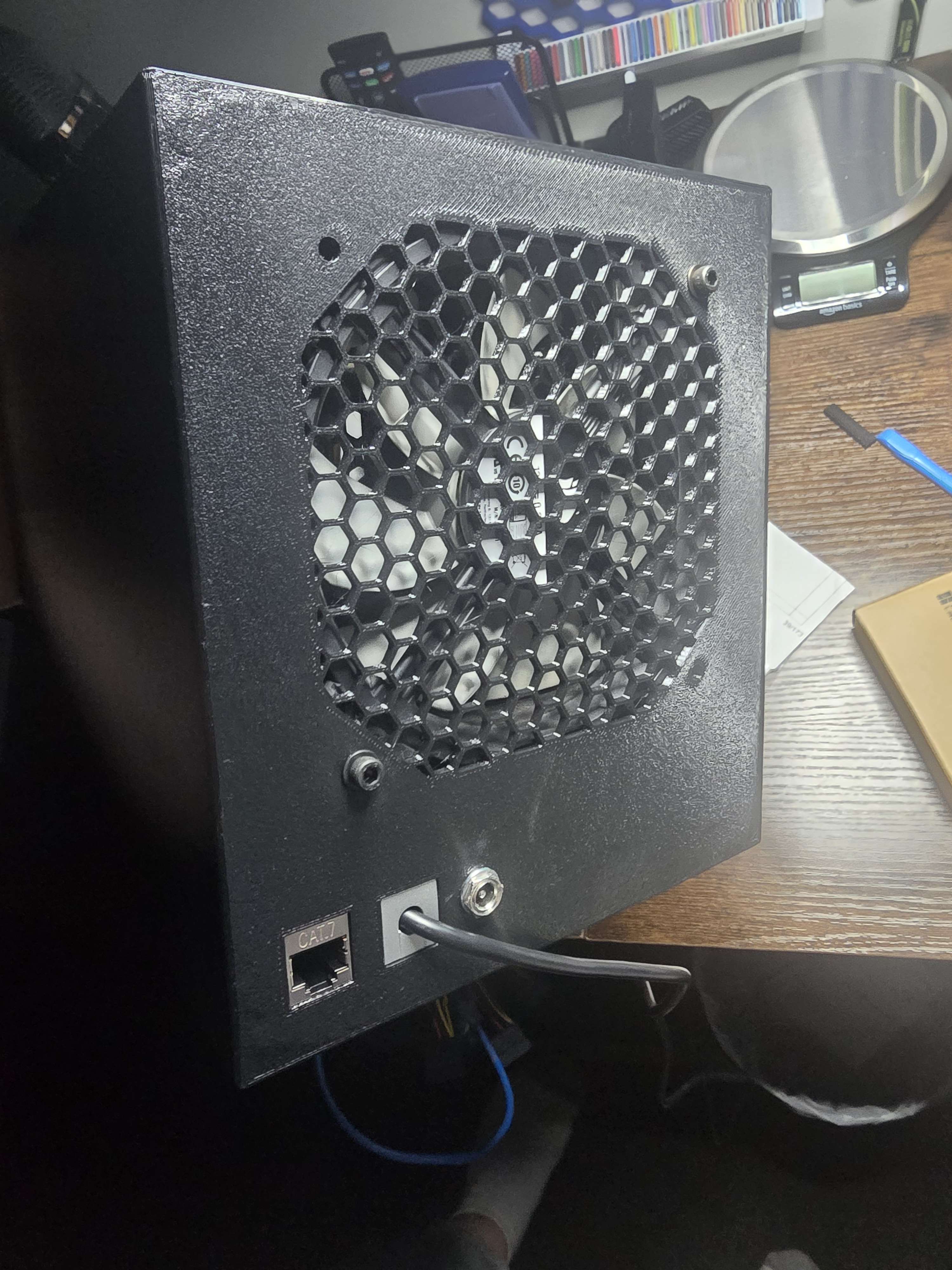
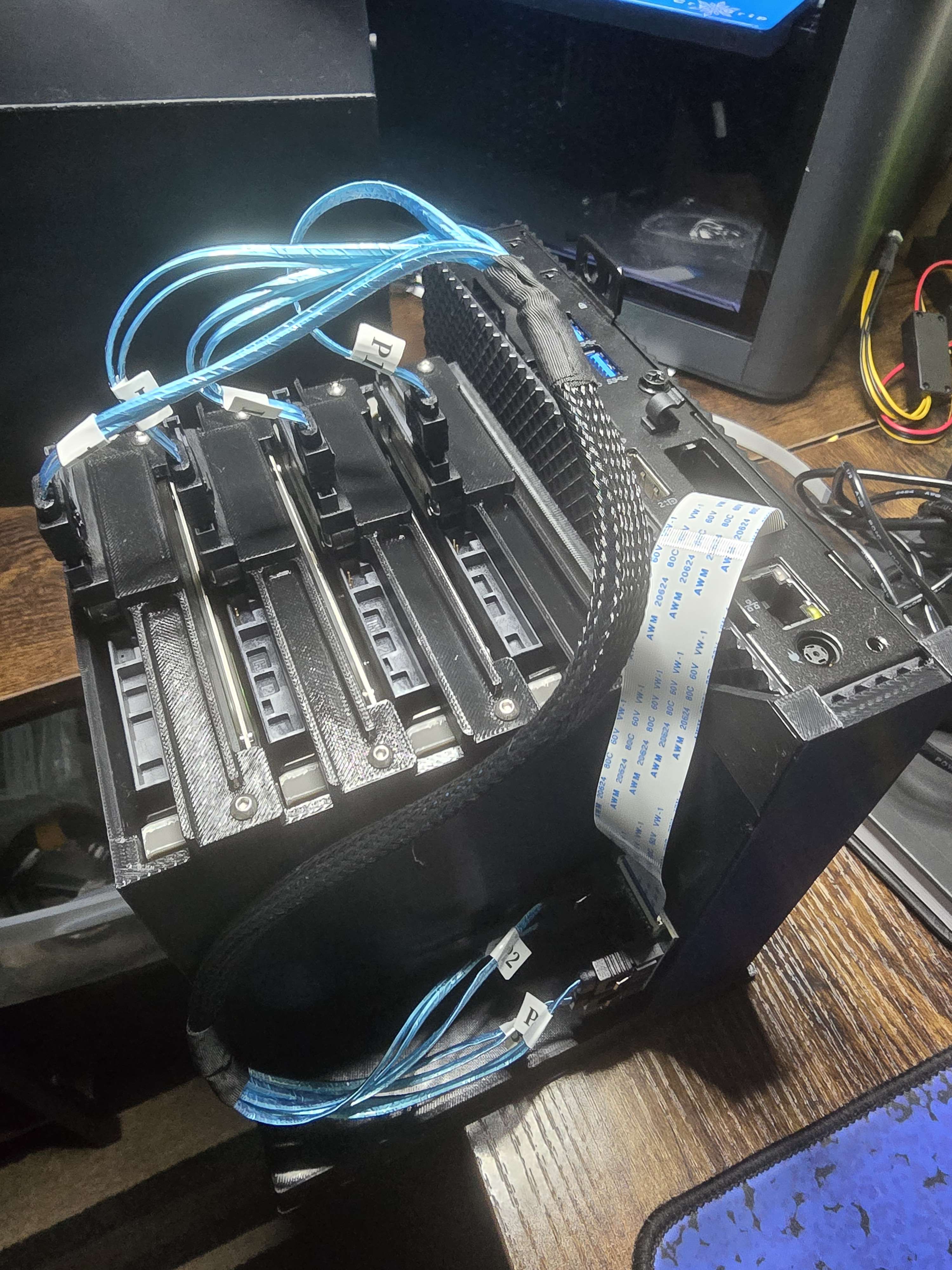
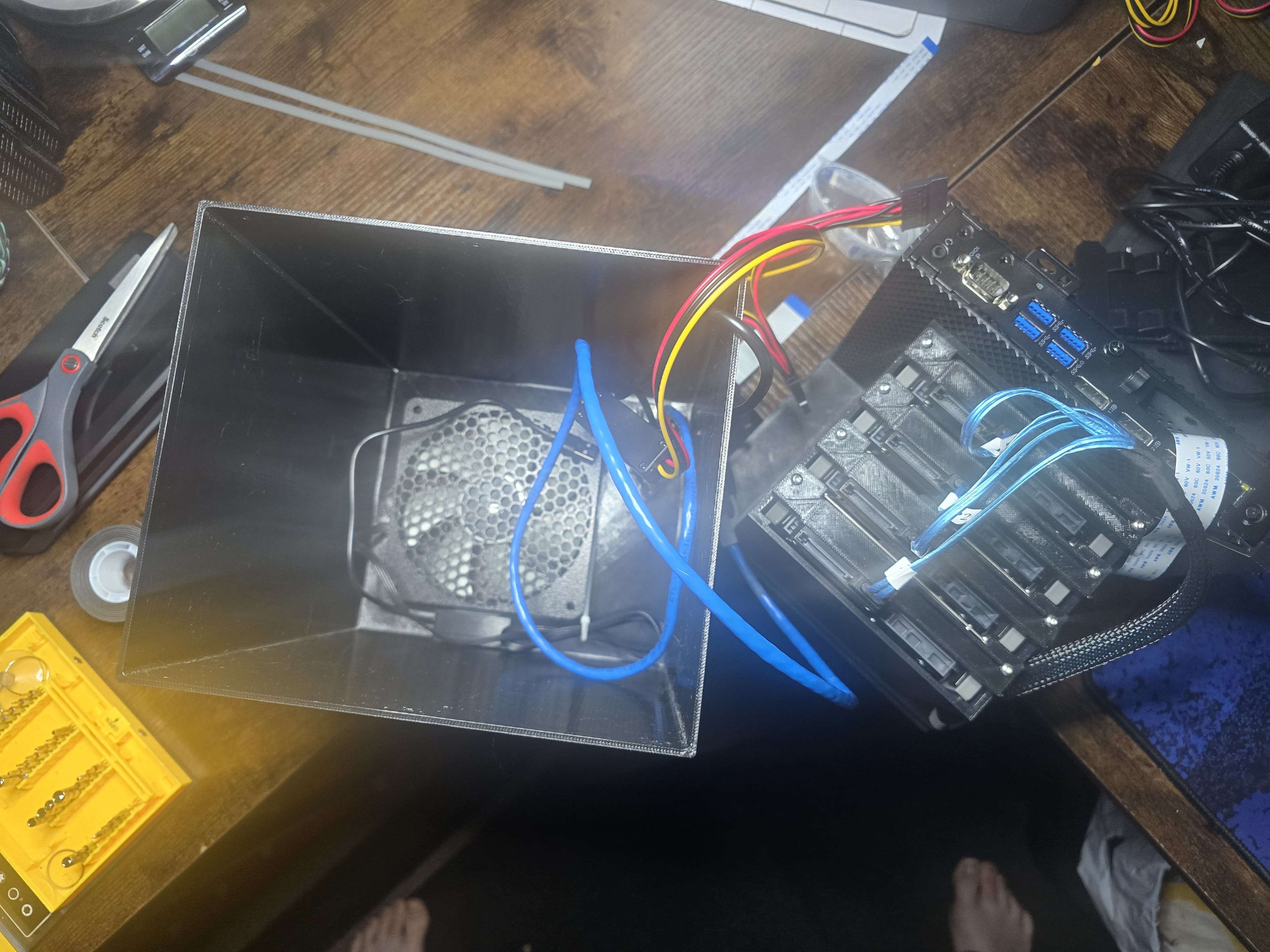
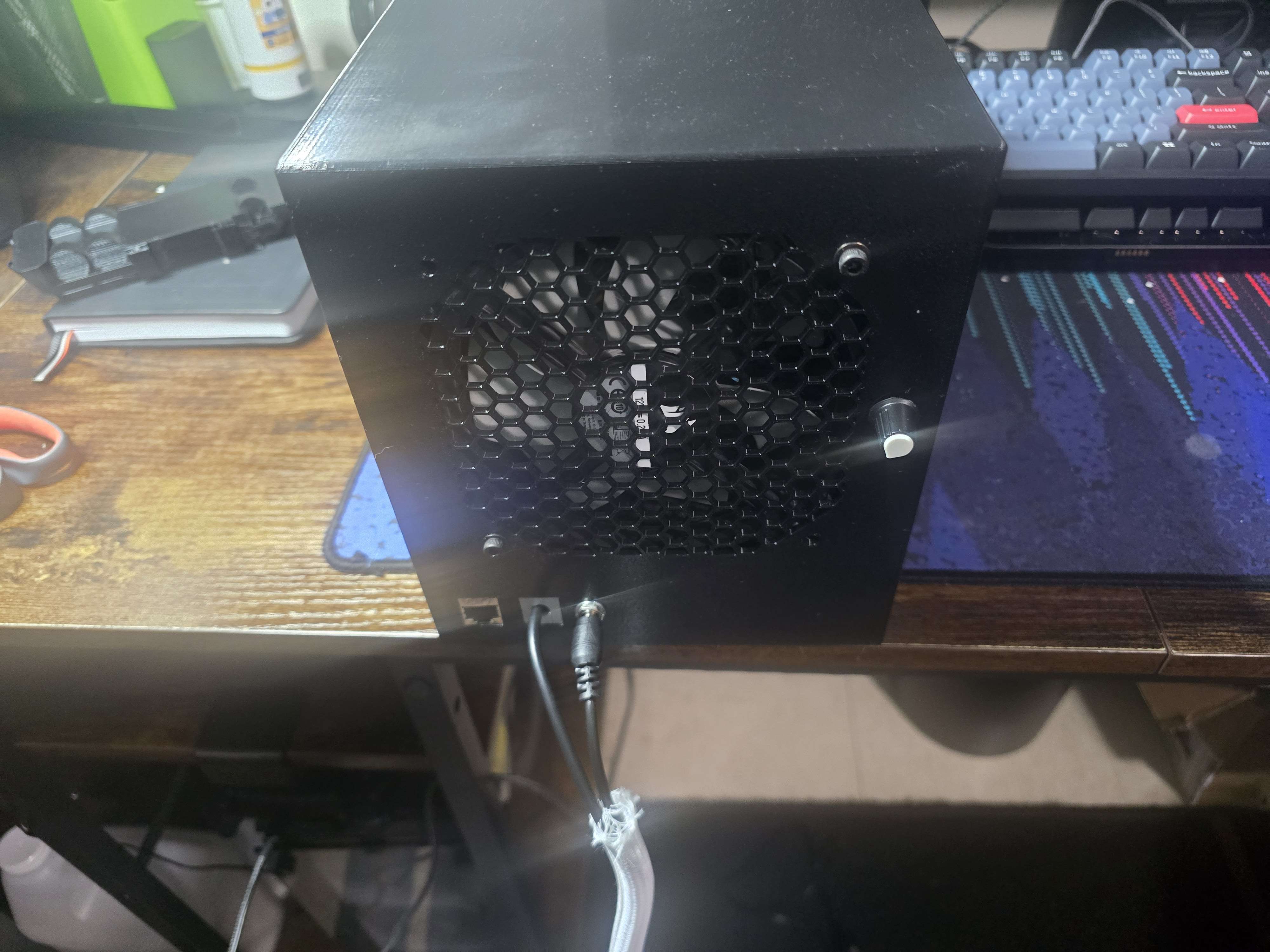
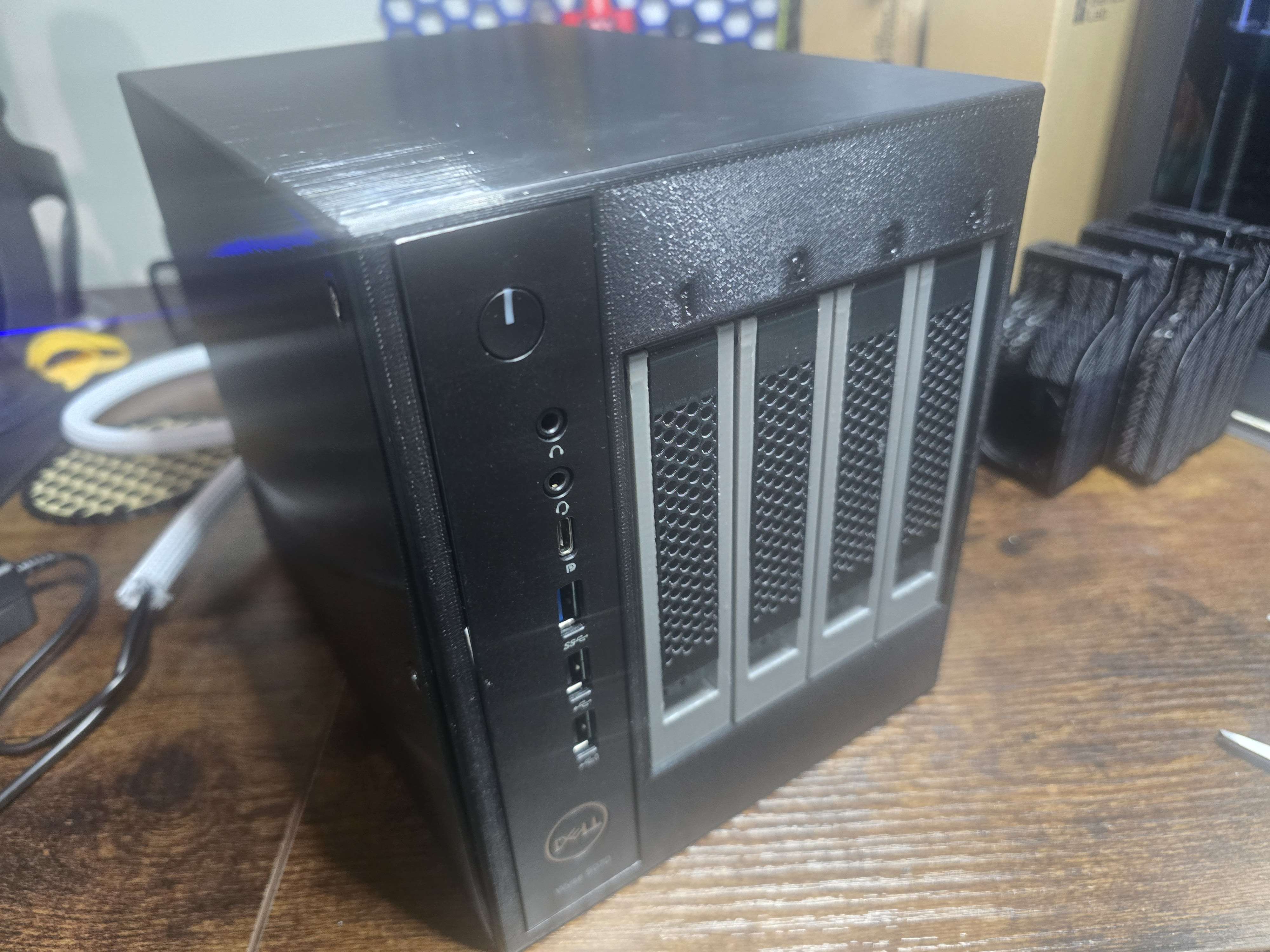
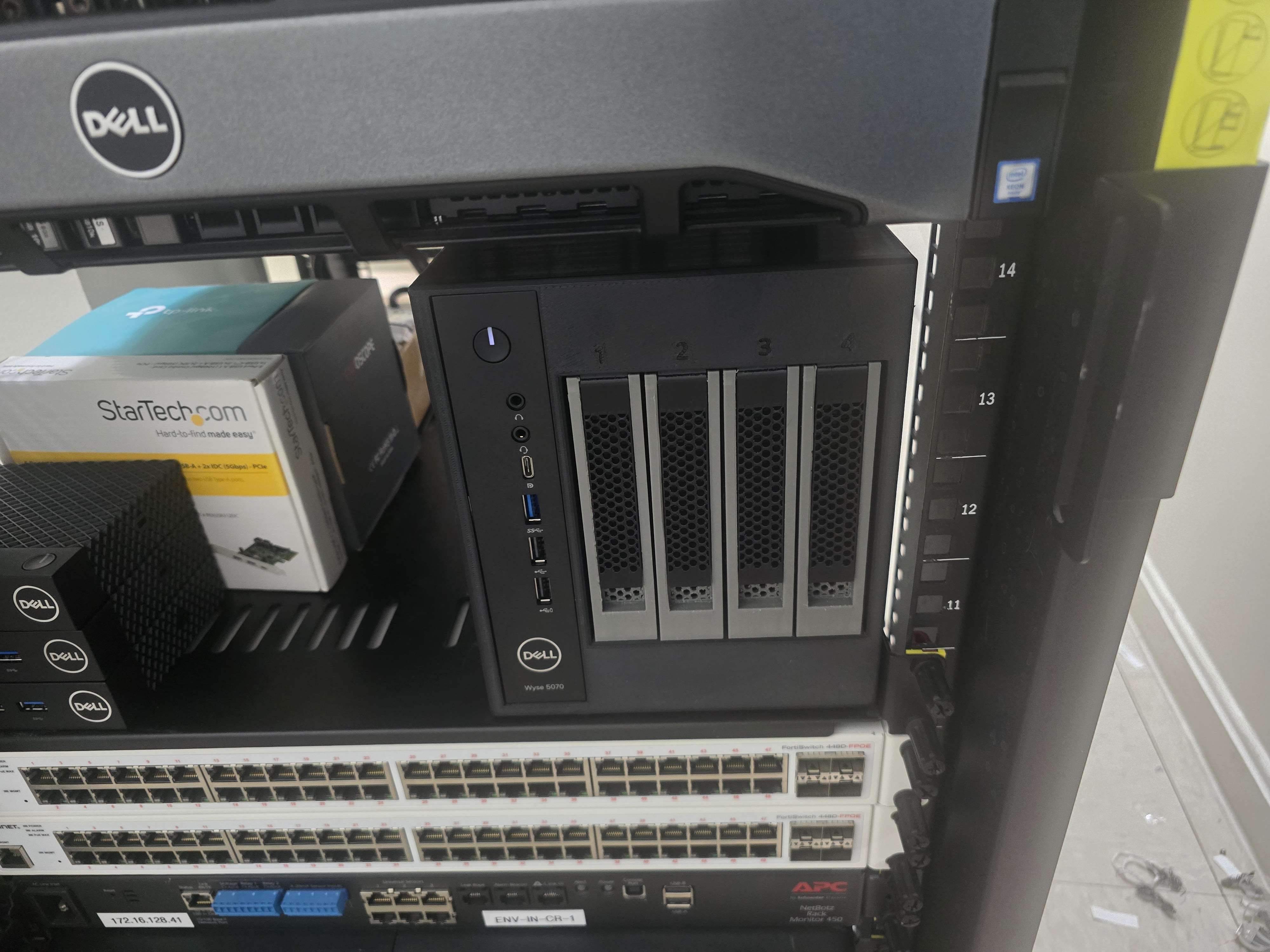
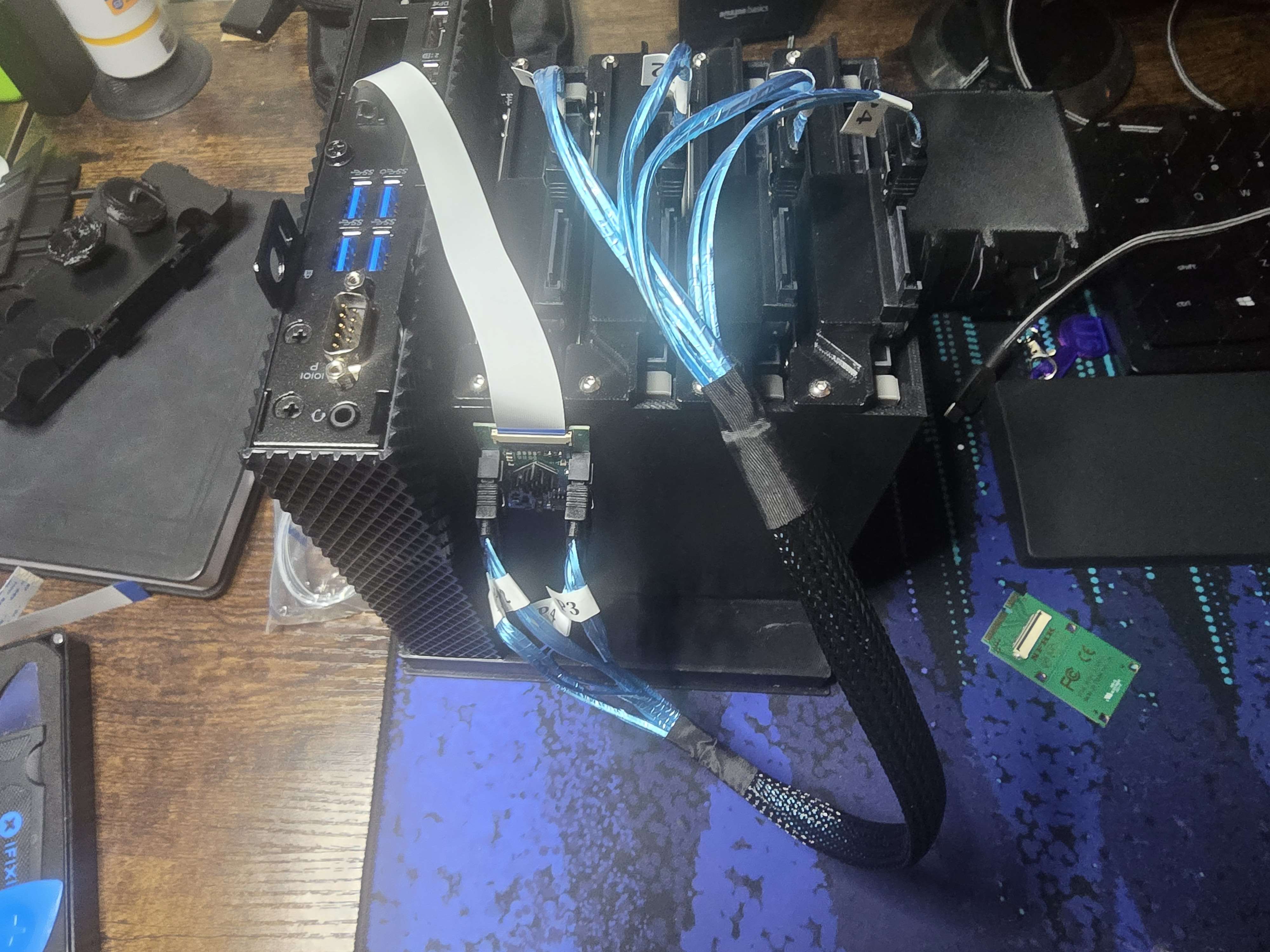
For the datastore, I used a modified Dell Wyse 5070 NAS-style enclosure with four 3.5-inch drive bays. I also upgraded this unit to 16 GB of RAM.
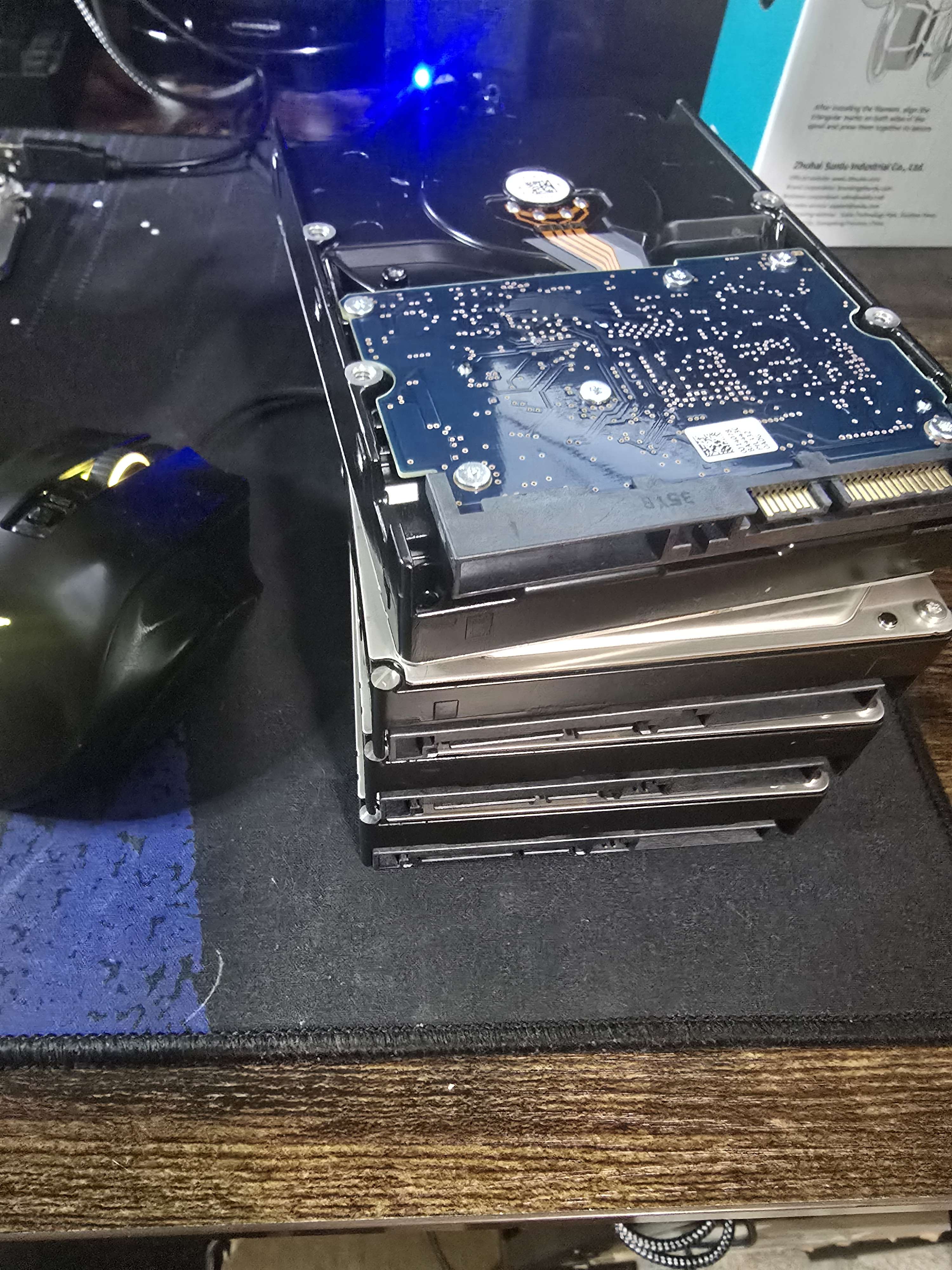
The datastore uses four 2 TB Hitachi HUA723020ALA640 Ultrastar drives. They are older 7200 RPM enterprise SATA disks, but SMART monitoring, RAIDZ2 redundancy, and regular validation make them a reasonable fit for this backup pool.
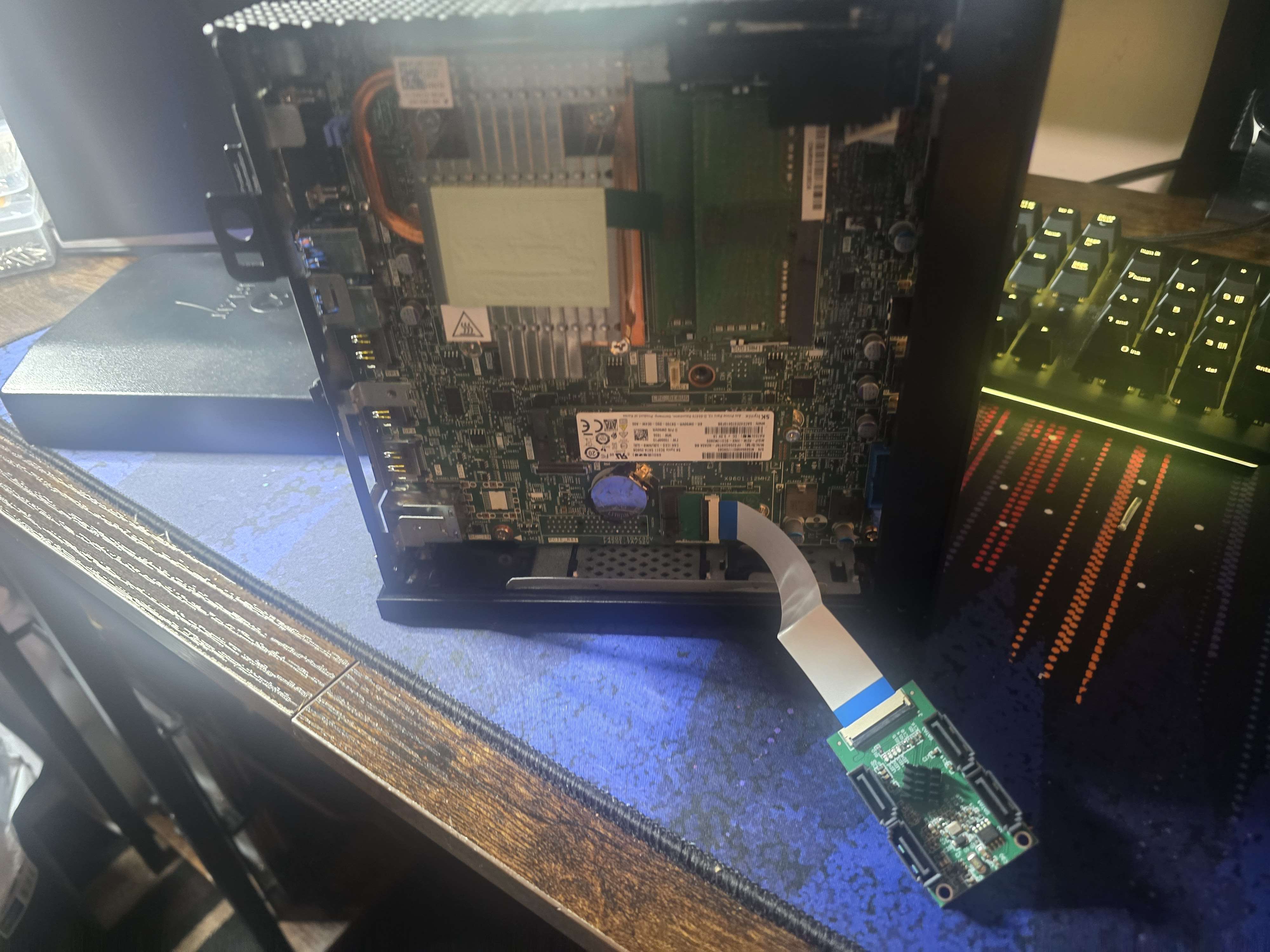
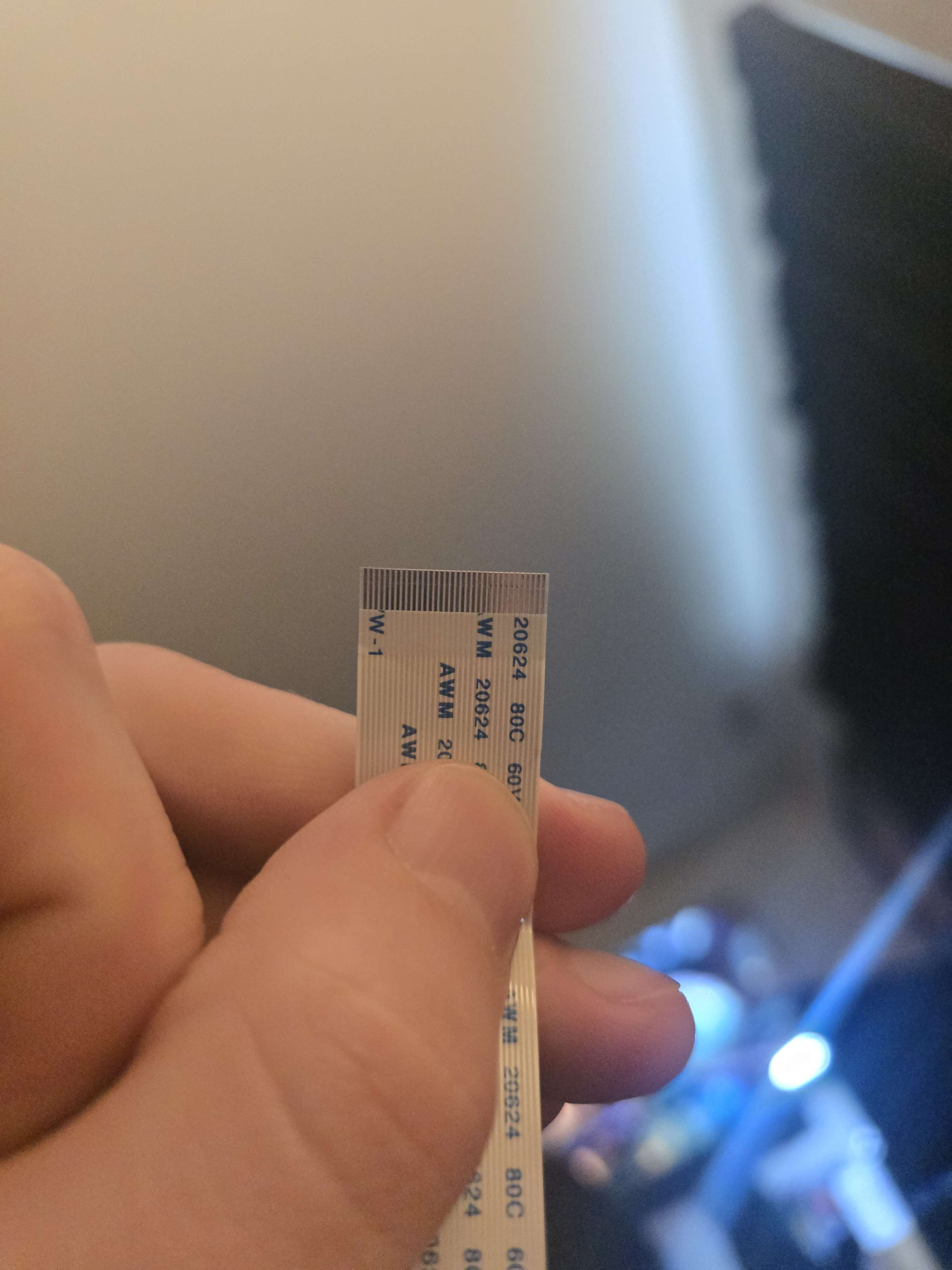
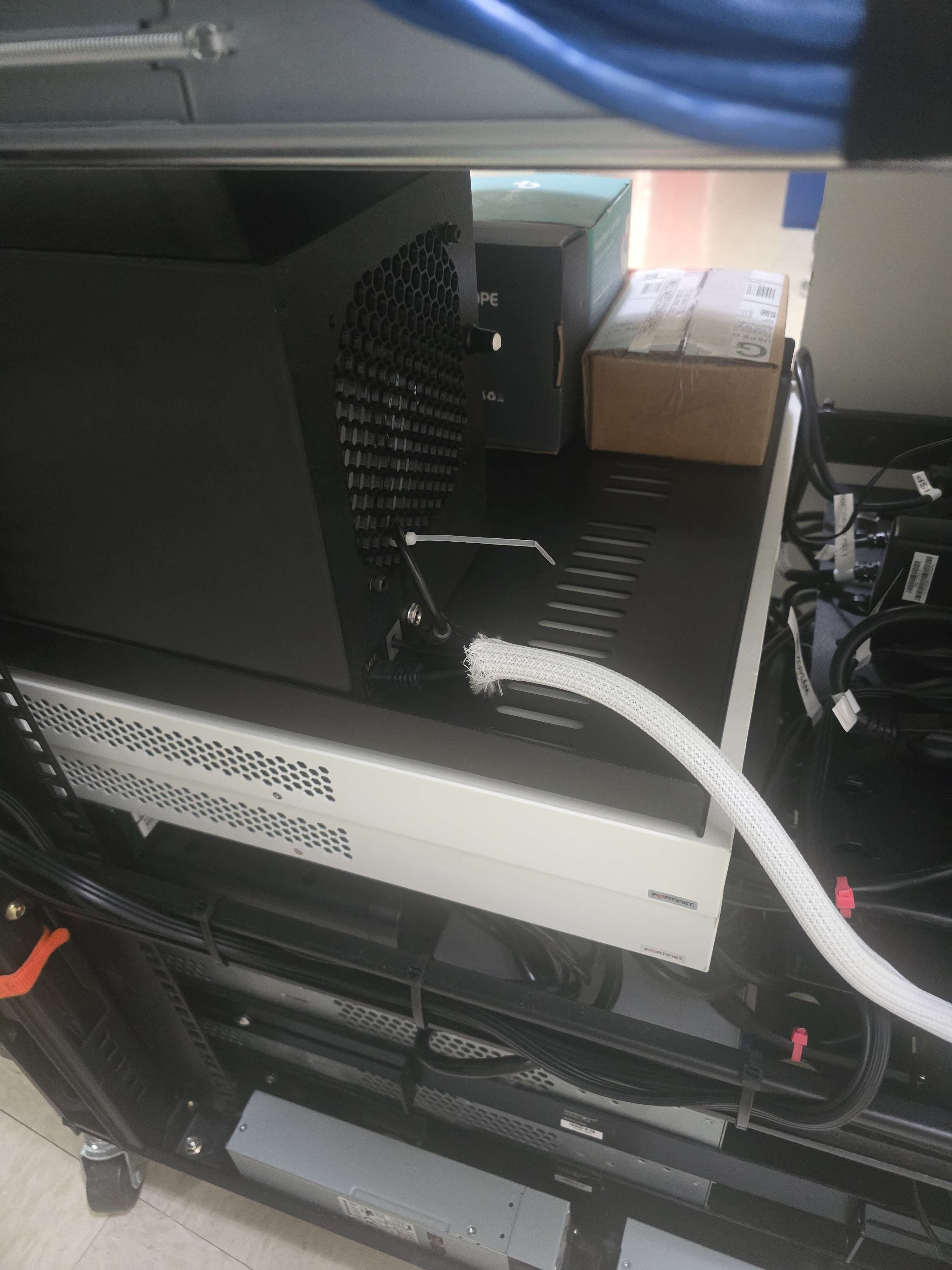
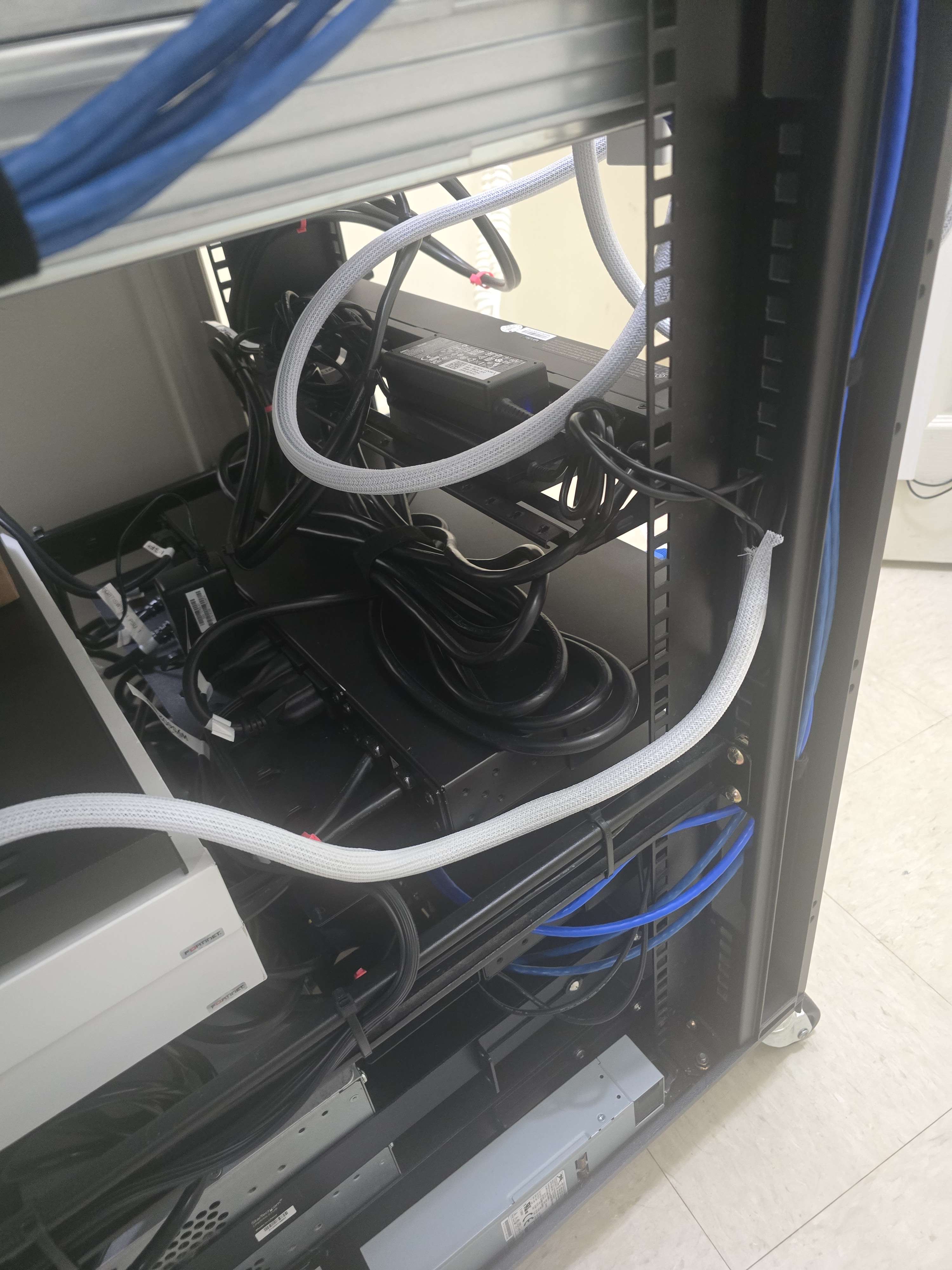
The four disks ultimately connect through an ASMedia ASM1166 SATA controller attached to the Wyse 5070’s M.2 A/E-key PCIe slot through a short ribbon breakout and A/E-to-M-key adapter. The controller is capable of a wider PCIe link, but the Wyse provides a single PCIe lane to that slot, so all four disks share the available x1 bandwidth.
That is not ideal for building a high-performance NAS. For a dedicated backup appliance that primarily receives scheduled sequential backup traffic overnight, however, it is an acceptable compromise. The final controller negotiates at PCIe 2.0 x1 (5 GT/s), which is more than adequate for the intended backup workload even though it limits aggregate throughput across the four spinning disks.
Storage Hardware Problems#
Getting the four-drive storage assembly working reliably turned into a much larger project than expected.
There were initial issues with the drive cabling, ribbon orientation, drive enumeration, and general stability of the SATA path. At different points, drives did not appear consistently, and removing or reconnecting a disk sometimes required rebooting the system before the controller properly enumerated everything again.
The first ZFS build also raised a larger concern.
The pool came online, but several disks quickly accumulated small numbers of ZFS read errors.
The errors were corrected by RAIDZ2 and there were no known data errors, but seeing errors appear across multiple drives at approximately the same time made me suspicious of the storage path itself rather than believing several enterprise disks had coincidentally started failing together.
Some of the drives also contained historical ICRC and ABRT events in SMART. Taken together, the evidence pointed much more strongly toward the SATA adapter, connectors, ribbon cabling, power delivery, or the drive-enumeration path than toward several disks failing at the same time.
The storage hardware was reworked several times before the final design settled down. The original four-port controller was based on the ASMedia ASM1064. It initially appeared stable, but later failed in a much more dramatic way: all four datastore disks disappeared together while the controller remained visible on the PCIe bus. The kernel repeatedly reported AHCI controller unavailable!, ZFS suspended the pool in response to the I/O failures, and PBS itself eventually stopped responding because worker threads were blocked waiting on the suspended filesystem.
A cold power cycle temporarily restored the controller and all four disks, but the same failure returned under normal workload. That ruled out ZFS and PBS as root causes and made the shared storage path the primary suspect.
I replaced the ASM1064 design with a 10Gtek M.2 controller based on the newer ASMedia ASM1166. Because the Wyse exposes PCIe through its A/E-key slot, the controller is connected through an A/E-to-M-key ribbon breakout. Linux detects it as a normal AHCI controller and negotiates a 5 GT/s x1 PCIe link.
The first ribbon used with the replacement controller still produced intermittent failures. Physical pressure on the controller caused visible indicator-light changes, which strongly suggested an intermittent connection or short in the ribbon assembly. After replacing that ribbon again, installing low-profile SATA data cables, and disabling PCIe ASPM with pcie_aspm=off, the controller and all four drives returned cleanly.
At that point, the storage path finally began behaving consistently under both scrub and real backup workloads.
Validating the Drives#
Before trusting the system with backups, I checked SMART data on all four disks.
I focused on Reallocated_Sector_Ct, Current_Pending_Sector, Offline_Uncorrectable, and UDMA_CRC_Error_Count. All four drives reported zero reallocated sectors, zero pending sectors, and zero offline-uncorrectable sectors.
The CRC counters became useful evidence while troubleshooting the controller path. The most recent baseline after the hardware work was YFJ8XPMA: 1, YGG59MRA: 0, YGKG02GG: 3, and YFKP703K: 2.
The important part is not necessarily that an older disk has never recorded a CRC event. The important part is whether those counters continue increasing. None of the drives showed reallocated sectors, pending sectors, or offline-uncorrectable sectors during the controller failures, which supported the conclusion that the problem was in the transport path rather than the disk media itself.
After the final ribbon replacement and reboot, all four disks enumerated normally and the current kernel log was clean of the earlier AHCI controller unavailable, device-detach, and pool-suspension events.
At this point, the storage hardware finally looked stable enough to move forward.
Creating the PBS ZFS Pool#
I created the datastore as a four-disk RAIDZ2 pool named PBS, with lz4 compression and ashift=12.
With four drives, RAIDZ2 dedicates the equivalent capacity of two disks to parity. This is capacity-expensive, but capacity is not the primary concern for this system.
I would rather have approximately half of the raw capacity and tolerate two disk failures than maximize storage on a backup appliance using old drives.
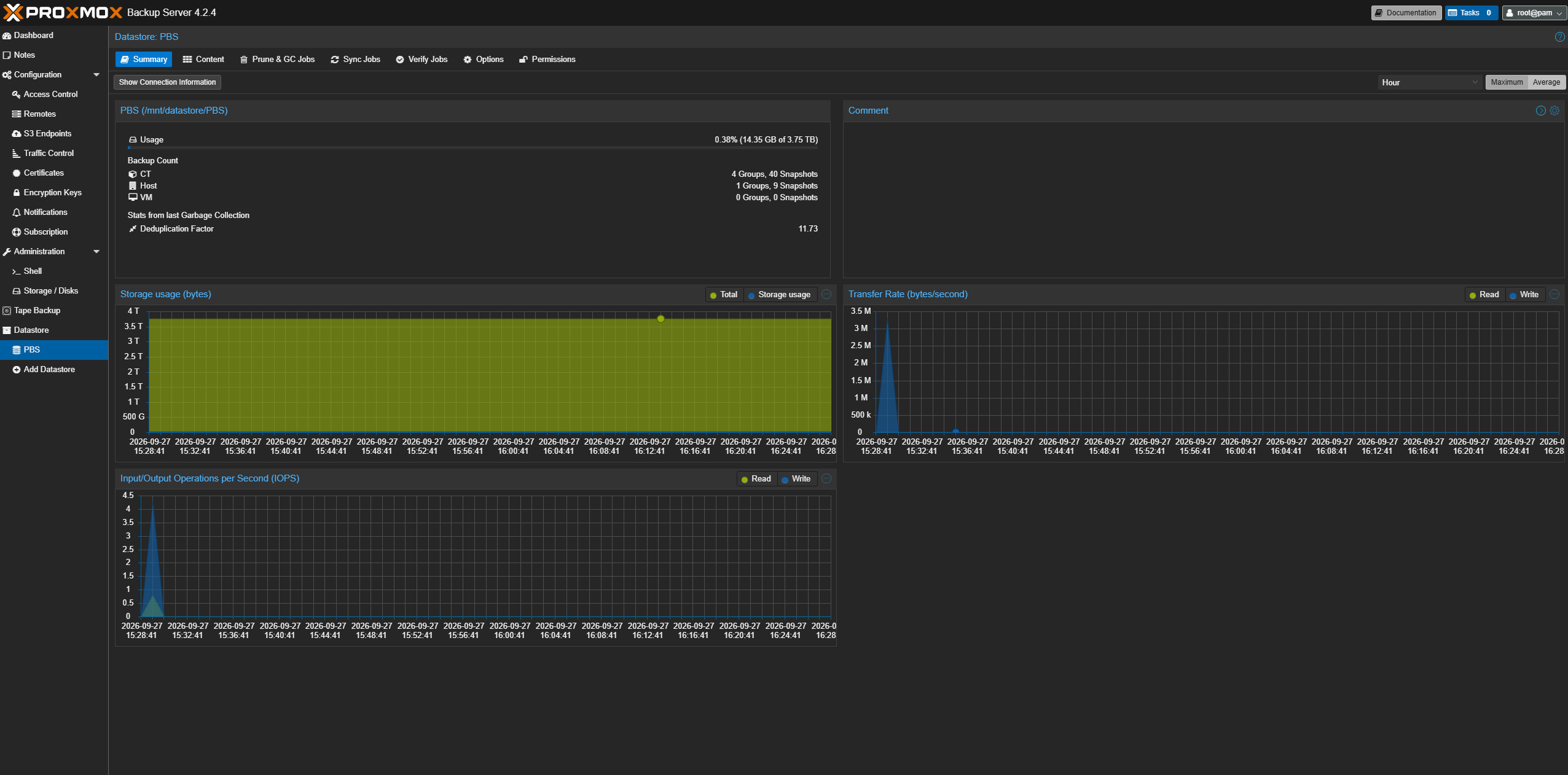
The completed pool is mounted at /mnt/datastore/PBS and registered in Proxmox Backup Server as the PBS datastore.
The resulting datastore provides roughly 3.7 TB of usable backup capacity.
After creation, the pool was ONLINE with zero read, write, or checksum errors and no known data errors. The initial scrub also repaired 0B with 0 errors.
Testing the Rebuilt Storage Path#
Since the datastore was empty, the initial scrub completed almost immediately. That does not put much meaningful load on four disks, so I also wrote a temporary 10 GB file directly to the datastore and read it back.
The later controller failures made it clear that a short synthetic test was not enough, so I repeated validation after the ASM1166 and ribbon changes.
A full scrub completed in 00:03:48 at roughly 135 MB/s, repairing 0B with 0 errors. The pool stayed ONLINE with zero read, write, or checksum errors and no known data errors.
I then ran a real Proxmox backup workload against PBS. The first write test after reassembling the enclosure exposed a few SATA command timeouts and checksum corrections on individual paths. Because those errors appeared immediately after physically pushing the enclosure back together, I rebooted without changing the port mapping and repeated the test.
After the reboot, all four drives returned, the pool imported cleanly, and the kernel log showed no fresh SATA timeouts or controller resets. Repeating the backup workload produced no additional errors.
That final sequence was much more useful than the original 10 GB test because it exercised the exact workload PBS exists to handle while also confirming that the previous common-mode controller dropout was no longer occurring.
The strongest working root cause is now the A/E-key ribbon/interconnect rather than ZFS, PBS, or simultaneous disk failure. The earlier ribbon could be physically disturbed enough to affect controller behavior, and replacing it eliminated the catastrophic controller dropouts seen with both the ASM1064 and ASM1166 setups. PCIe ASPM remains disabled as an additional stability precaution.
I consider the storage path stable enough for service again, but the SMART CRC counters and kernel logs will remain part of routine monitoring.
Controller Failure and Recovery#
The most disruptive failure occurred after PBS had already been placed into normal service. The host itself remained online and pingable, but the web interface and backup API stopped responding. Local requests to port 8007 also timed out even though the proxmox-backup-proxy service still appeared to be running.
Inspecting the stuck worker threads showed them blocked in ZFS transaction-group synchronization. The pool was eventually found in a suspended state because all four datastore drives had disappeared from Linux at the same time.
The kernel log made the failure much clearer. It repeatedly reported AHCI controller unavailable!, failed IDENTIFY commands, SATA links dropping, I/O errors, and devices detaching.
ZFS then suspended the pool rather than continuing unsafe writes. PBS was therefore a victim of the storage failure rather than the source of it.
A cold power cycle brought the disks back temporarily, but the original ASM1064 controller failed again almost immediately under workload. Replacing it with the ASM1166 improved the design, but a similar common-mode failure still appeared until the A/E-key ribbon was replaced. That was the important clue: two different controller architectures had failed in nearly the same way while sharing the same upstream interconnect.
The final fix ended up being a combination of replacing the ASM1064 with the ASM1166, replacing the A/E-key-to-M-key ribbon and SATA data cables, and adding pcie_aspm=off to the kernel command line.
After those changes, the pool returned ONLINE, completed a full scrub with no repairs or errors, and successfully handled a real Proxmox backup workload without additional kernel, ZFS, or SMART errors.
This incident reinforced one of the main design lessons from the project: when several disks fail together, the common path deserves suspicion before the disks themselves do.
Adding PBS to the Proxmox Cluster#
pbs.lab itself is intentionally not a Proxmox VE cluster node.
The PVE cluster remains home.lab (172.16.10.240), wyse01.lab (172.16.10.241), and wyse02.lab (172.16.10.242). pbs.lab stays separate at 172.16.10.243.
Instead of joining PBS as a cluster node, I added its datastore through Datacenter > Storage > Add > Proxmox Backup Server.
Once added, the PBS storage entry propagated through the cluster configuration automatically. I then confirmed that the PBS storage showed active from home, wyse01, and wyse02.
This gives every node in the cluster access to the same backup target without making the backup server dependent on cluster quorum or membership. If I break the Proxmox cluster badly enough that I’m rebuilding nodes from scratch, I still want the backup server sitting outside of that problem.
Configuring Cluster Backups#
With PBS available cluster-wide, I created the first scheduled Proxmox VE backup job.
The current critical workloads are selected explicitly rather than automatically backing up every guest that may eventually exist in the lab.
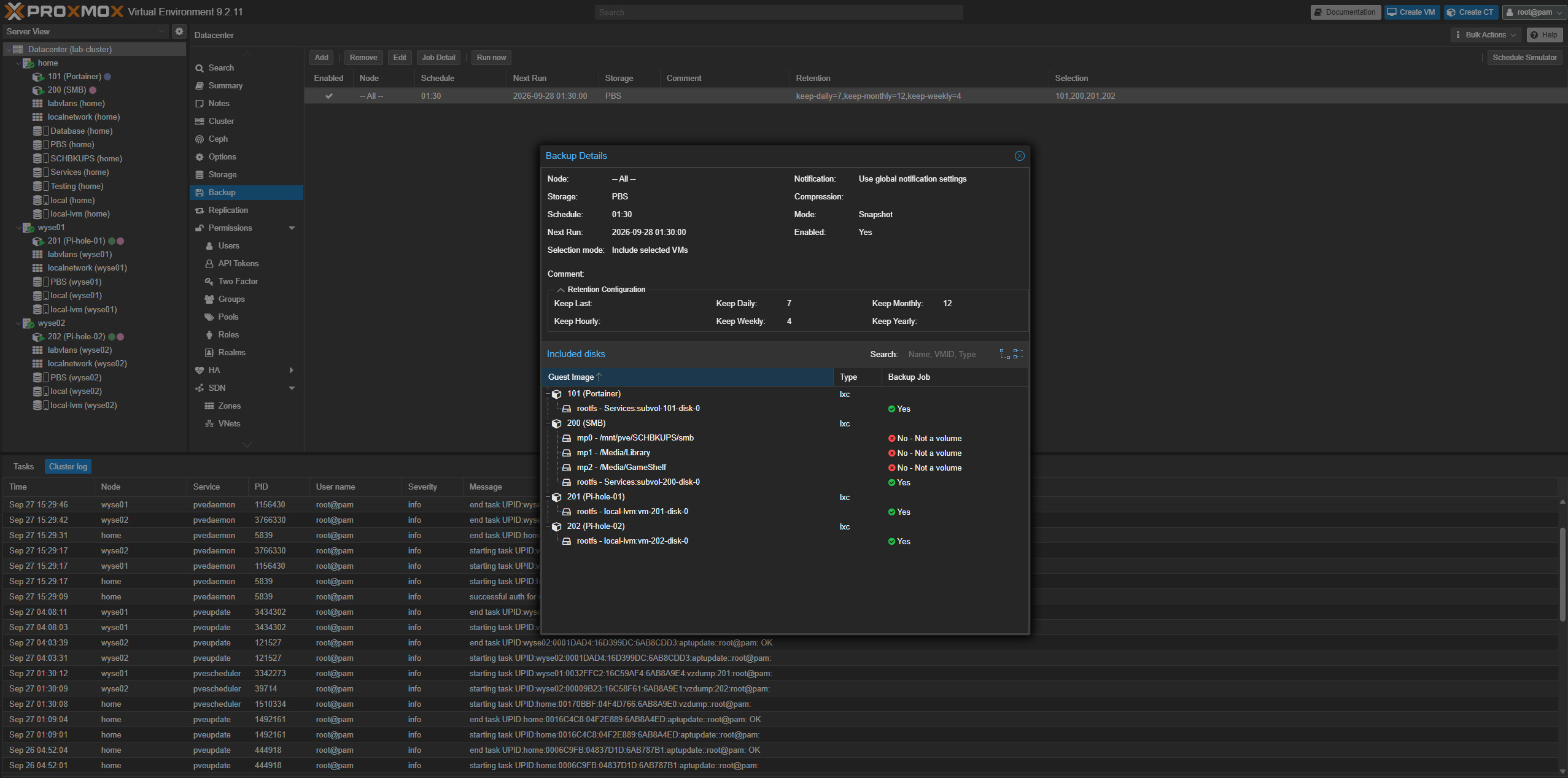
The job currently protects 101 - Portainer, 200 - SMB, 201 - Pi-hole-01, and 202 - Pi-hole-02. It runs at 01:30 each night and sends the VM/LXC backups to PBS.
The job uses snapshot mode and the PBS datastore.
I standardized retention at 7 daily, 4 weekly, and 12 monthly restore points.
This provides dense restore coverage for recent changes while still maintaining monthly recovery points for an entire year.
PBS deduplication also means those recovery points do not behave like twelve independent full copies of every guest.
Rethinking SCHBKUPS#
Once PBS was working well, I briefly considered expanding its role. The custom four-drive system could technically be exposed through SMB or NFS and turned into something resembling a homebrew Synology-style NAS.
Ultimately, I decided against it. First, all four drives share a relatively constrained PCIe storage path. That is perfectly adequate for scheduled backup traffic, but I did not want normal file-serving workloads competing with PBS backups, ZFS scrubs, verification, pruning, and garbage collection.
More importantly, I do not want the backup appliance to become another production storage dependency. The mirrored enterprise SAS storage inside home.lab is a better platform for live and browsable file storage. PBS should remain boring.
The roles are now intentionally separated, where live data stays on the home.lab storage pools, SCHBKUPS remains the locally browsable recovery tier, and pbs.lab handles independent backup retention.
Backing Up SCHBKUPS to PBS#
There was still one problem with this design. SCHBKUPS contains some of the most useful recovery information in the entire lab.
It includes iDRAC exports, Proxmox host configuration, UDM SE and FortiSwitch backups, Pi-hole exports, service configuration files, scripts, logs, and other recovery data.
If home.lab completely dies, I want that information somewhere else. Rather than exposing PBS as another file share, I used proxmox-backup-client on home.lab to back up the entire SCHBKUPS filesystem as one file-level archive.
The source is /mnt/pve/SCHBKUPS, and I intentionally named the archive SCHBKUPS.pxar.
The proxmox-backup-client command is straightforward:
proxmox-backup-client backup \
  SCHBKUPS.pxar:/mnt/pve/SCHBKUPS \
  --backup-id schbkups
This creates the PBS host backup group host/schbkups, with each snapshot containing SCHBKUPS.pxar.
I specifically chose one wholesale .pxar instead of splitting infrastructure and services into several archives.
That way, recovery behaves much more like browsing the original backup share. I can open one archive and traverse the same directory structure that existed on SCHBKUPS.
SCHBKUPS.pxar
├── infrastructure/
├── services/
├── smb/
├── dump/
├── template/
├── snippets/
└── ...
That makes considerably more sense to future me during an actual recovery than trying to remember which archive contains which configuration.
Dedicated PBS Authentication#
The file-level backup does not use the PBS root account. I created a dedicated PBS user, backups@pbs, with an API token named schbkups for the job.
Both are restricted to the PBS datastore with the DatastoreBackup role. The repository and token secret are stored on home.lab in /root/.config/proxmox-backup/schbkups.env, restricted to -rw------- root root.
The token secret is therefore not embedded directly into the systemd service or backup command.
Testing SCHBKUPS.pxar#
The first manual backup processed approximately 8.74 GiB. Since there was no previous snapshot for that backup group, most of the data had to be transferred.
Even on the first run, PBS was able to reuse approximately 240 MB of data that already existed in the datastore. I immediately ran a second backup through the final systemd service.
On the second run, the archive was still 8.74 GiB, but no new data needed to be backed up. PBS reused the full 8.74 GiB for a 100% reuse rate.
That is exactly the behavior I was looking for. The nightly backup can represent the entire SCHBKUPS filesystem at that point in time without physically storing another complete 8.74 GiB copy every night when nothing has changed.
Automating the SCHBKUPS Backup#
The backup is controlled by the systemd oneshot service /etc/systemd/system/schbkups-to-pbs.service on home.lab.
I kept the service intentionally small:
[Unit]
Description=Backup SCHBKUPS to Proxmox Backup Server
Wants=network-online.target
After=network-online.target
RequiresMountsFor=/mnt/pve/SCHBKUPS

[Service]
Type=oneshot
EnvironmentFile=/root/.config/proxmox-backup/schbkups.env
ExecStart=/usr/bin/proxmox-backup-client backup SCHBKUPS.pxar:/mnt/pve/SCHBKUPS --backup-id schbkups
RequiresMountsFor=/mnt/pve/SCHBKUPS is particularly important.
Without that check, a backup job could theoretically run while the actual backup filesystem is not mounted and successfully archive an empty mountpoint. That would be a technically successful backup containing absolutely nothing useful.
The matching timer is /etc/systemd/system/schbkups-to-pbs.timer, scheduled for approximately 02:30 each night with a small randomized delay.
Backup Schedule#
I staggered the maintenance window so the smaller Wyse hardware is not trying to do everything at once. PVE VM/LXC backups start at 01:30, SCHBKUPS.pxar follows at 02:30, pruning runs at 03:30, and garbage collection runs Sundays at 04:30.
The one-hour gap between the cluster backup job and SCHBKUPS.pxar is intentional.
Previous versions of the lab sometimes required around 45 minutes to complete a full backup cycle when the service stack was heavier. Leaving an hour between jobs gives the normal PVE backup window time to finish before starting another filesystem traversal.
This also reduces simultaneous load on the fairly modest Wyse hardware and its storage adapter.
Pruning and Retention#
The PBS datastore uses the same 7 daily, 4 weekly, and 12 monthly retention model as the PVE backup job. The prune job runs at 03:30, after both nightly backup windows.
The goal is to provide useful short-term granularity without allowing nightly snapshots to accumulate forever.
The twelve monthly recovery points are particularly useful here. If I make a configuration mistake that is not noticed immediately, there is still a fairly deep historical window available without needing a separate yearly retention policy right now.
Garbage Collection#
Pruning removes snapshots from the retention model, but the underlying deduplicated chunks may still be referenced by other snapshots.
PBS garbage collection handles the actual datastore cleanup of chunks that are no longer referenced.
I configured garbage collection weekly instead of nightly, running Sundays at 04:30. By that point both backup jobs and the prune job have already had their own windows, so there is no reason to stack another heavy datastore task into the nightly routine.
This is more than sufficient for the current size of the lab.
Final Backup Architecture#
At this point, the backup model has changed substantially from the initial rebuild.
The original SCHBKUPS design still has value. It provides a simple, locally attached, browsable recovery tier using mirrored enterprise SAS storage. PBS does not replace that; it adds another failure domain. home.lab continues to host the primary storage and local recovery data, while pbs.lab keeps the VM/LXC backups, SCHBKUPS.pxar, and the 7 daily, 4 weekly, and 12 monthly restore points on separate hardware.
This means a failure of home.lab no longer necessarily takes both the production environment and all of its useful recovery data with it.
There is still another obvious step in the future, namely being an actual off-site backup. A separate building, cloud storage, or another PBS target would protect against failures that affect the entire rack or house. However, that is outside the scope of this phase.
For now, having an independent system containing both machine-level backups and copies of the configuration archive is a major improvement over where this rebuild started.
Finally Moving Forward#
This phase of the rebuild took significantly longer than expected.
Between building the Wyse cluster, waiting weeks on PBS hardware, troubleshooting the custom storage setup, rebuilding the NUT deployment, testing power-failure behavior, replacing two generations of storage-controller hardware, chasing an intermittent PCIe ribbon fault, validating the drives, and finally building the actual backup workflows, there has been a lot of foundational work before getting back to the fun services.
The Proxmox cluster now has redundant DNS, staged UPS shutdown behavior, local configuration backups, an independent Proxmox Backup Server, long-term retention, and a second copy of the most important recovery information stored on SCHBKUPS.
There is still some proper disaster recovery documentation to write around all of this, including exactly how systems should be restored when something eventually fails. After that, I can finally move back toward the things I have been waiting to rebuild, such as Home Assistant, Authentik, Traefik, and more. It feels good to finally be at the point where I can start breaking things again.
Reply by Email