October 17, 2026 update: The host-backup script, PBS transfer, verification schedule, and systemd failure-notification dependencies have changed since this article was written. The script and screenshots below document the original June setup. The current operational configuration, recovery file inventory, and tested restoration procedure are maintained in Disaster Recovery → Backup Procedures.
The next phase of the rebuild focuses on setting up backup routines and creating initial configuration snapshots for the infrastructure that is already online. These backups are being saved to the SCHBKUPS storage pool so that I have known-good restore points as the environment continues to grow.
At this stage, the goal is not to create a necessarily perfect long-term backup architecture for every service. The goal is to establish reliable baseline recovery points for the core management interfaces, network devices, Proxmox host configuration, and selected VMs or containers that are worth protecting during the rebuild.
iDRAC Server Profile#
I started with the home.lab iDRAC configuration because it was the easiest infrastructure target to configure.
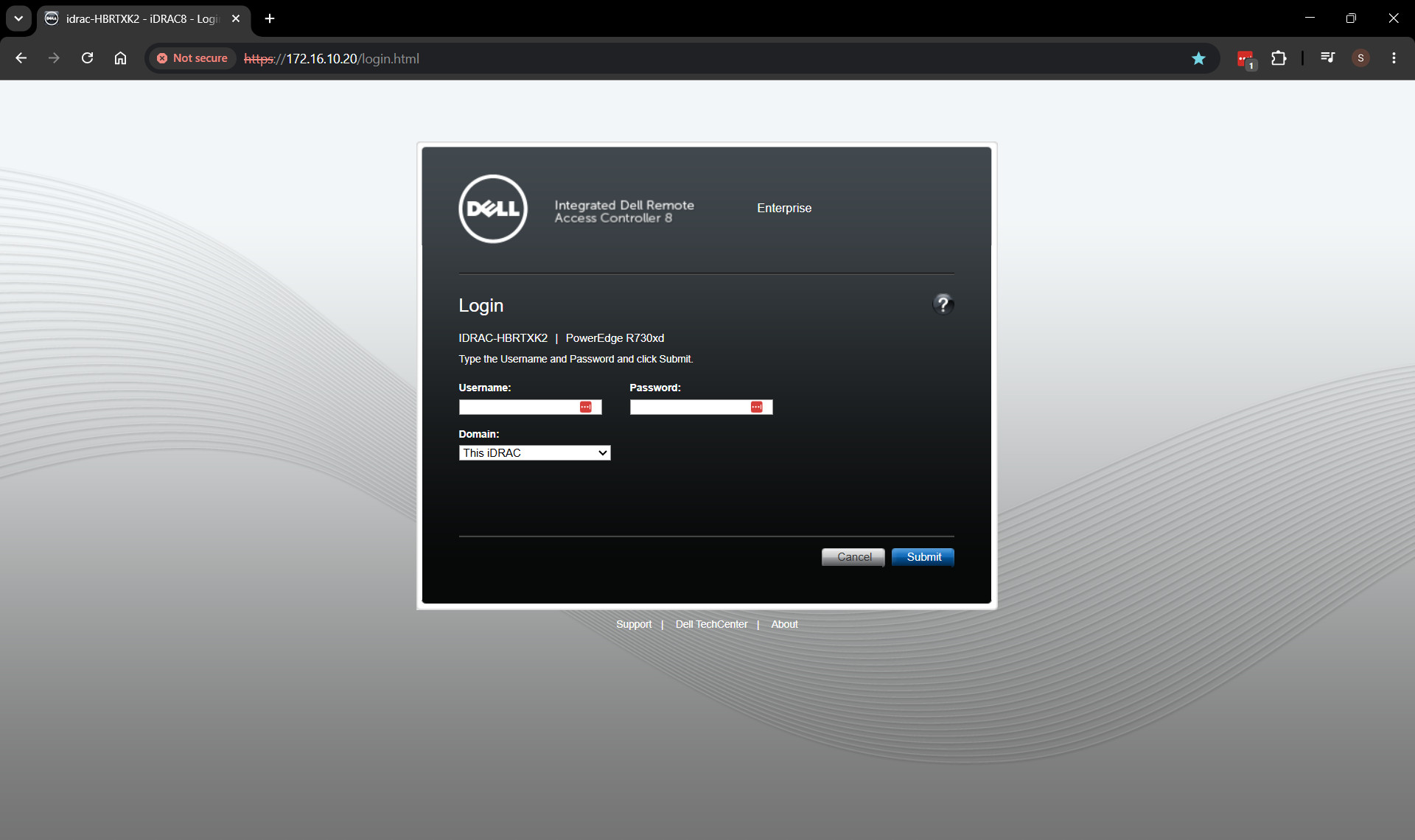
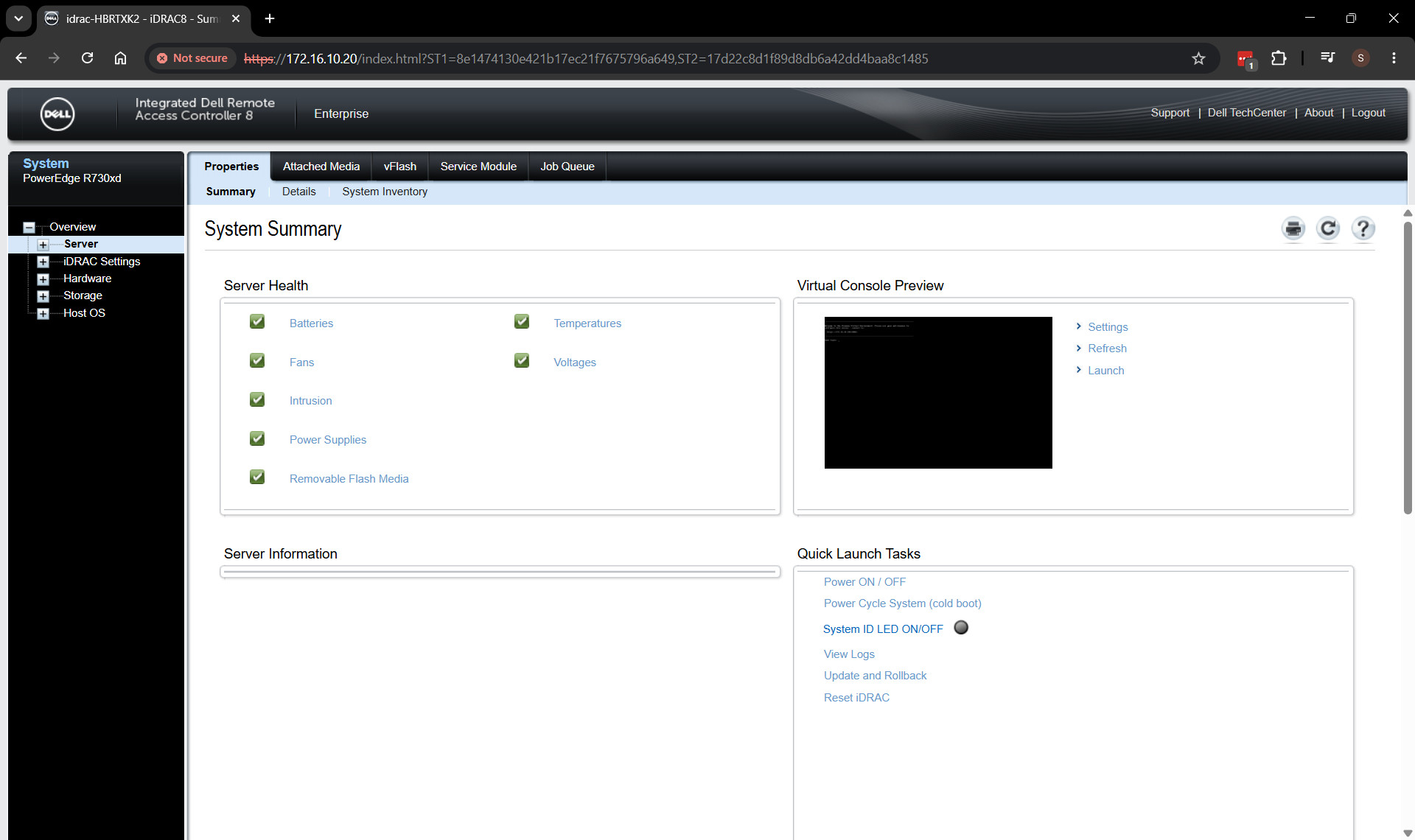
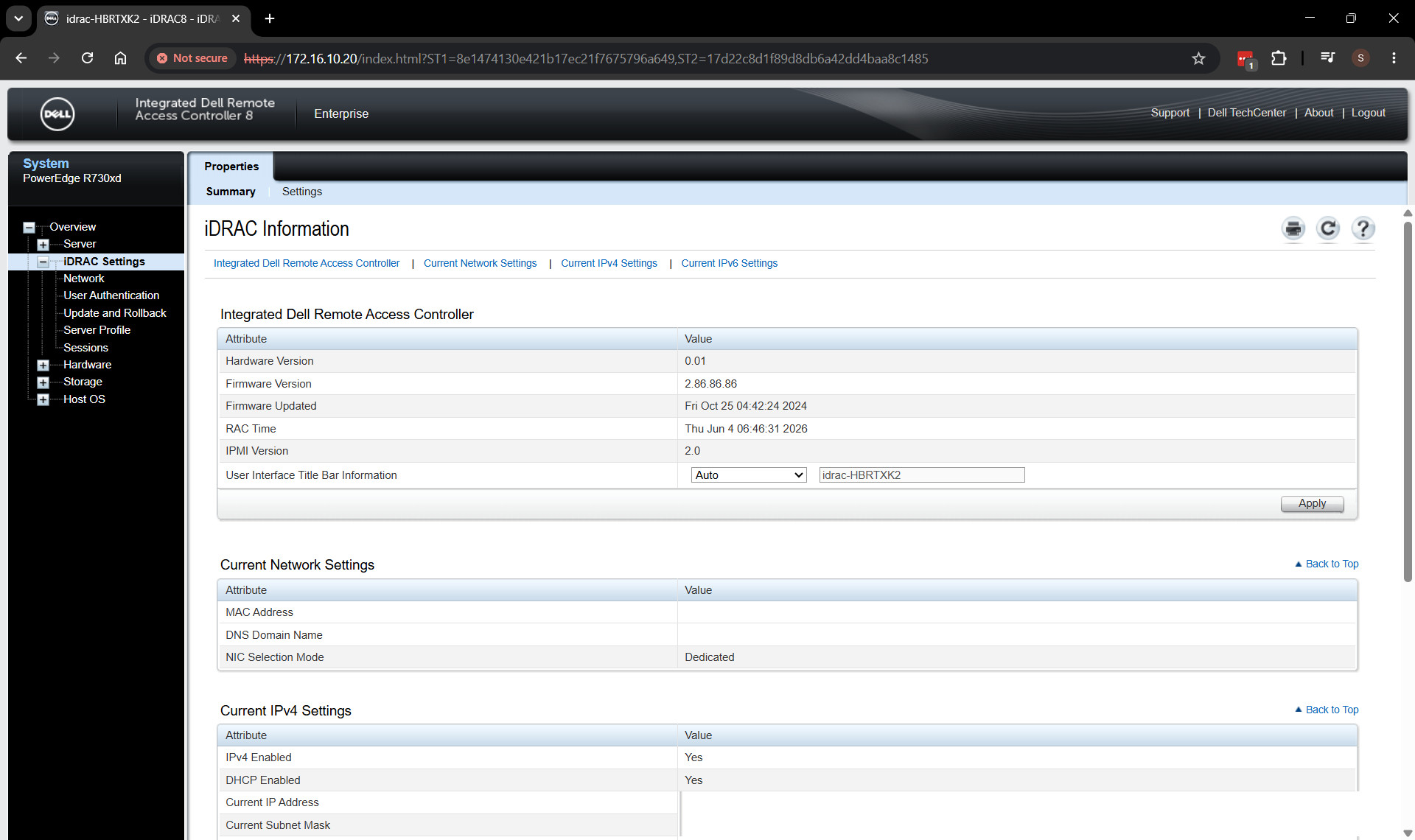
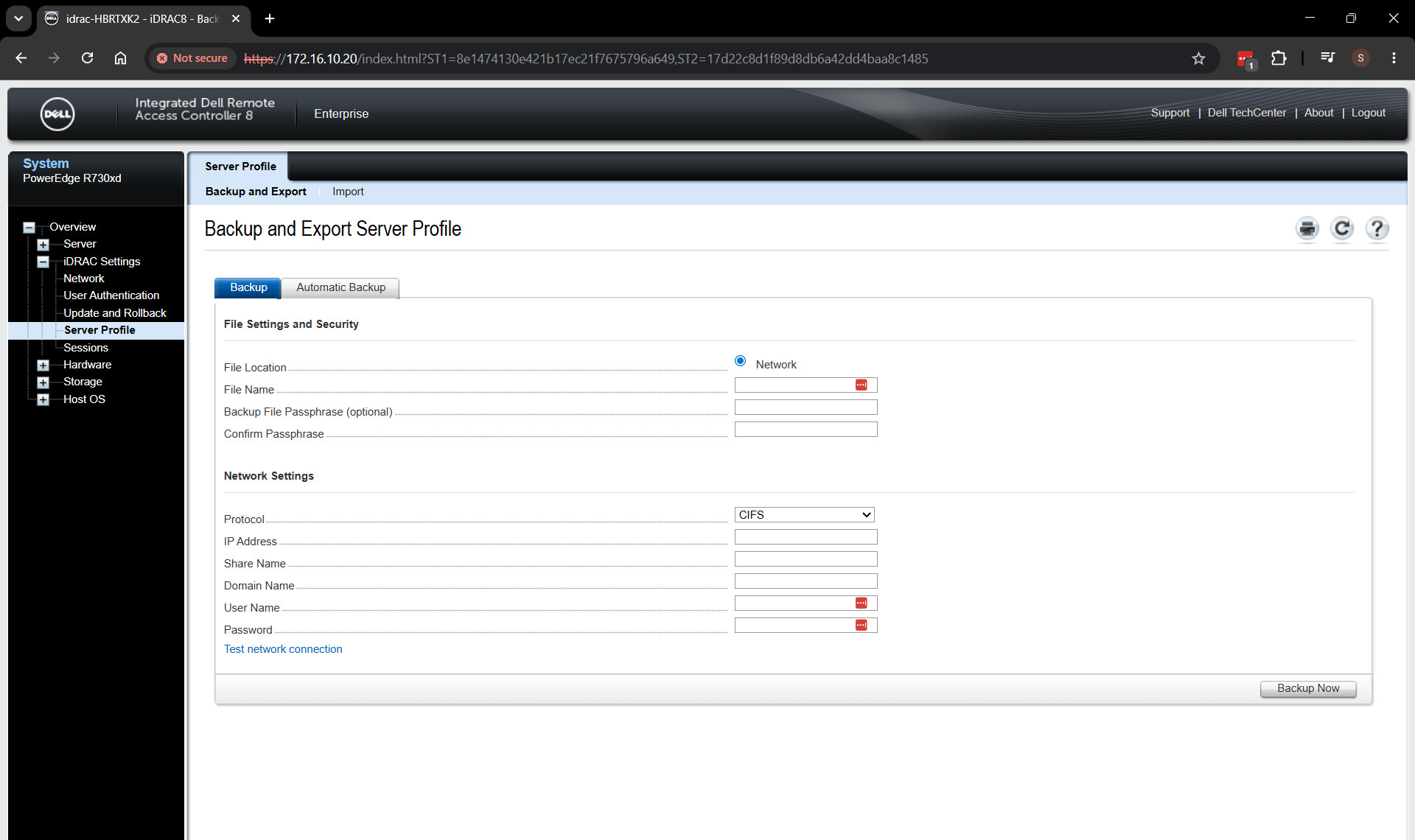
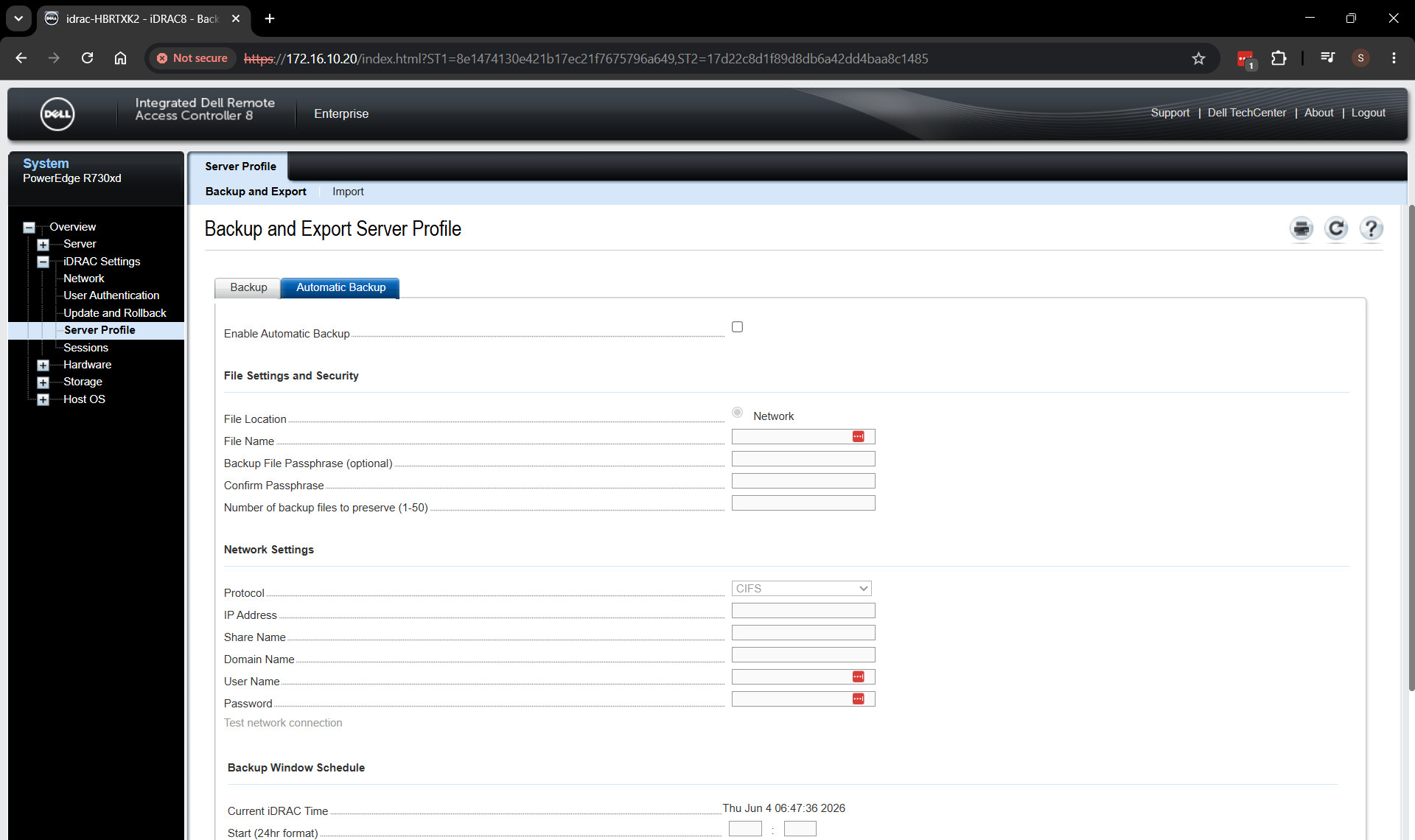
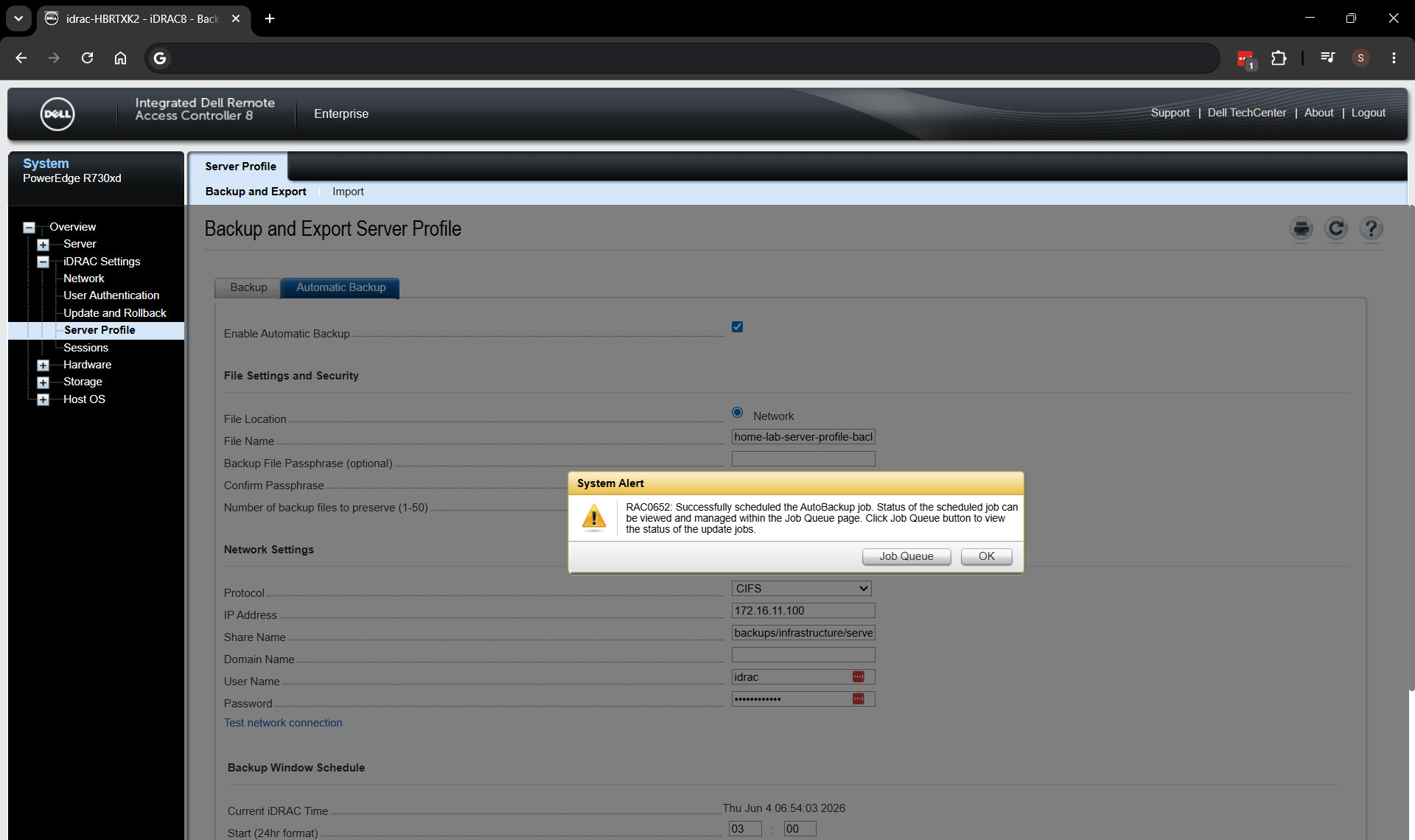
After logging into the iDRAC management dashboard, I navigated to iDRAC Settings, Server Profile.
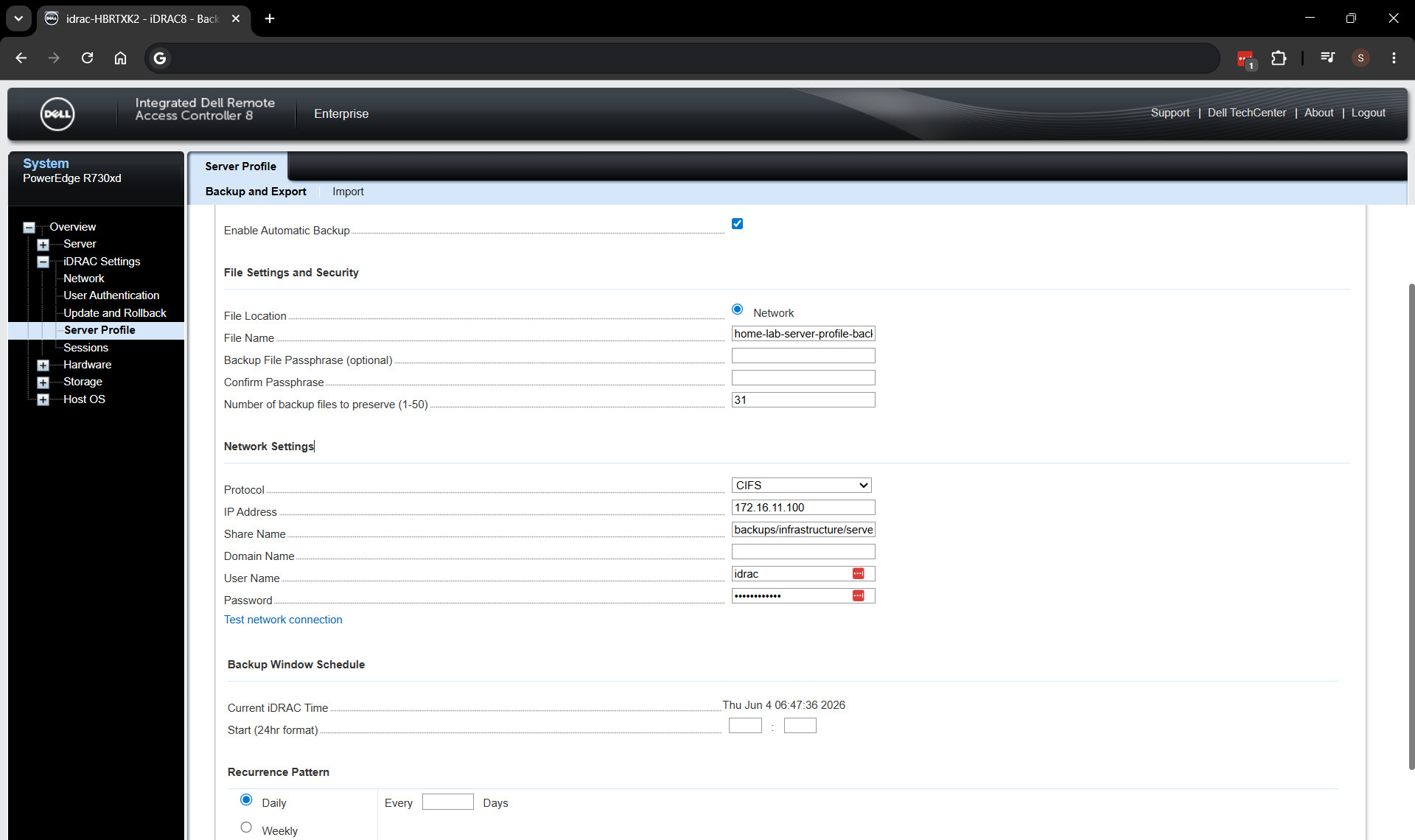
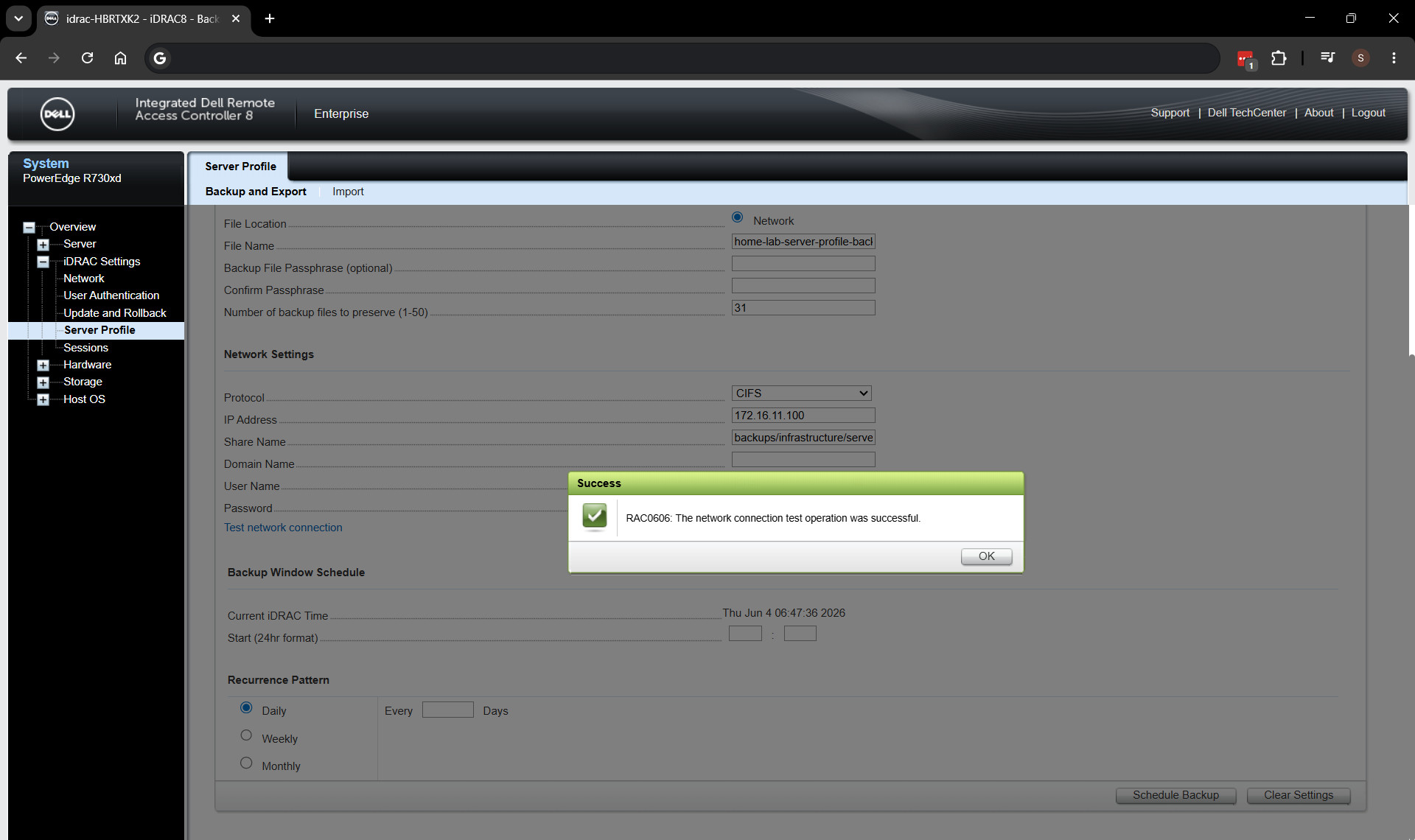
From there, I opened the automatic backup configuration and entered the SMB share location and credentials that were previously created for backup storage. After entering the network share details, I tested the connection to confirm that iDRAC could reach the target location.
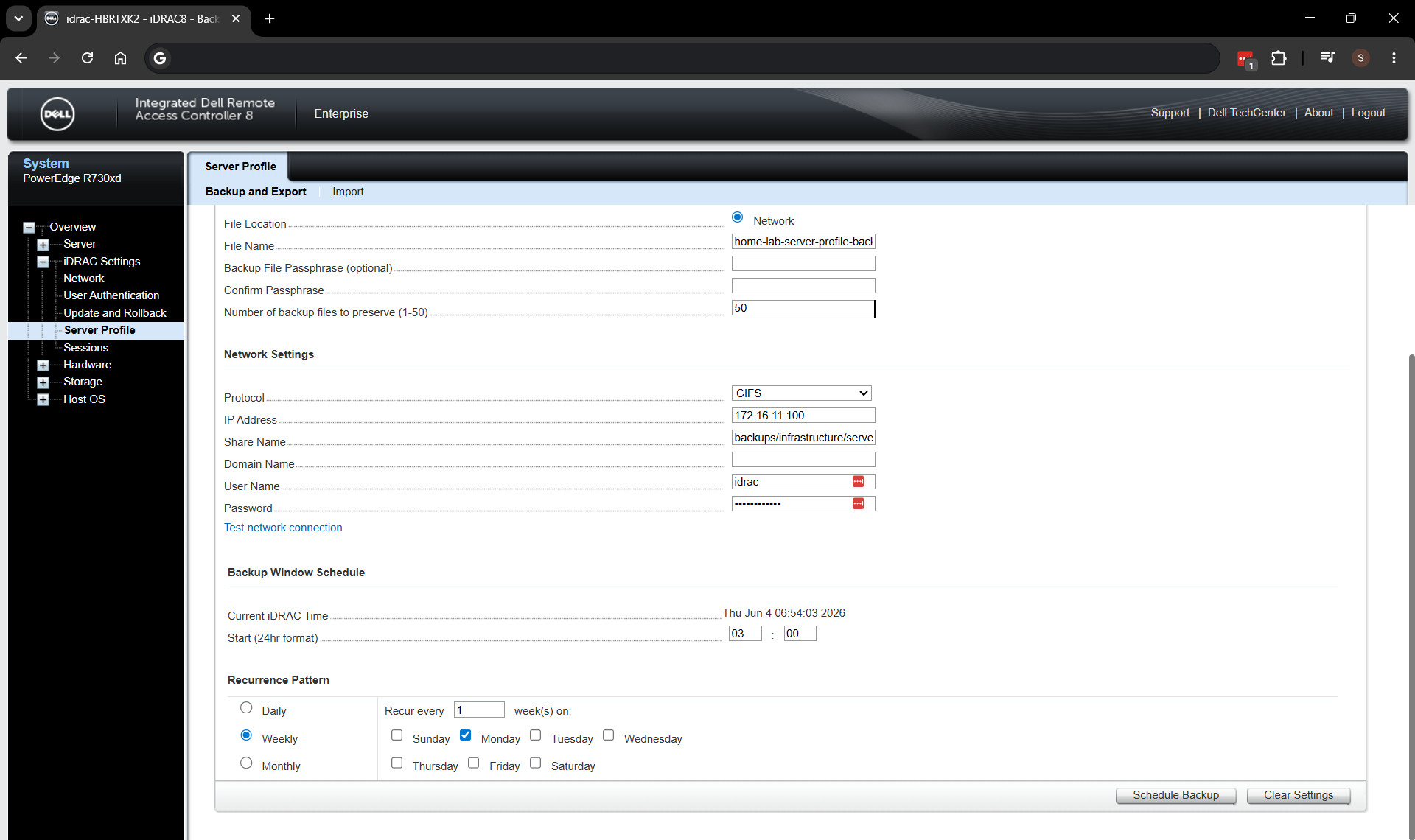
Once the network connection validated successfully, I configured the recurrence pattern.
Schedule: Every Monday at 03:00
Retention: 50 backups (maximum allowed)
This gives the iDRAC Server Profile nearly a full year of weekly configuration backups on a week-to-week basis. Since these profiles are small and the iDRAC configuration should not change often, this retention policy should be more than enough for the current rebuild. If the backups end up consuming more space than expected, I can reduce the retention later to a shorter weekly window or move to monthly retention.
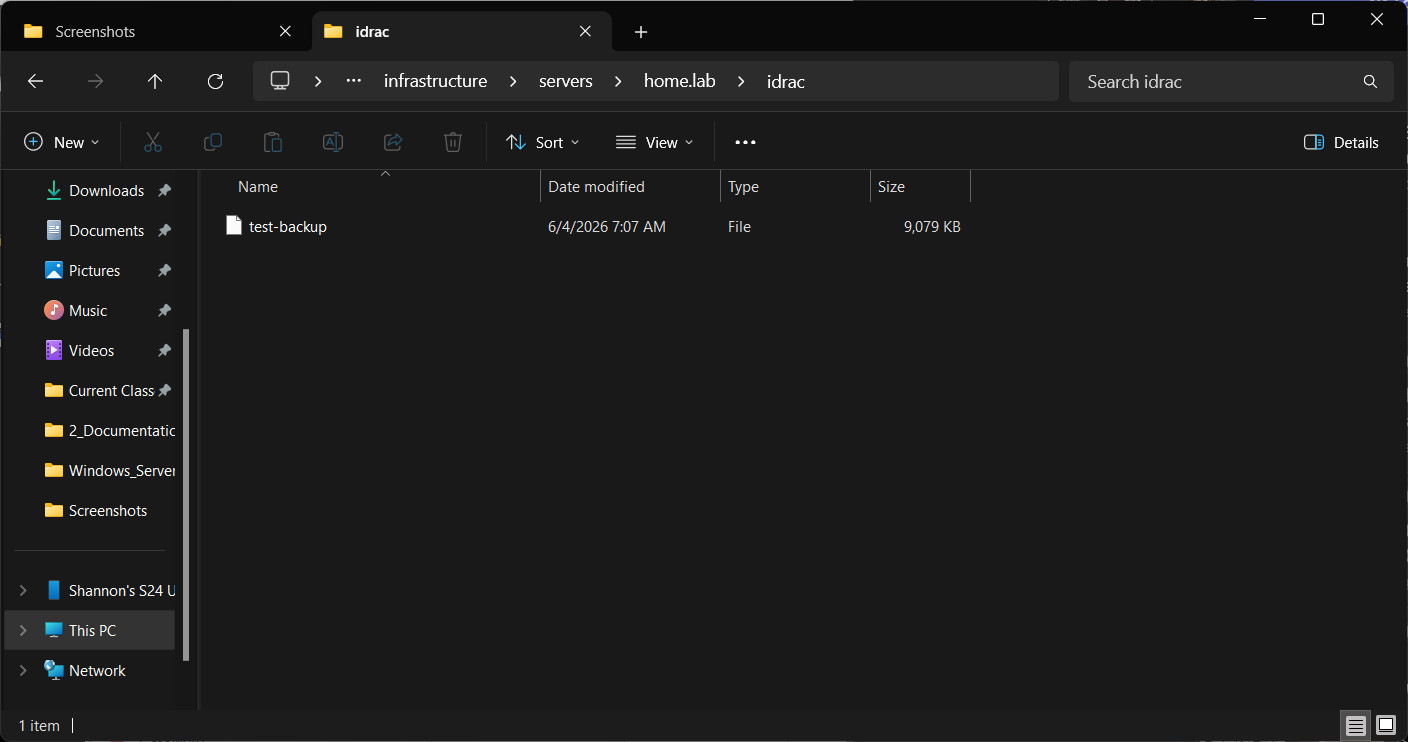
After configuring the schedule, I ran a manual test backup and confirmed that the file was generated in the correct share location.
FortiSwitch Configuration#
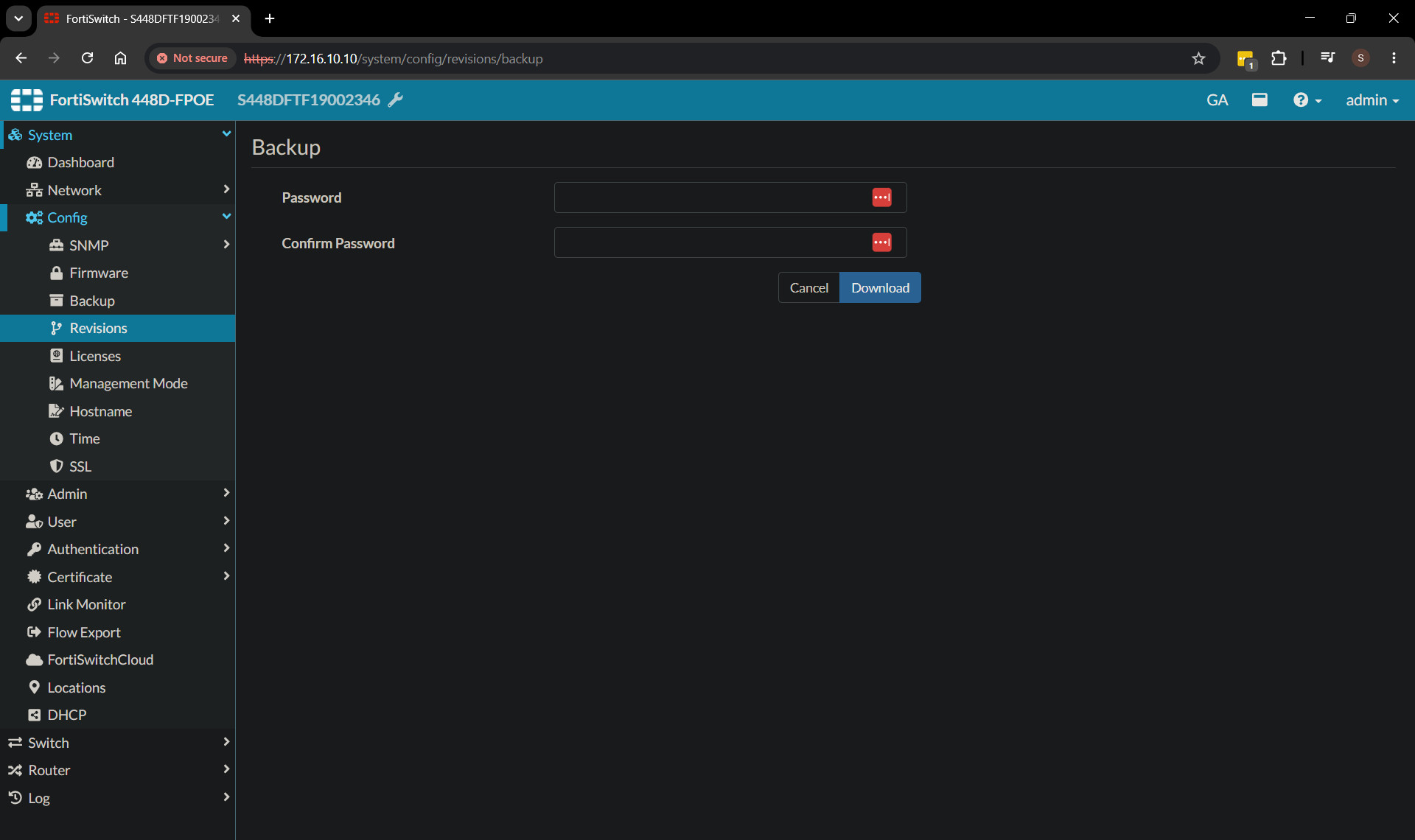
Next, I created a manual backup of the FortiSwitch configuration.
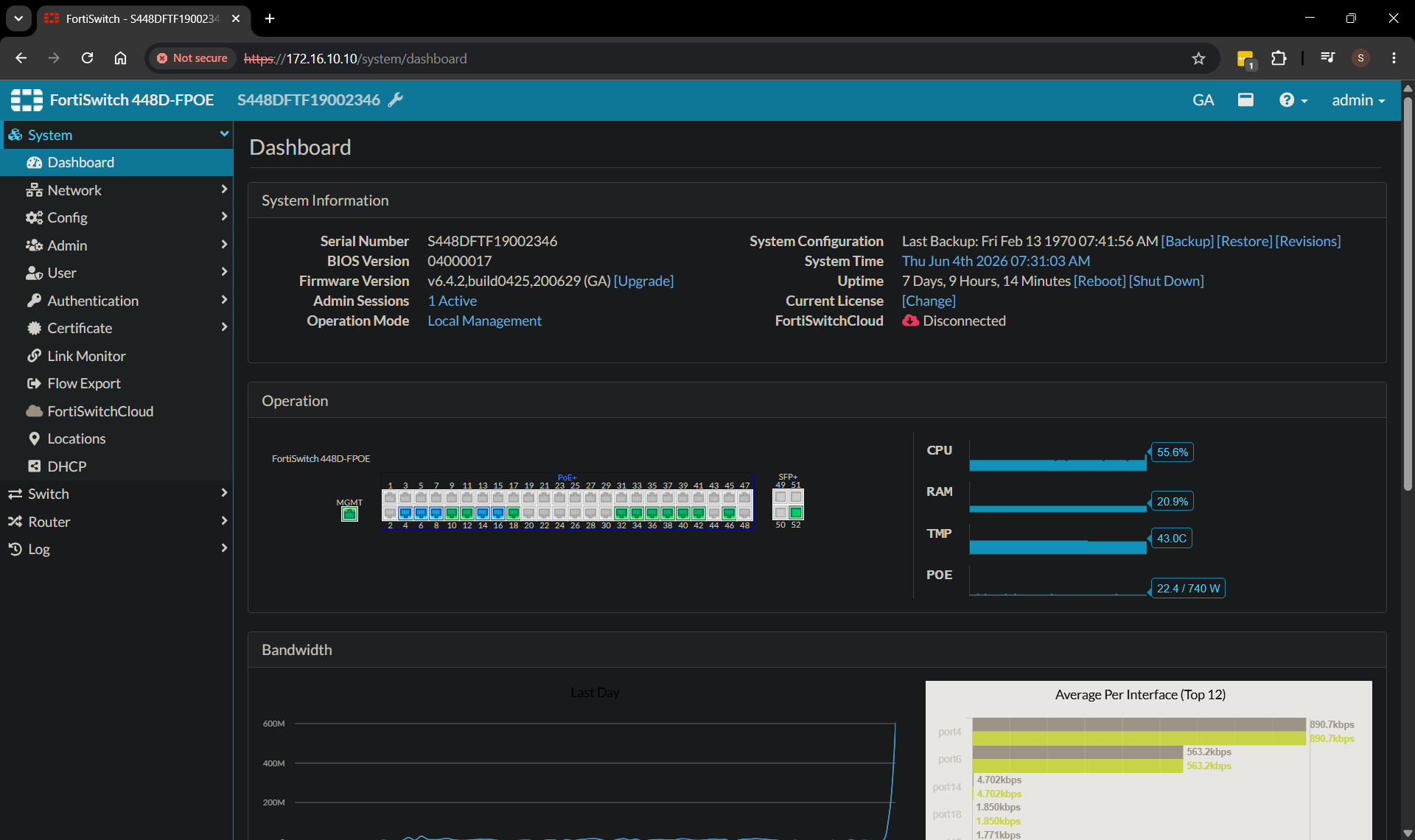
After logging into the FortiSwitch dashboard, I navigated to System, Dashboard.
From there, FortiSwitch provides a simple option to download the current switch configuration. A password is not required for the configuration export, although one can be entered if desired.
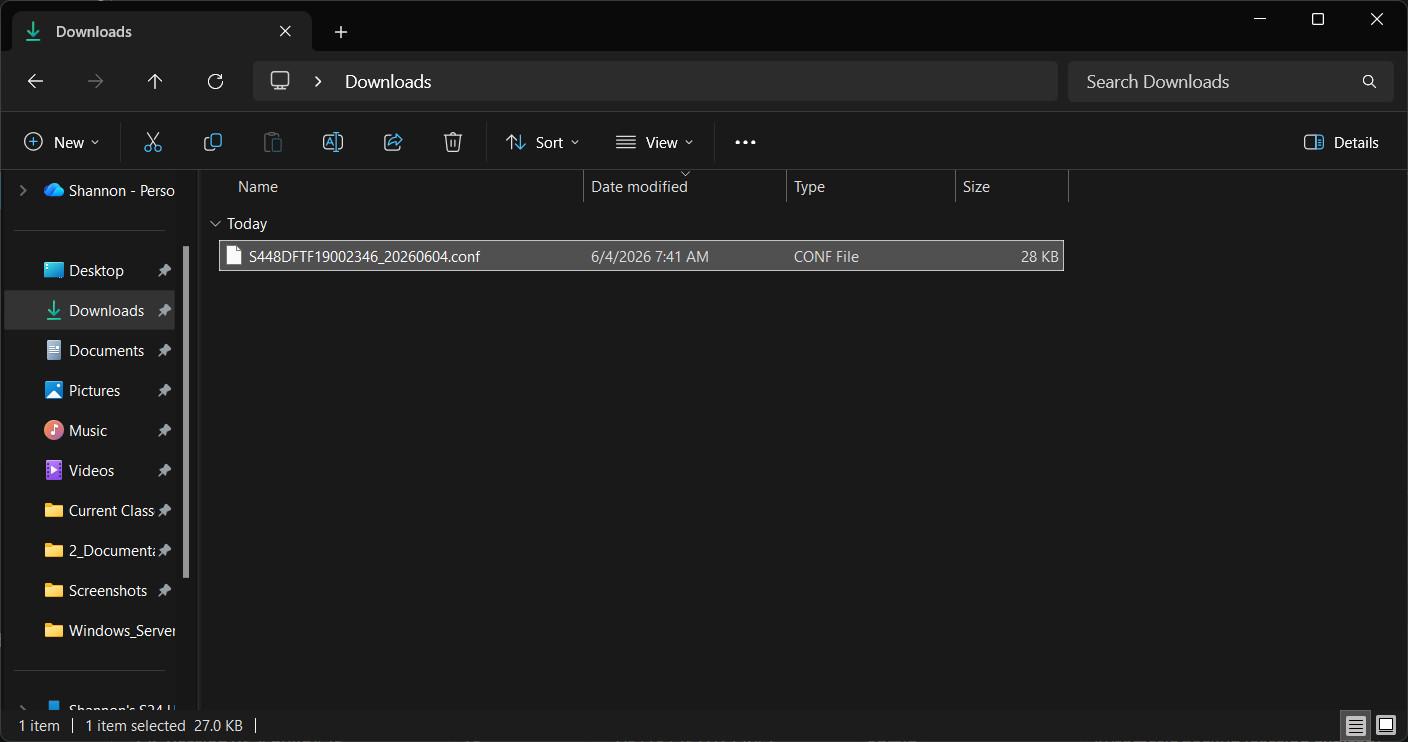
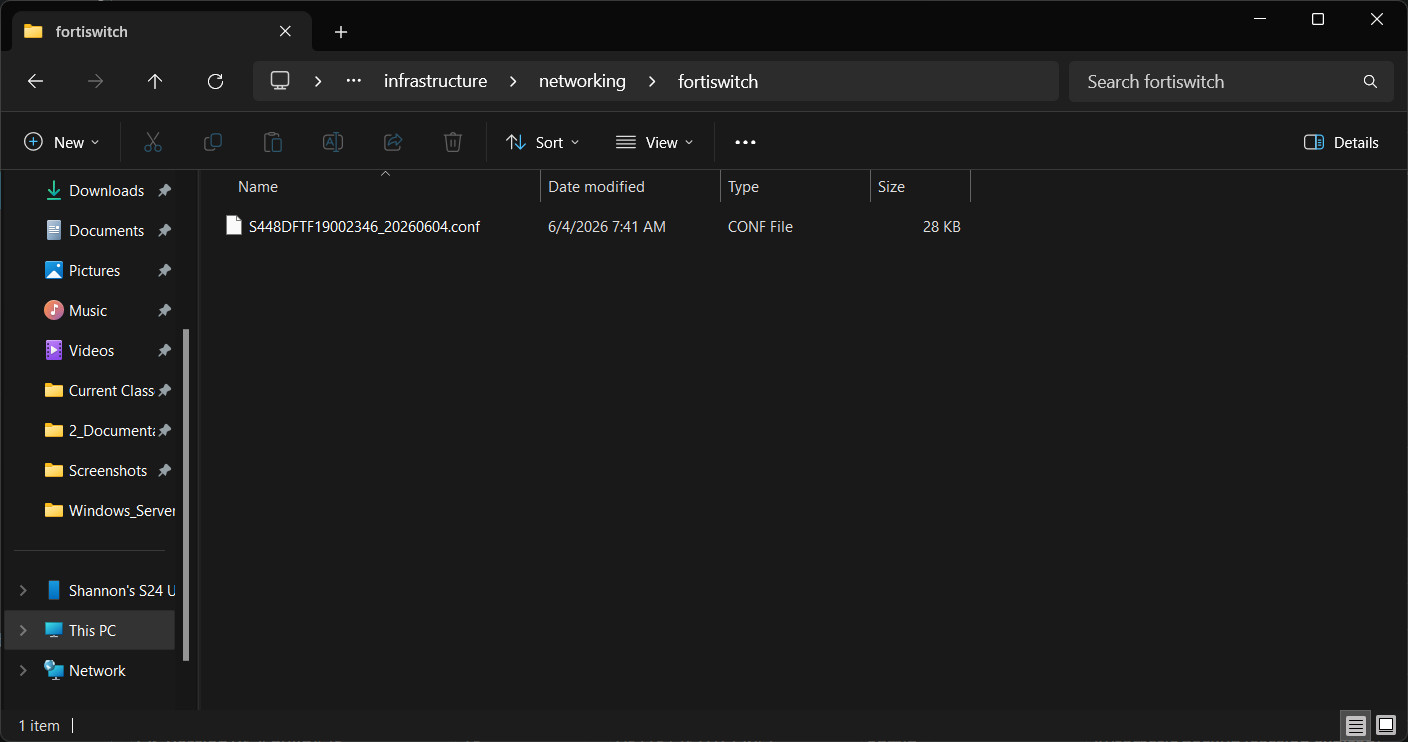
After downloading the backup to my workstation, I moved the file to the appropriate backup share on the network.
This gives me a known-good manual restore point for the switch configuration. FortiSwitch already creates automatic configuration revisions during logout events, but keeping an external manual copy of a validated working configuration is still useful and good practice.
UDM SE Configuration#
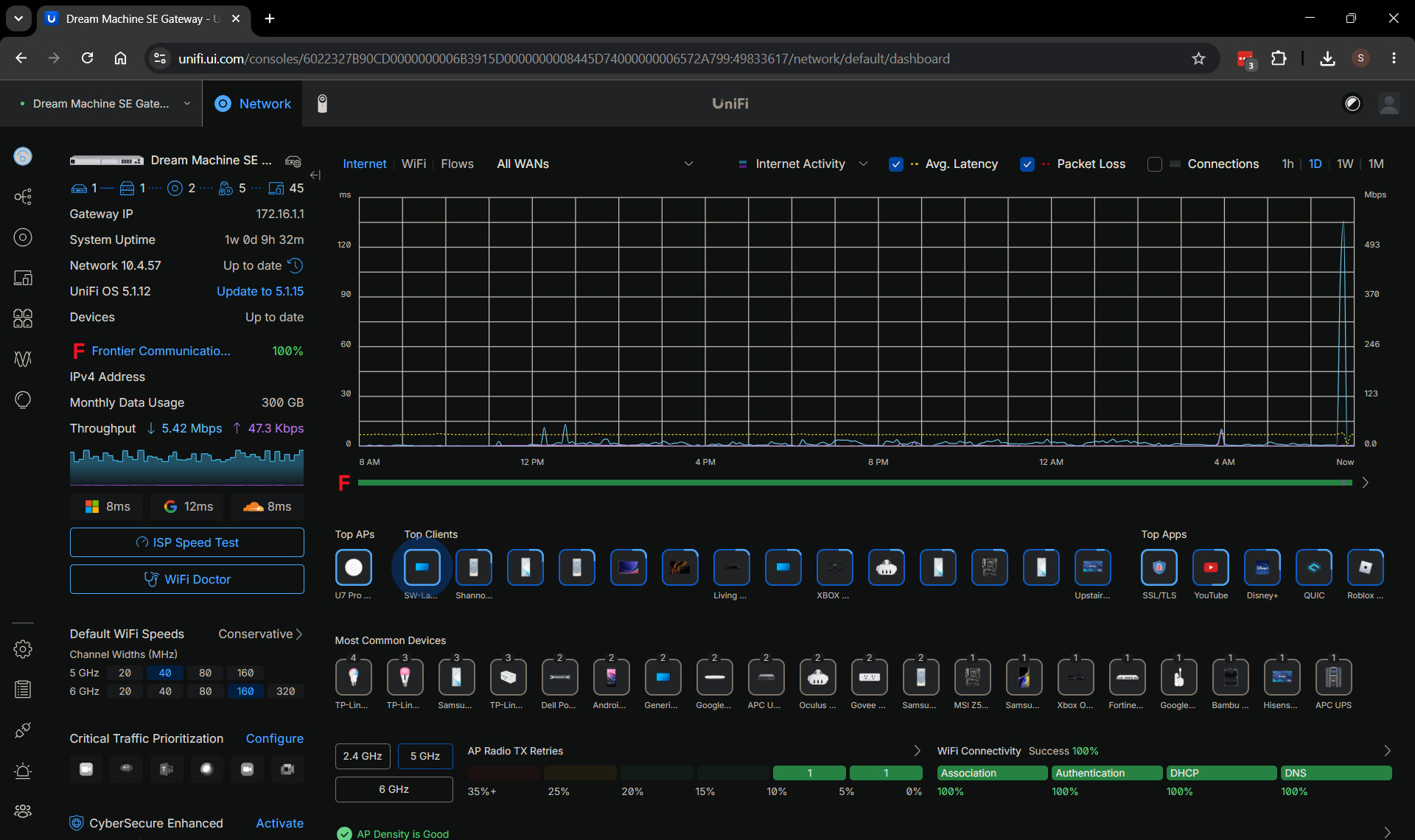
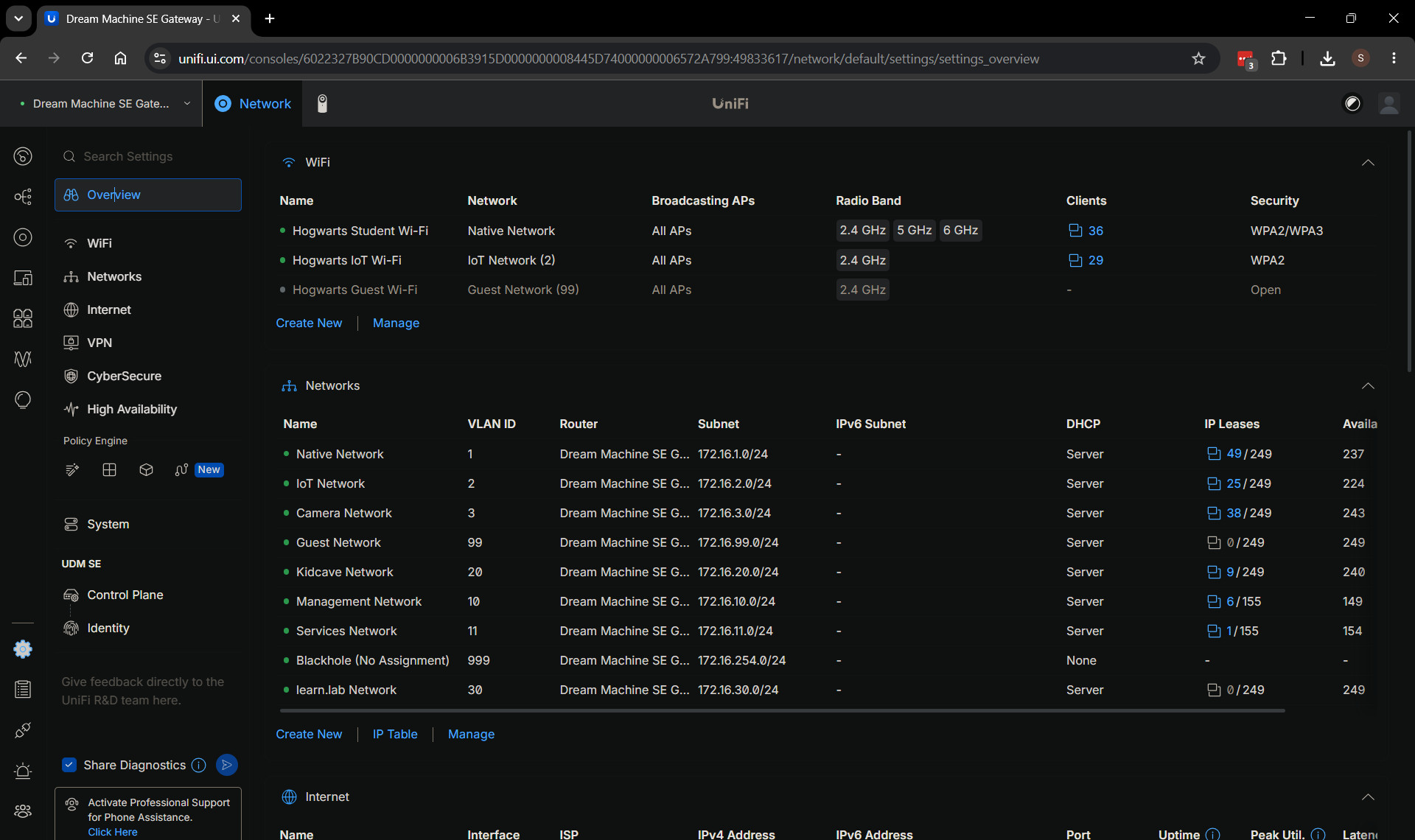
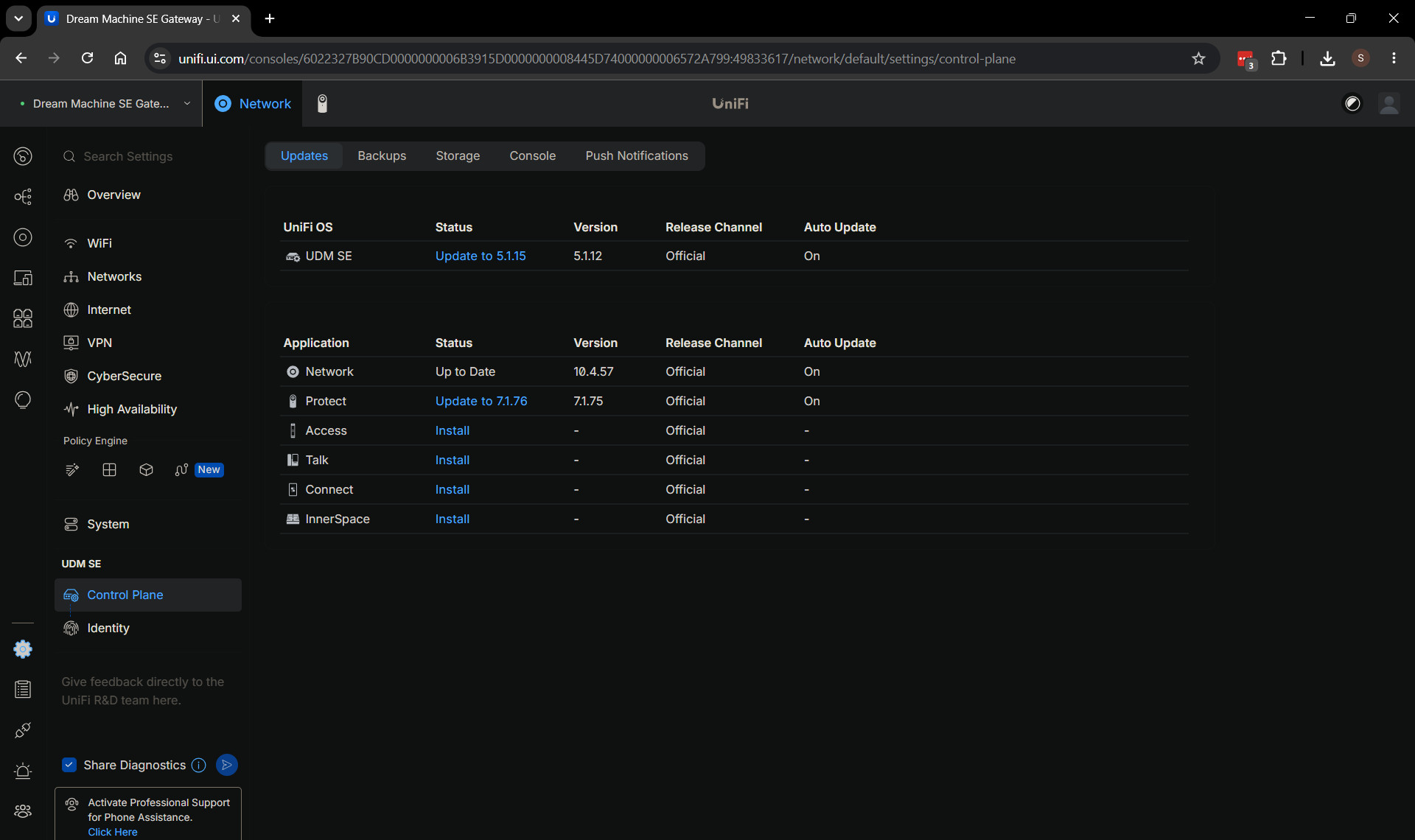
After backing up the switch, I moved on to the UDM SE.
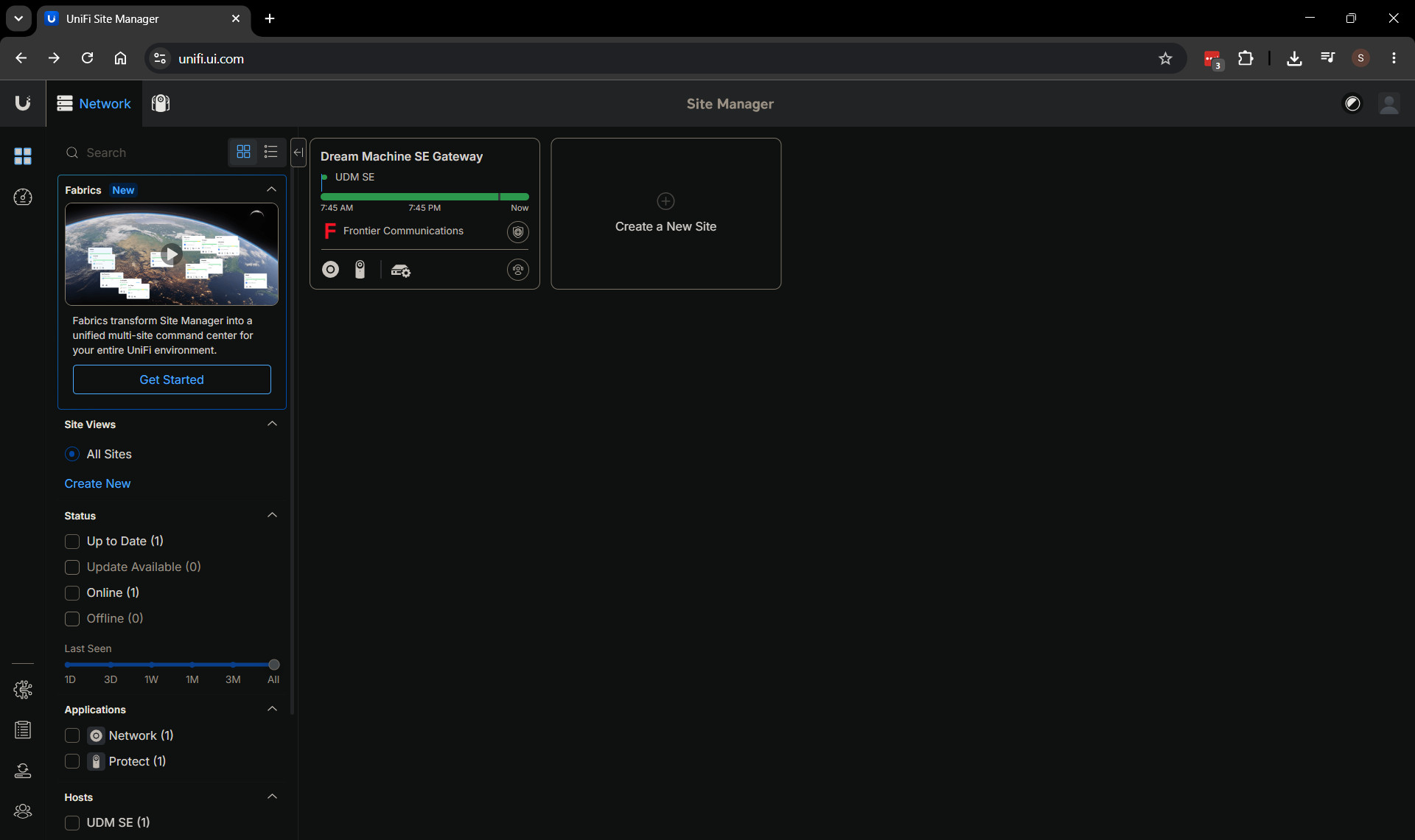
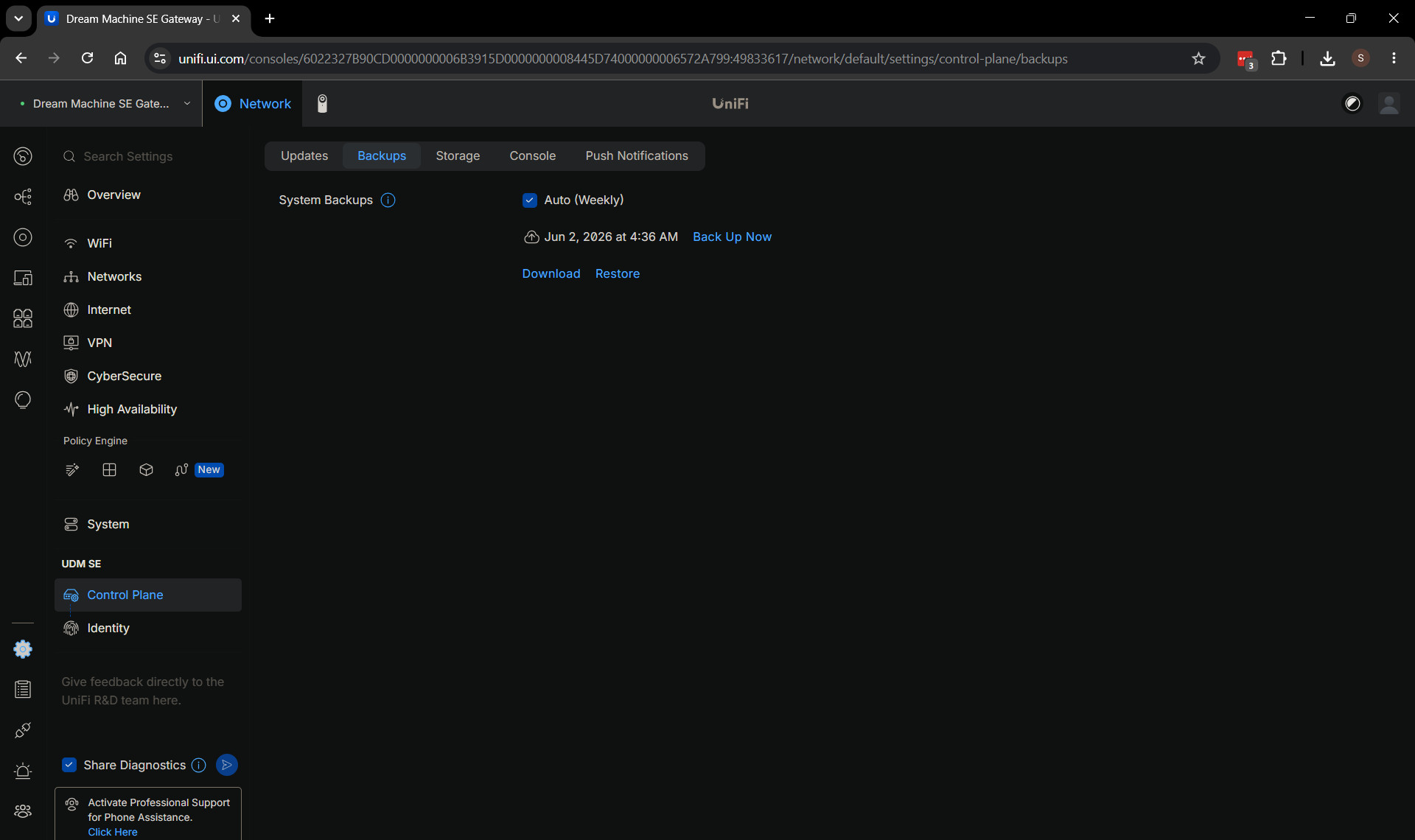
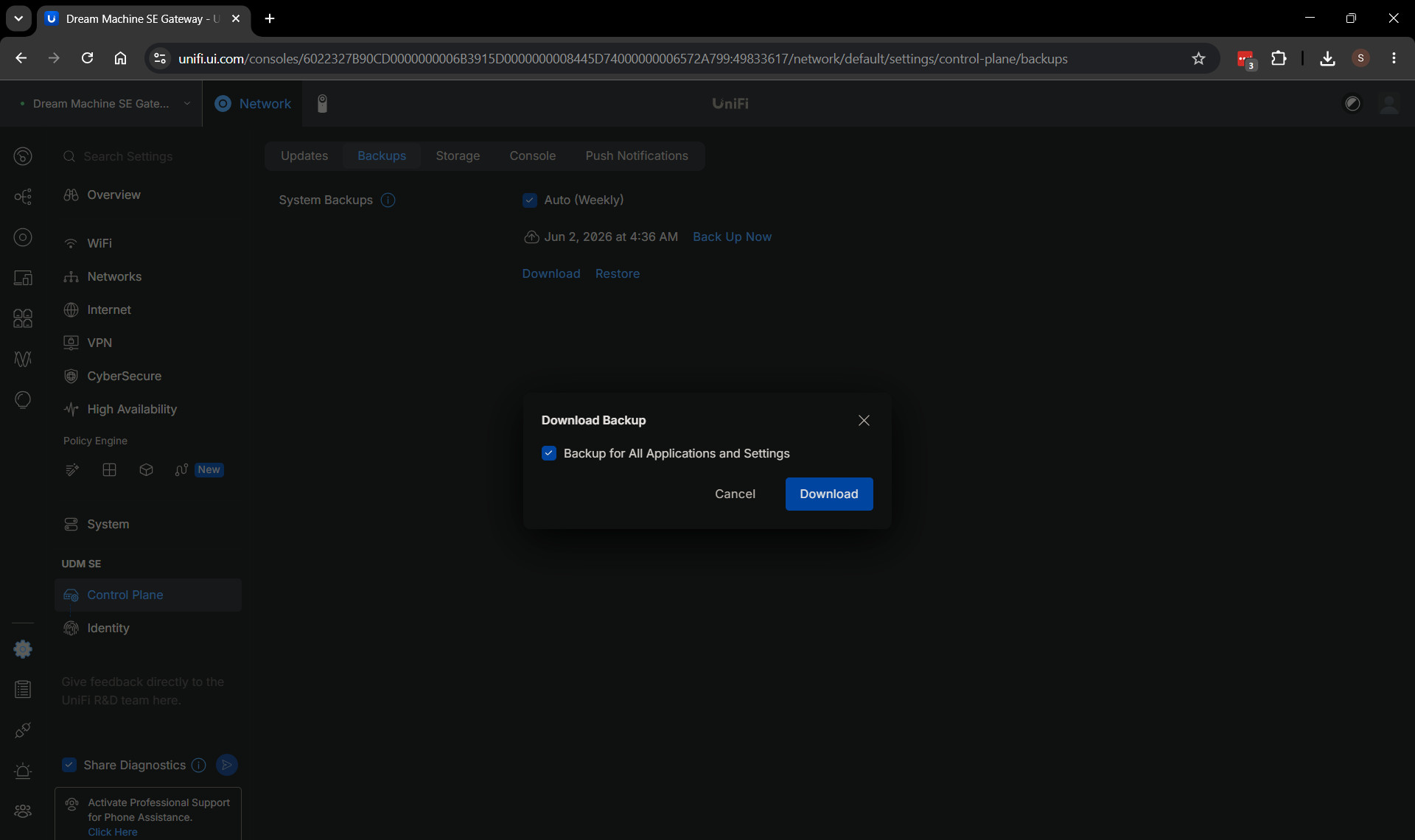
In the UniFi dashboard, I navigated to Settings, Control Plane, Backups.
The UDM SE already handles its own backup process, but I still wanted to create a manual known-good configuration export during this phase of the rebuild.
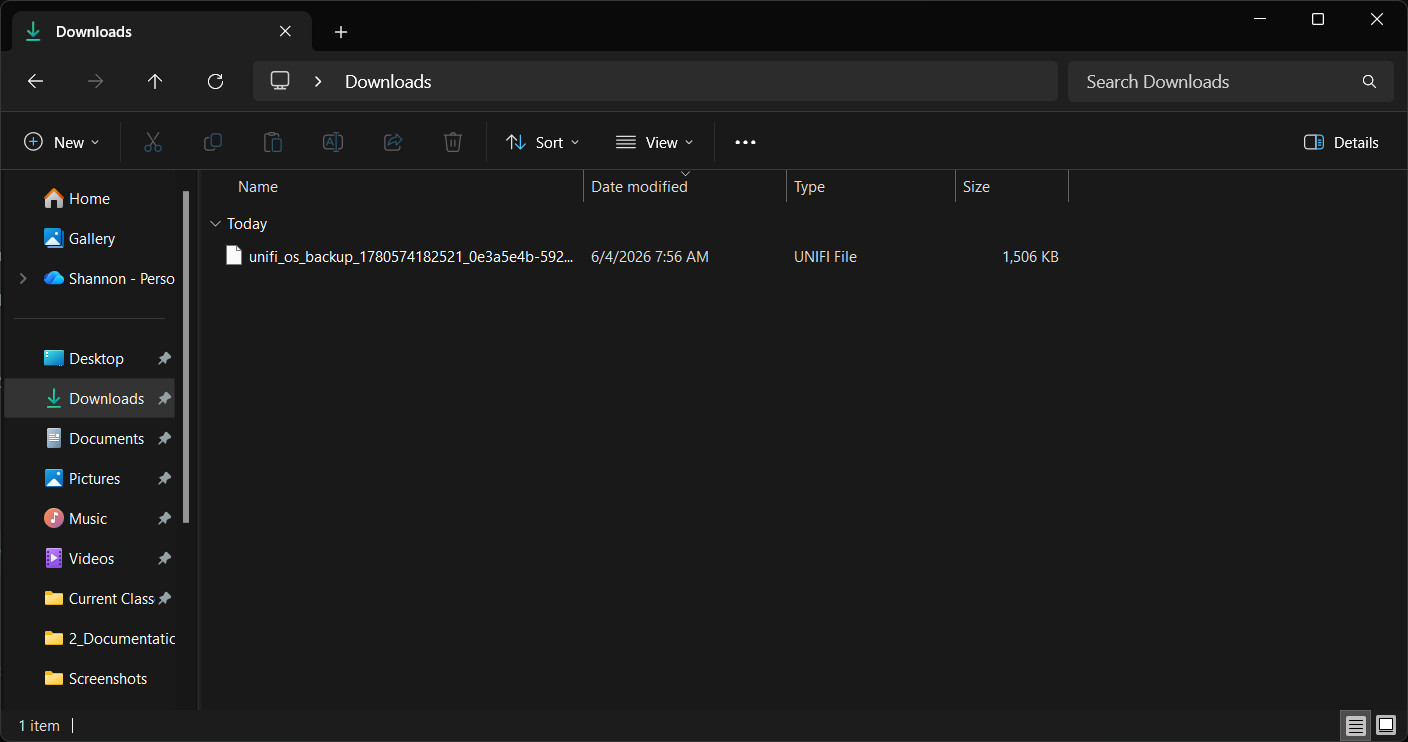
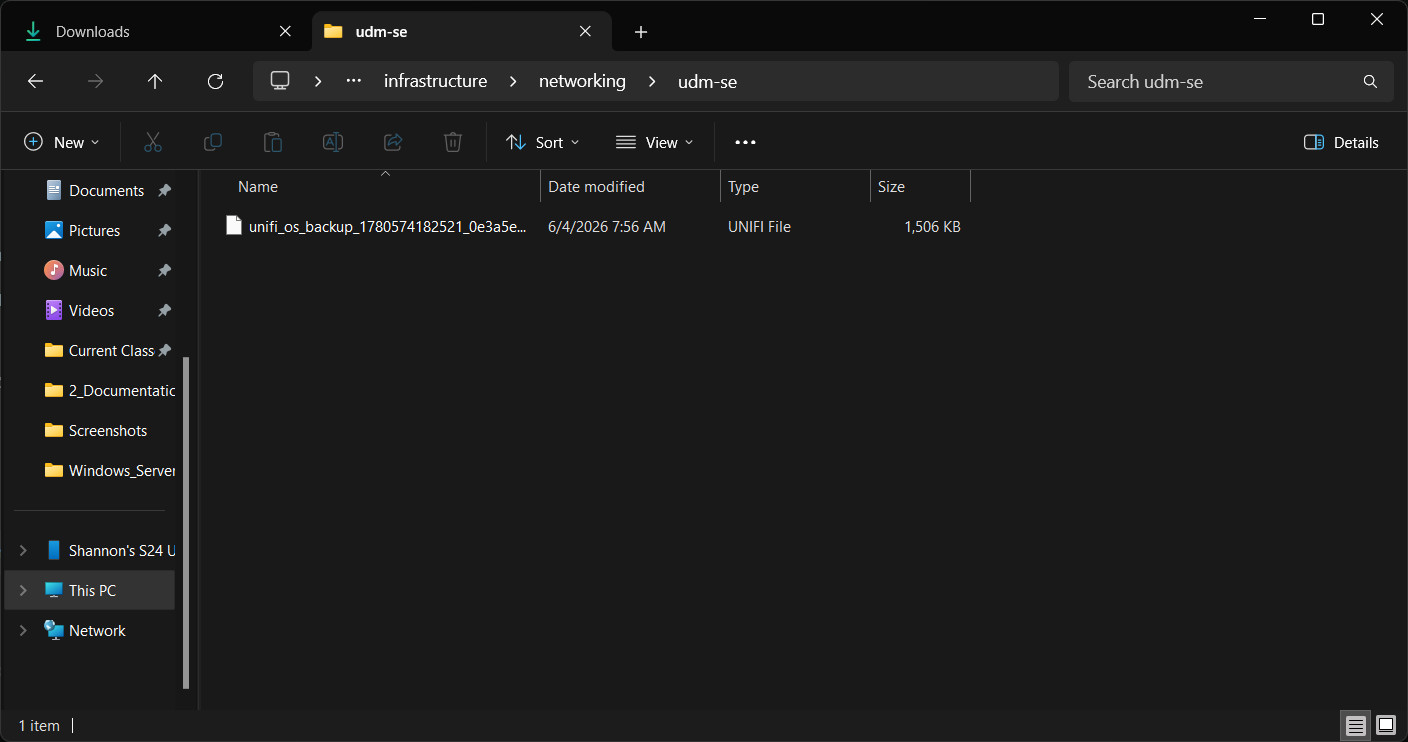
After downloading the backup, I moved it to the backup share under the udm-se folder on the network share.
Pi-hole Teleporter Export#
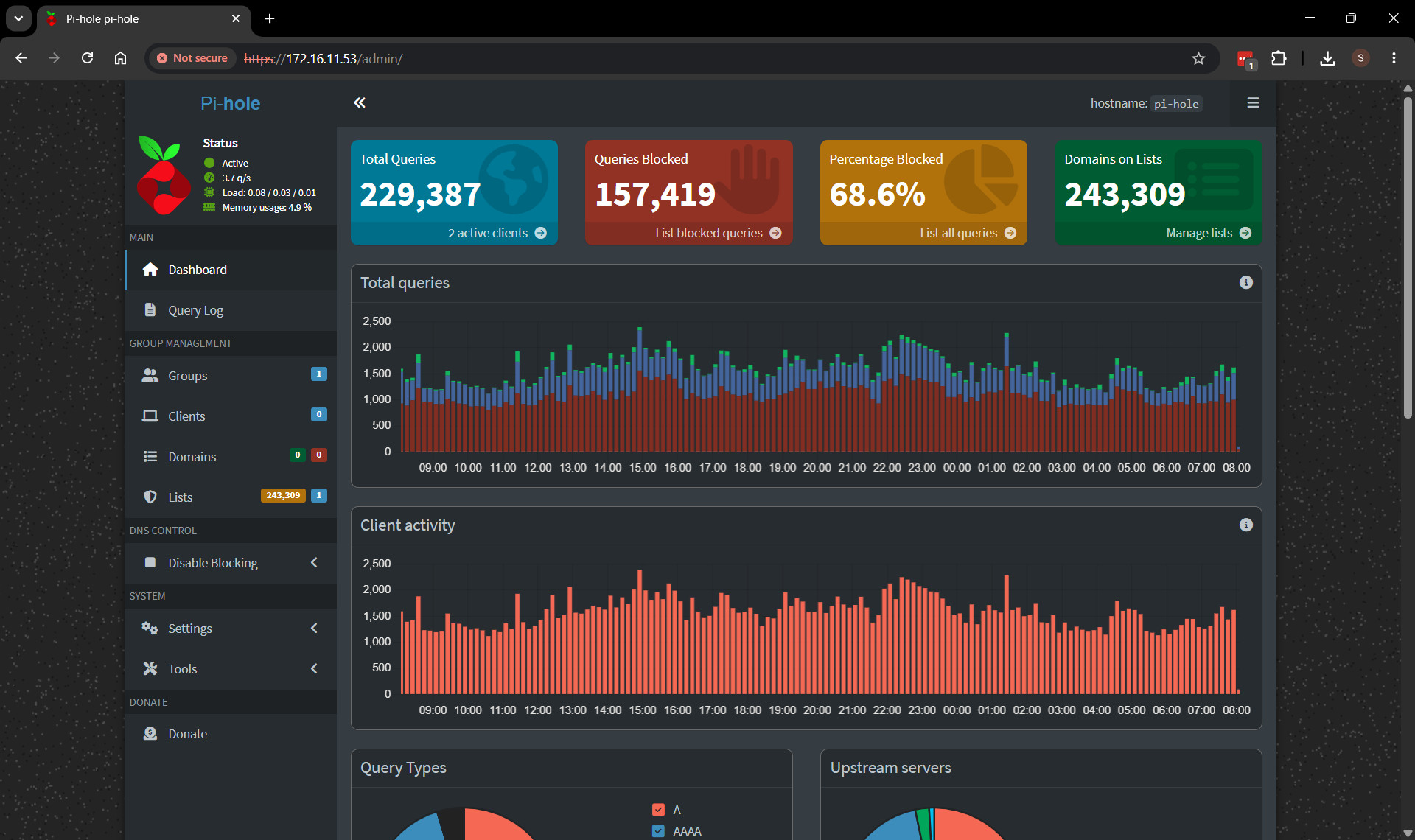
Since Pi-hole is currently the only active service, backing it up was pretty straightforward.
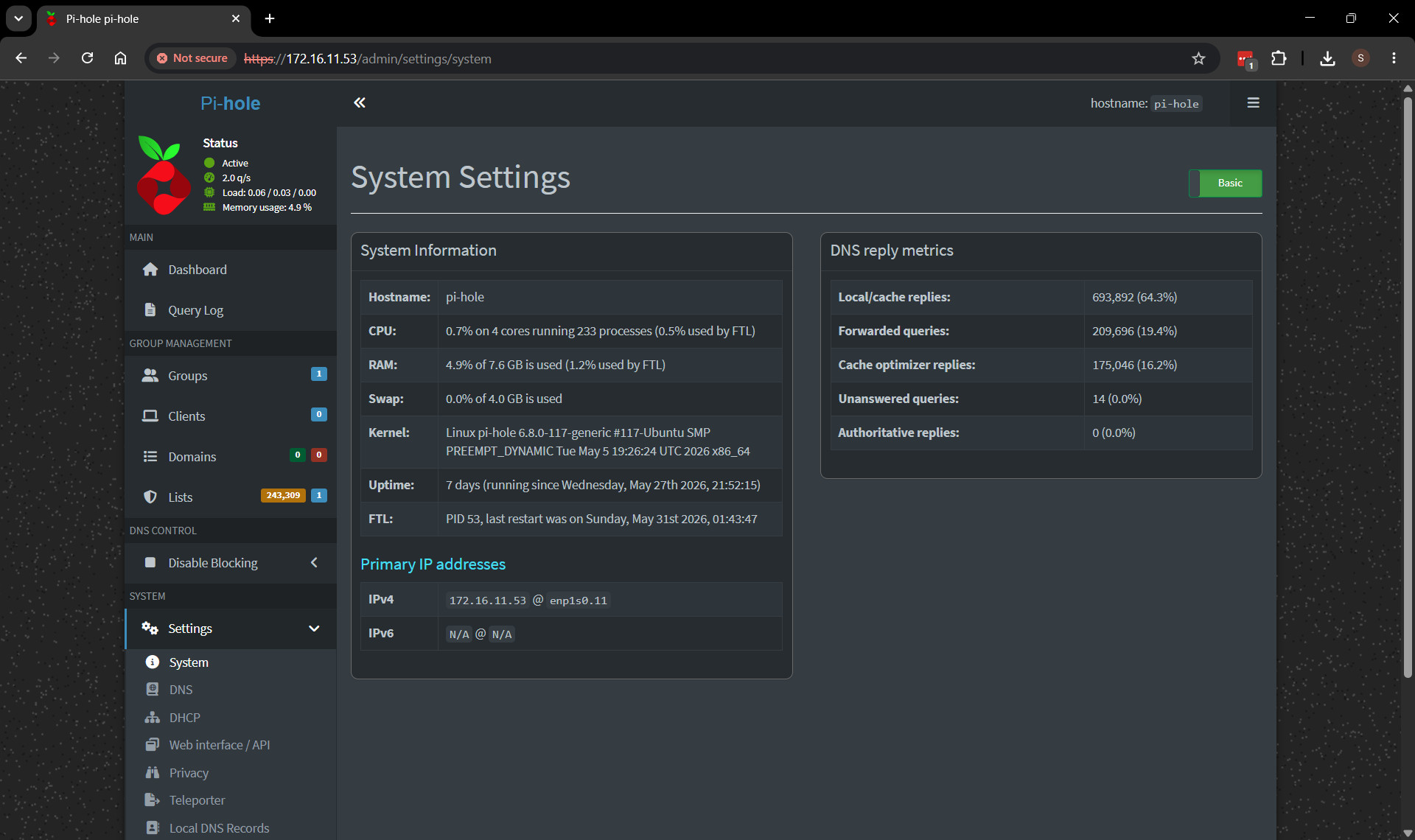
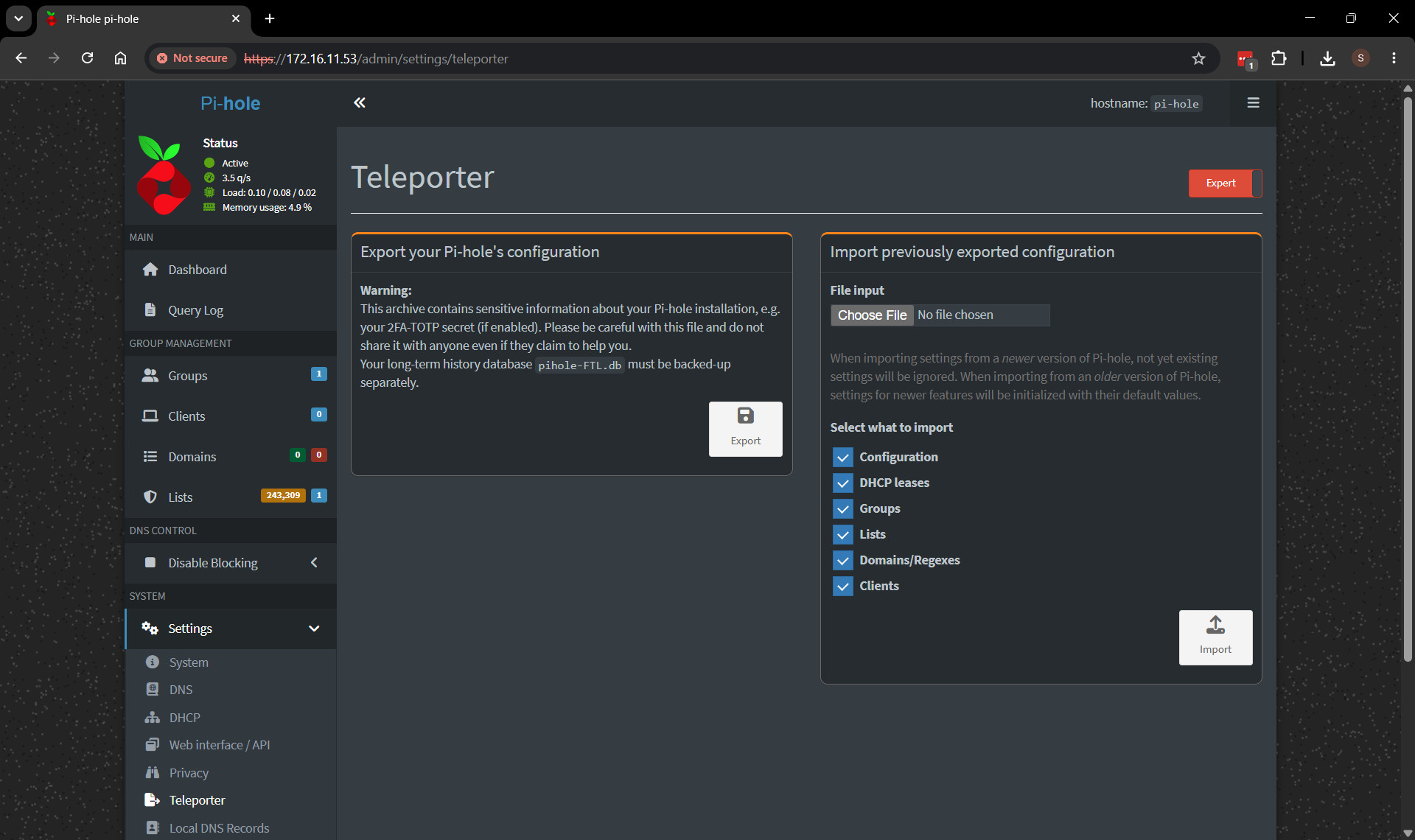
I logged into the Pi-hole management dashboard and navigated to Settings, Teleporter.
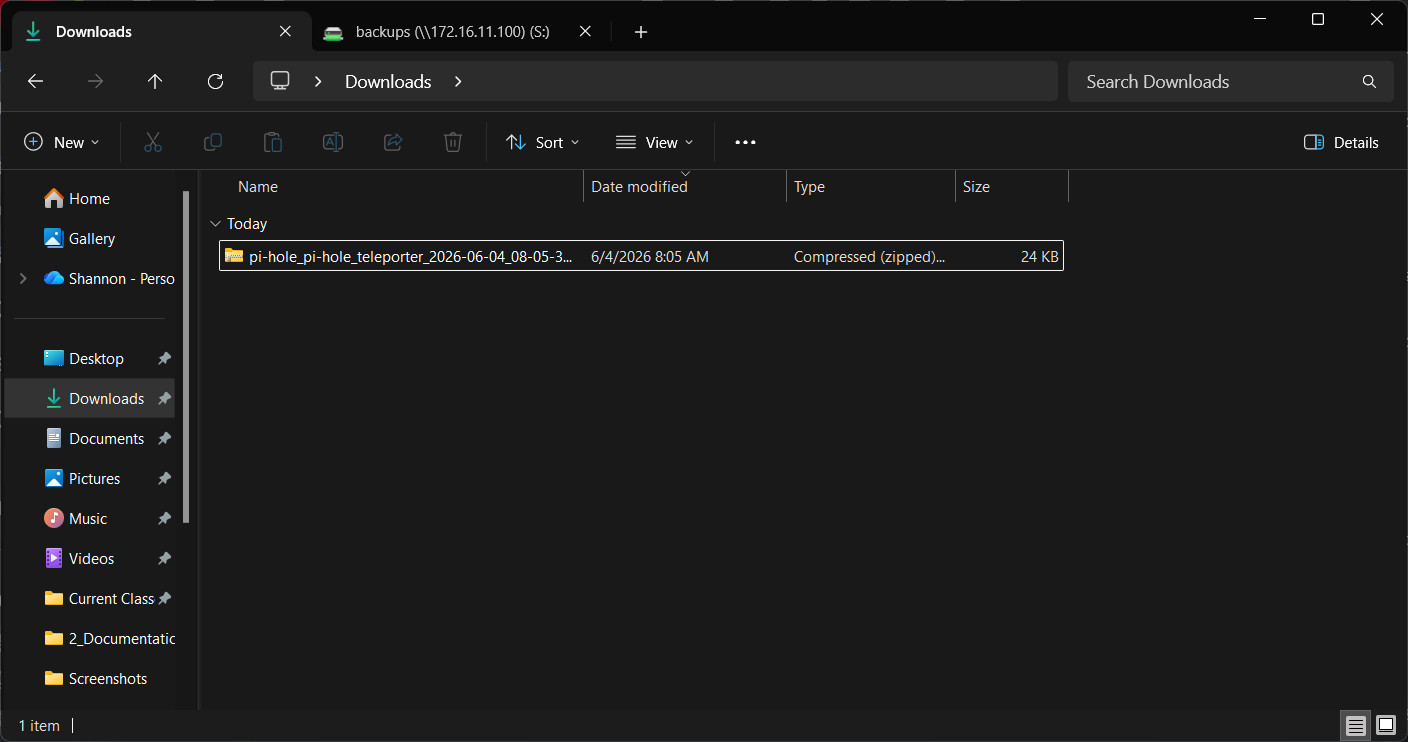
From there, I selected Export, which downloaded a copy of the Pi-hole configuration to my workstation.
This export does not include the long-term statistics database, but that is not a concern for this stage. I’m only interested in preserving the configuration itself. Long-term DNS statistics are not important enough to include in this baseline restore point.
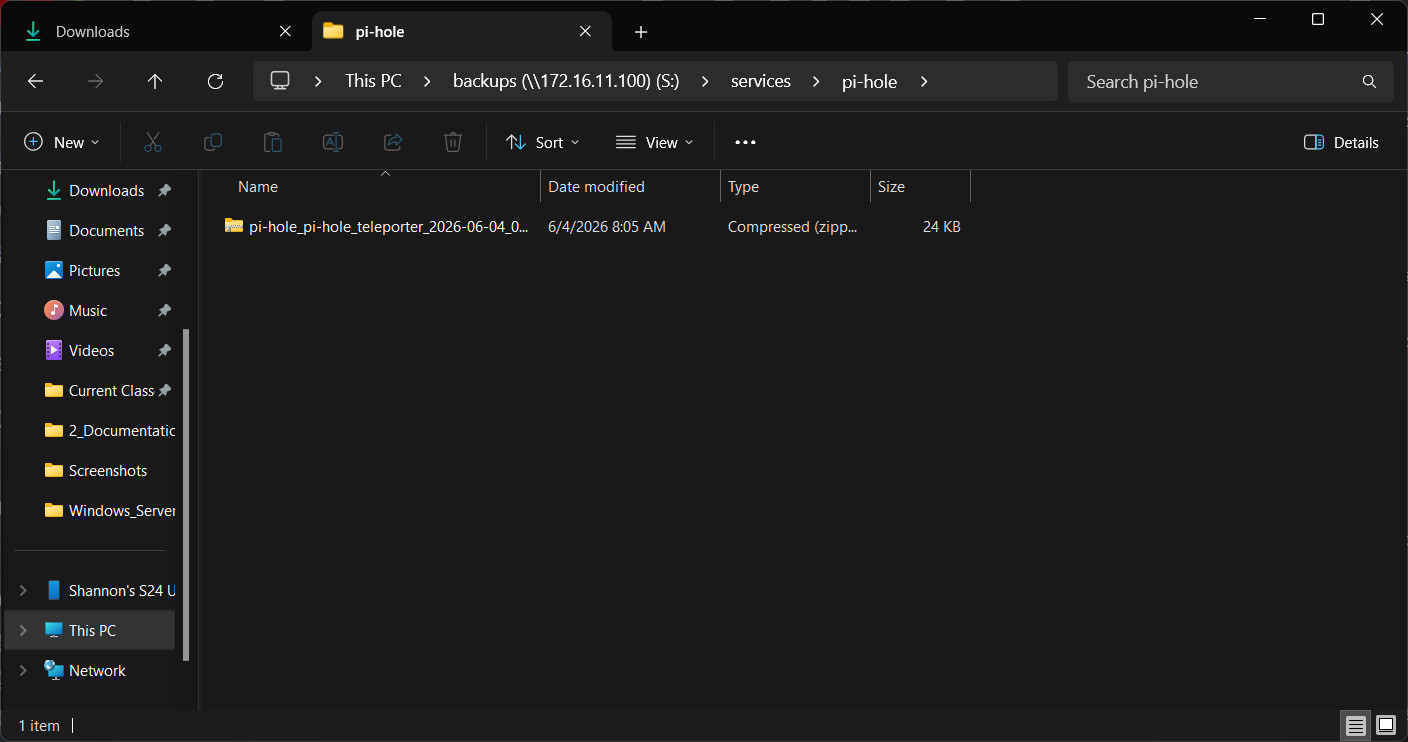
After the export completed, I transferred the file to the intended backup share location under services/pi-hole.
Proxmox VE Configuration#
With the initial manual configuration exports complete, I moved on to creating a scheduled backup routine for the Proxmox VE host configuration.
The backup target for this routine will be /mnt/pve/SCHBKUPS/smb/infrastructure/servers/home.lab/proxmox.
I initially decided against using the existing smb folder structure because smb implies that the backup source is connecting through an SMB user or SMB-based workflow. Since this backup is being generated locally by the Proxmox host itself but also one the home.lab server, it makes more sense to store it under the infrastructure path for home.lab that already exists to avoid splitting configuration files across several different paths. With that in mind, I ended up targeting the smb location where the home.lab configuration backups live, even though it’s not backing up via SMB.
This keeps the Proxmox configuration backup next to other infrastructure-level exports, such as the iDRAC Server Profile.
Proxmox Backup Script#
After some back and forth with AI, I settled on a dedicated script for the Proxmox VE host configuration backup at /usr/local/sbin/pve-backup-schedule.sh.
The script archives important Proxmox and host-level configuration paths, including /etc/pve, network configuration, APT source definitions, filesystem mount configuration, and root-level administrative files (little risky there).
The script also creates timestamped backup archives, uses a latest symlink, has a self-contained retention policy of 52 backups, and notifies me via email using the existing root mail path on both success and failure.
I used this backup naming format:
pve-backup-home-lab-YYYY-MM-DD-HH-MM.tar.gzThe latest symlink uses a predictable latest tag:
pve-backup-home-lab-latest.tar.gz/usr/local/sbin/pve-backup-schedule.sh
#!/usr/bin/env bash
set -euo pipefail

# ===============================================================
# Proxmox VE Host Configuration Backup Routine
# Target: SCHBKUPS backup location
# Schedule intent: Weekly, Monday at 03:00
# Retention: 52 backups
# Email alerts configured via PVE default matcher and Gmail SMTP
# ===============================================================

HOSTNAME_SHORT="$(hostname -s)"
BACKUP_NAME="home-lab"
DATE="$(date +%Y-%m-%d-%H-%M)"

BACKUP_DIR="/mnt/pve/SCHBKUPS/infrastructure/servers/home.lab/proxmox"
BACKUP_FILE="${BACKUP_DIR}/pve-backup-${BACKUP_NAME}-${DATE}.tar.gz"
LATEST_FILE="${BACKUP_DIR}/pve-backup-${BACKUP_NAME}-latest.tar.gz"
LOG_FILE="${BACKUP_DIR}/pve-backup-schedule.log"
RUN_LOG="$(mktemp /tmp/pve-backup-schedule.XXXXXX.log)"

RETENTION_COUNT=52

EMAIL_ENABLED=true
EMAIL_TO="root"
EMAIL_SUBJECT_SUCCESS="[SUCCESS] home.lab PVE Configuration Backup"
EMAIL_SUBJECT_FAILURE="[FAILED] home.lab PVE Configuration Backup"

# /etc/pve includes Proxmox cluster config, storage.cfg,
# VM configs under /etc/pve/qemu-server/, and LXC configs under /etc/pve/lxc/.
BACKUP_PATHS=(
  /etc/pve
  /etc/network/interfaces
  /etc/hosts
  /etc/hostname
  /etc/resolv.conf
  /etc/fstab
  /etc/apt/sources.list
  /etc/apt/sources.list.d
  /root
)

log() {
  echo "[$(date '+%Y-%m-%d %H:%M:%S')] $*"
}

send_email() {
  local subject="$1"
  local body_file="$2"

  if [[ "$EMAIL_ENABLED" != "true" ]]; then
    return 0
  fi

  if ! command -v mail >/dev/null 2>&1; then
    log "WARNING: Email notification skipped. Mail command not found."
    return 0
  fi

  if ! mail -s "$subject" "$EMAIL_TO" < "$body_file"; then
    log "WARNING: Email notification failed."
  fi

  return 0
}

cleanup() {
  rm -f "$RUN_LOG"
}

on_failure() {
  local exit_code=$?

  {
    echo
    log "Backup failed."
    log "Exit code: $exit_code"
    log "Backup file attempted: $BACKUP_FILE"
  } | tee -a "$RUN_LOG"

  cat "$RUN_LOG" >> "$LOG_FILE"
  send_email "$EMAIL_SUBJECT_FAILURE" "$RUN_LOG"

  exit "$exit_code"
}

trap on_failure ERR
trap cleanup EXIT

main() {
  mkdir -p "$BACKUP_DIR"

  {
    log "============================================================"
    log "Starting Proxmox VE host configuration backup."
    log "Host: $HOSTNAME_SHORT"
    log "Backup name: $BACKUP_NAME"
    log "Destination: $BACKUP_FILE"
    log "Latest link: $LATEST_FILE"
    log "Retention: keeping latest $RETENTION_COUNT backups."
    log "Email enabled: $EMAIL_ENABLED"
    log "Email recipient: $EMAIL_TO"
    log "============================================================"
    log "Included paths:"
    printf '  - %s\n' "${BACKUP_PATHS[@]}"
    echo
  } | tee -a "$RUN_LOG"

  tar \
    --warning=no-file-changed \
    --ignore-failed-read \
    -czf "$BACKUP_FILE" \
    "${BACKUP_PATHS[@]}" \
    2>&1 | tee -a "$RUN_LOG"

  chmod 600 "$BACKUP_FILE"

  ln -sfn "$(basename "$BACKUP_FILE")" "$LATEST_FILE"

  log "Archive created successfully." | tee -a "$RUN_LOG"
  log "Archive size: $(du -h "$BACKUP_FILE" | awk '{print $1}')" | tee -a "$RUN_LOG"

  log "Applying retention policy." | tee -a "$RUN_LOG"

  mapfile -t OLD_BACKUPS < <(
    find "$BACKUP_DIR" \
      -maxdepth 1 \
      -type f \
      -name "pve-backup-${BACKUP_NAME}-*.tar.gz" \
      ! -name "pve-backup-${BACKUP_NAME}-latest.tar.gz" \
      -printf '%T@ %p\n' \
      | sort -rn \
      | awk -v keep="$RETENTION_COUNT" 'NR > keep {sub(/^[^ ]+ /, ""); print}'
  )

  if (( ${#OLD_BACKUPS[@]} > 0 )); then
    log "Deleting old backups:" | tee -a "$RUN_LOG"
    printf '  - %s\n' "${OLD_BACKUPS[@]}" | tee -a "$RUN_LOG"
    rm -f "${OLD_BACKUPS[@]}"
  else
    log "No old backups removed." | tee -a "$RUN_LOG"
  fi

  {
    echo
    log "Backup completed successfully."
    log "Created: $BACKUP_FILE"
    log "Latest: $LATEST_FILE"
    log "Log file: $LOG_FILE"
    log "============================================================"
    echo
  } | tee -a "$RUN_LOG"

  cat "$RUN_LOG" >> "$LOG_FILE"
  send_email "$EMAIL_SUBJECT_SUCCESS" "$RUN_LOG"
}

main
Script Validation#
Before scheduling the script, I manually validated its functionality.
First, I checked the script syntax.
bash -n /usr/local/sbin/pve-backup-schedule.shThen, I ran the script manually.
bash /usr/local/sbin/pve-backup-schedule.shThe script successfully created the backup archive, updated the latest symlink, generated the log file, and sent the success email through the root mail path.
I also verified the archive contents to make sure my expected targets were saved correctly.
tar -tzf /mnt/pve/SCHBKUPS/infrastructure/servers/home.lab/proxmox/pve-backup-home-lab-latest.tar.gz | head -100The archive included important Proxmox configuration data as expected.
/etc/pve/storage.cfg
/etc/pve/user.cfg
/etc/pve/notifications.cfg
/etc/pve/priv/
/etc/pve/nodes/home/lxc/100.conf
/etc/network/interfaces
/etc/fstab
/etc/apt/sources.list.d/
This confirms that the script is capturing Proxmox configuration files, node-level configuration, LXC configuration files, host network configuration, storage configuration, and APT source definitions.
The script also logs a warning when /etc/apt/sources.list does not exist. I decided to leave this path in the backup set intentionally, even though my configuration uses sources.list.d. If that file is created later during service installation or repository changes, it will be captured automatically. Until then, the warning is useful and does not break the backup because the script uses --ignore-failed-read.
Cron Schedule#
After validating the script, I made it executable.
chmod +x /usr/local/sbin/pve-backup-schedule.shThen, I created the cron file.
nano /etc/cron.d/pve-backup-scheduleThe cron schedule runs weekly on Mondays at 03:00, like with the iDRAC configuration.
# Weekly Proxmox VE host configuration backup to SCHBKUPS
# Runs every Monday at 03:00.
0 3 * * 1 root /usr/local/sbin/pve-backup-schedule.sh
I confirmed that the script was executable, the cron file existed, and the cron service was active.
ls -l /usr/local/sbin/pve-backup-schedule.sh
cat /etc/cron.d/pve-backup-schedule
systemctl status cron --no-pager
At this point, the Proxmox VE host configuration backup routine is active and working as intended.
Backup Sensitivity#
This backup contains sensitive recovery material, including private Proxmox files and root-level administrative data.
/etc/pve/priv/
/etc/pve/priv/authkey.key
/etc/pve/priv/pve-root-ca.key
/root/.ssh/
/root/.bash_history
Because of that, I don’t intend to expose this backup location over SMB or add users/groups outside of the Proxmox-defined scope for these files.
I also copied the backup script itself to the backup share under smb/infrastructure/servers/home.lab/proxmox/scripts.
While I was thinking about it, I went ahead and backed up the SMB configuration from CT 100 under smb/services/smb.
VM and Container Schedule#
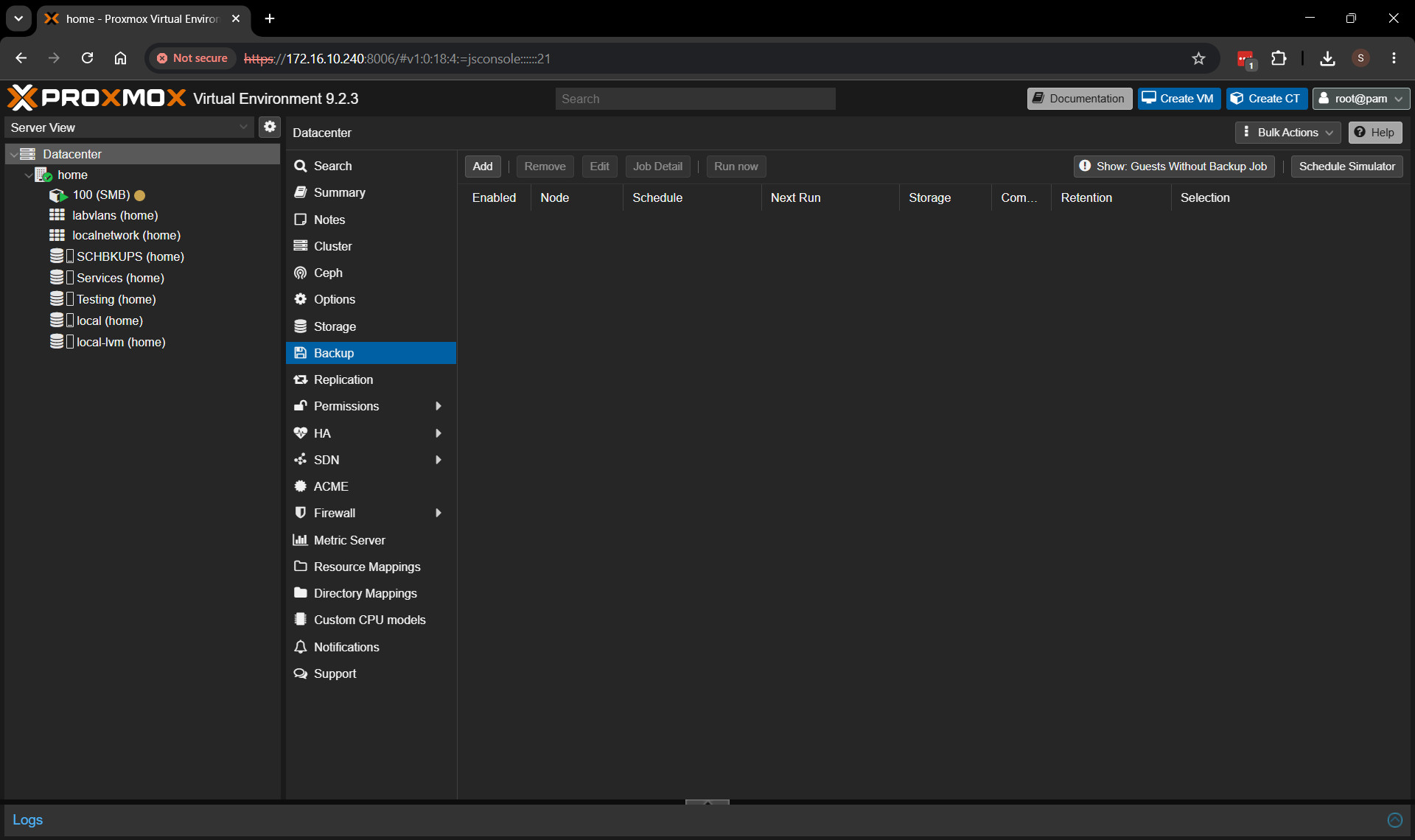
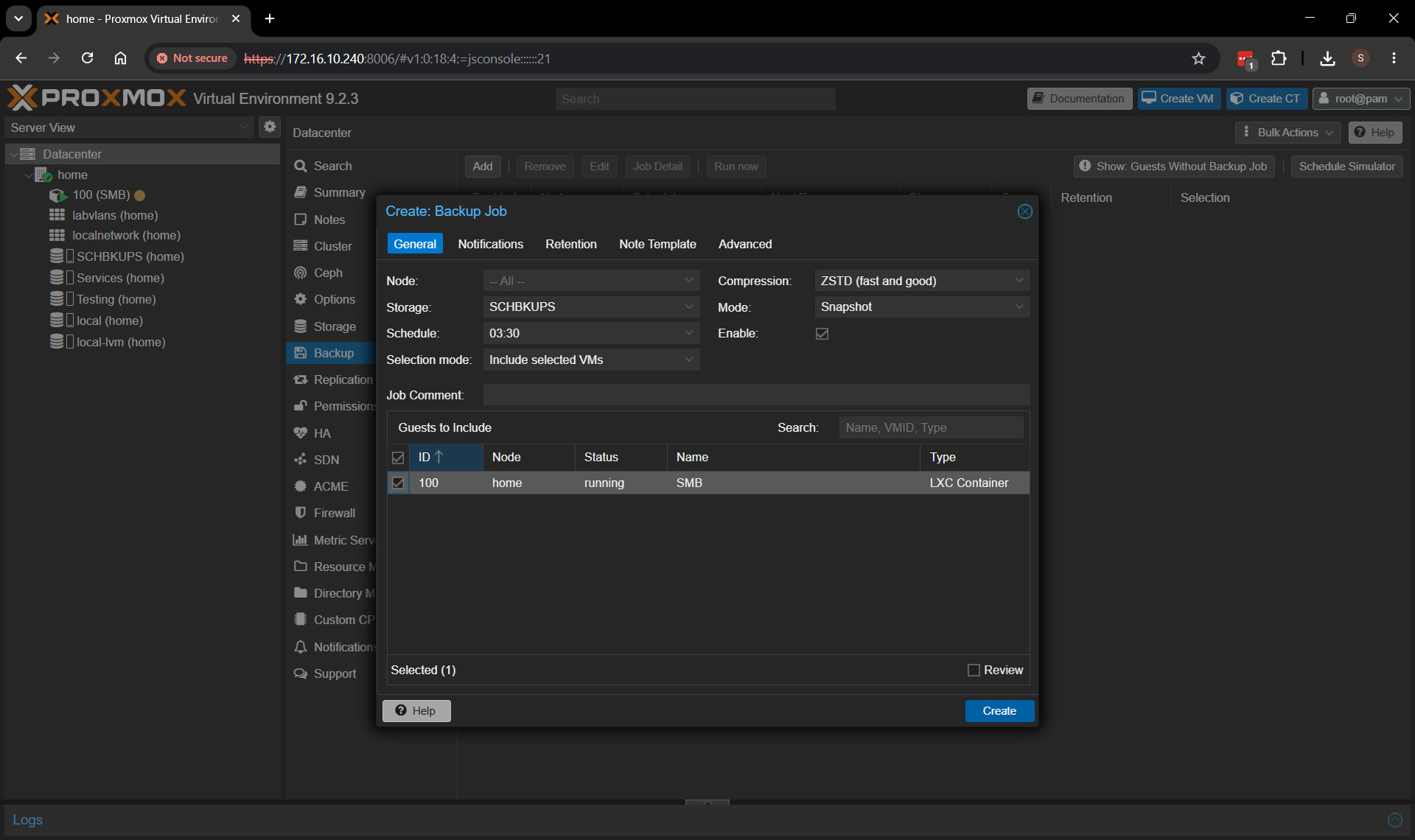
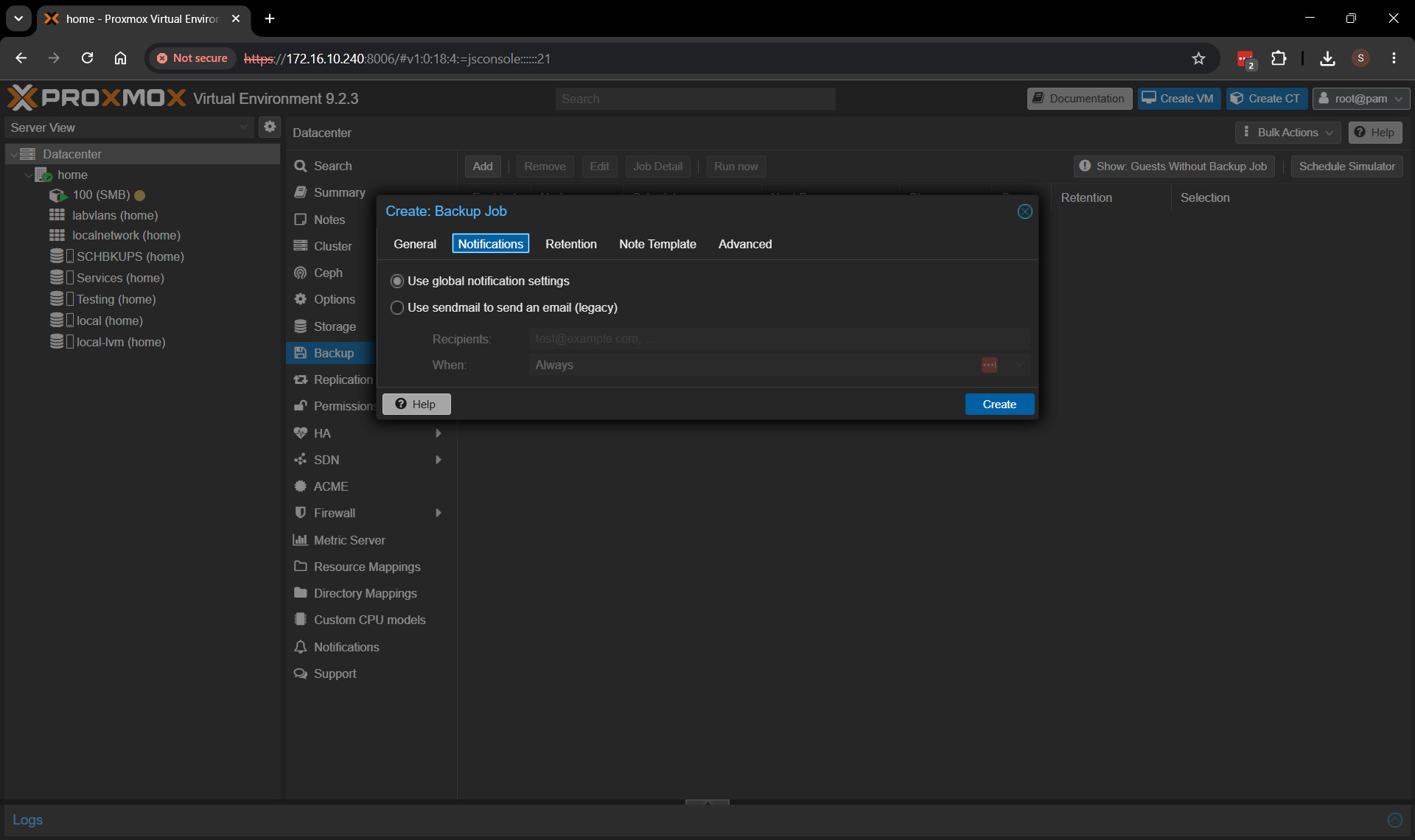
With the Proxmox host configuration backup routine complete, I moved on to configuring the built-in Proxmox backup schedule for selected VMs and containers.
Since the environment is still early in the rebuild, many containers will be volatile during installation and configuration. For that reason, I decided to use an opt-in backup policy instead of backing up every VM and container automatically.
This means selected VMs and containers must be manually added to the backup job if they are important enough to protect.
Testing machines, disposable containers, and short-lived rebuild experiments will not be included in the daily backup routine. If a machine is not running a critical service or does not contain meaningful state, it does not need frequent full-machine backups.
Retention Policy#
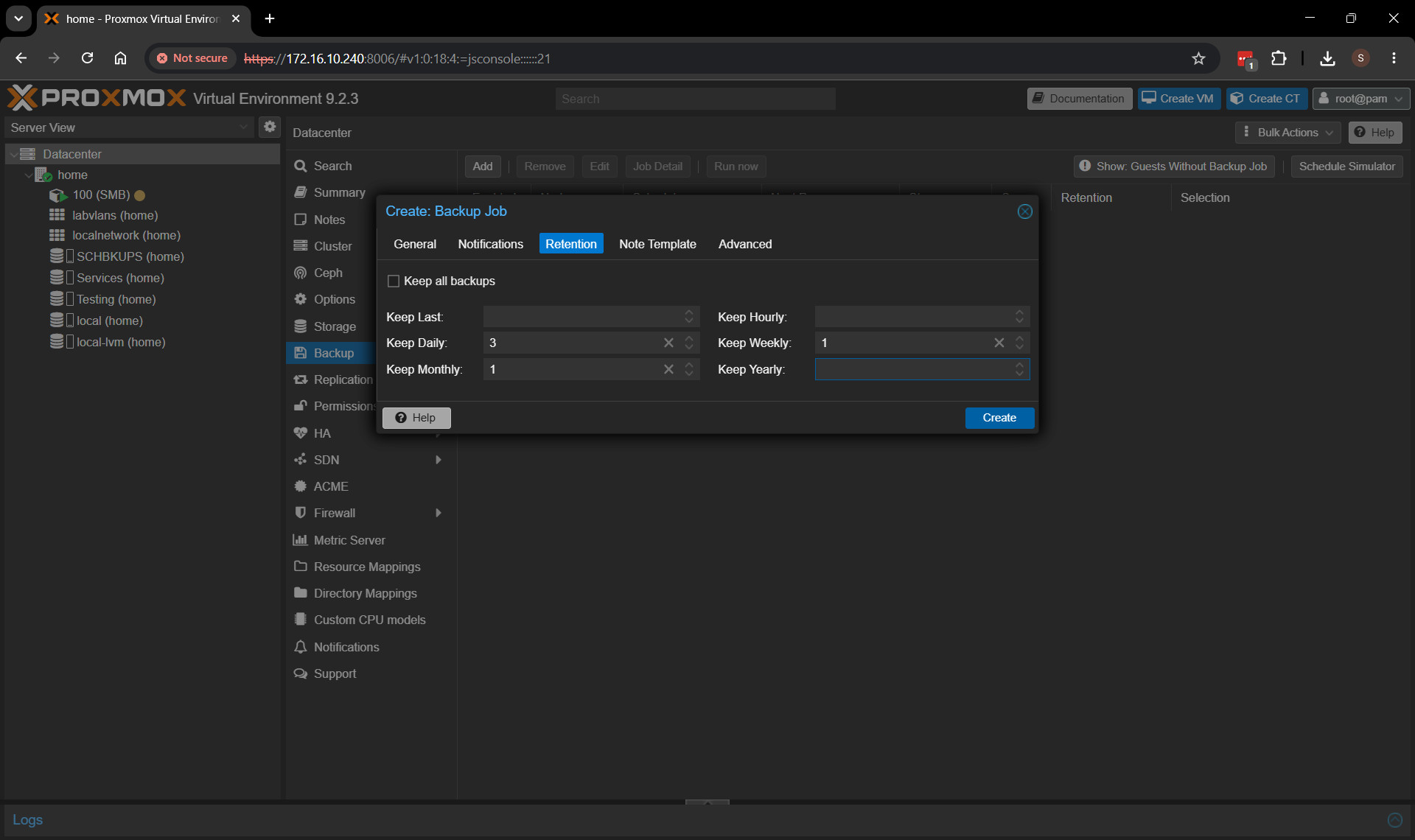
For the initial retention policy, I configured the following policy:
Keep Daily: 3
Keep Weekly: 1
Keep Monthly: 1
This is intentionally conservative. As the rebuild continues, more containers will be added. Keeping seven or more daily backups across many services could consume the 600 GB SCHBKUPS pool much faster than necessary as these are not just simple configuration files like with the prior backups thus far.
This should be enough protection during the rebuild while keeping storage consumption under control.
My ideal long-term target is closer to something like (7) daily backups, (2) weekly backups, and (3) monthly backups, but I doubt I’ll have the appropriate storage for that in the long-term.
I may also consider a yearly restore point later, but my home lab changes frequently enough that restoring a VM or container from a year ago would probably have limited to basically no value at all.
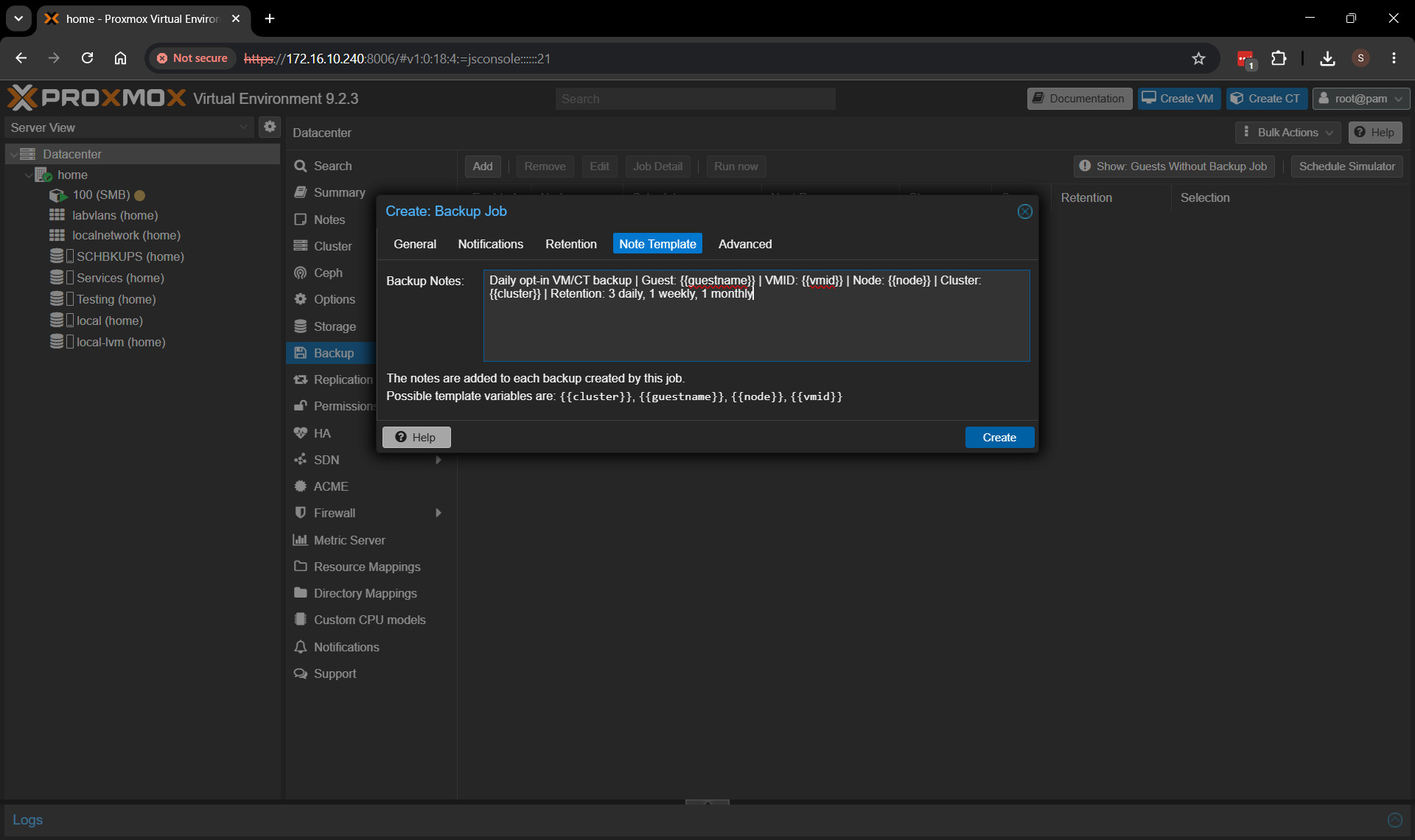
Backup Job Note Template#
For the Proxmox backup job note template, I used:
Daily opt-in VM/CT backup | Guest: {{guestname}} | VMID: {{vmid}} | Node: {{node}} | Retention: 3D/1W/1M | Scope: selected service guests onlyThis makes each backup easier to understand later when browsing backup files from the Proxmox storage view.
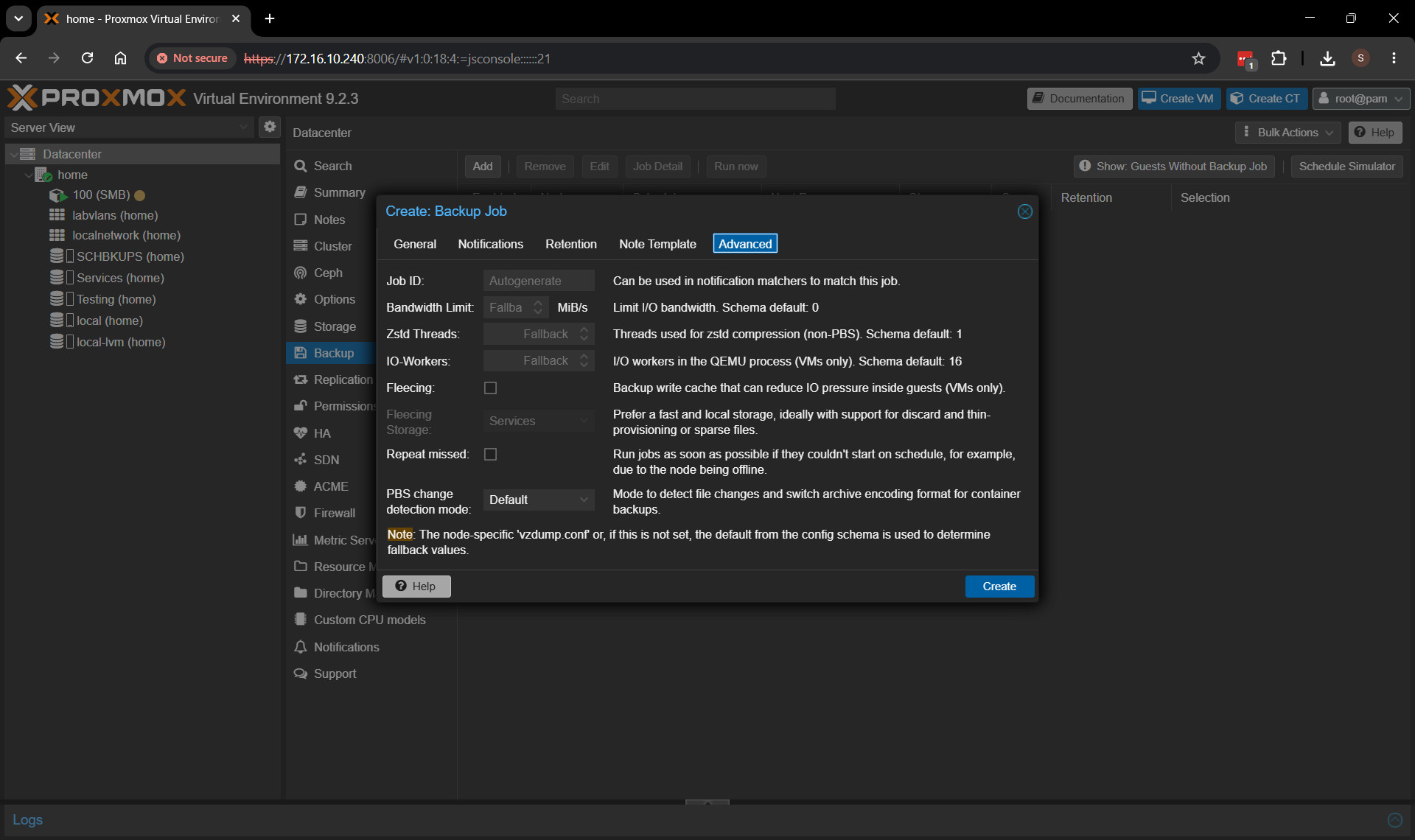
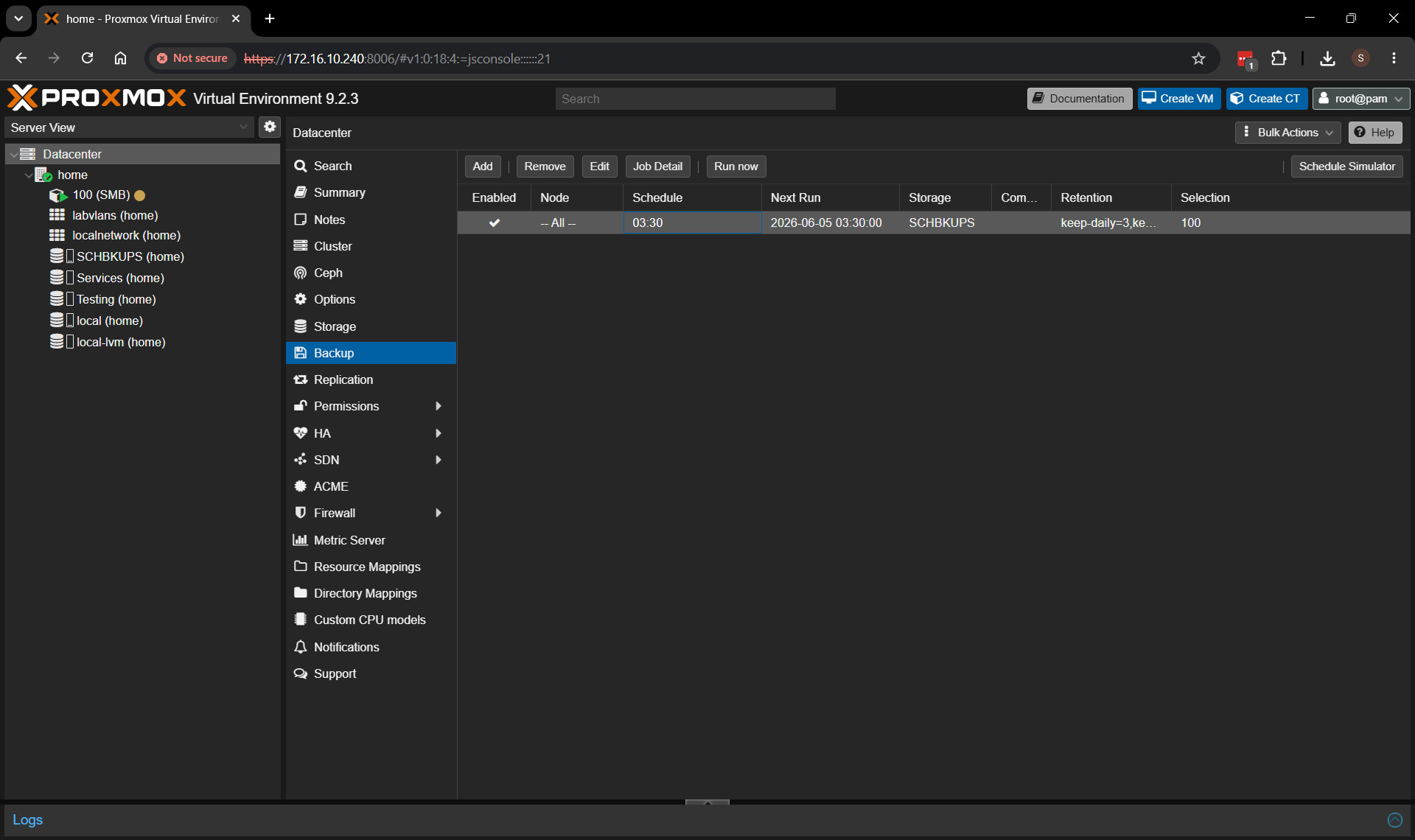
Manual Backup Job Test#
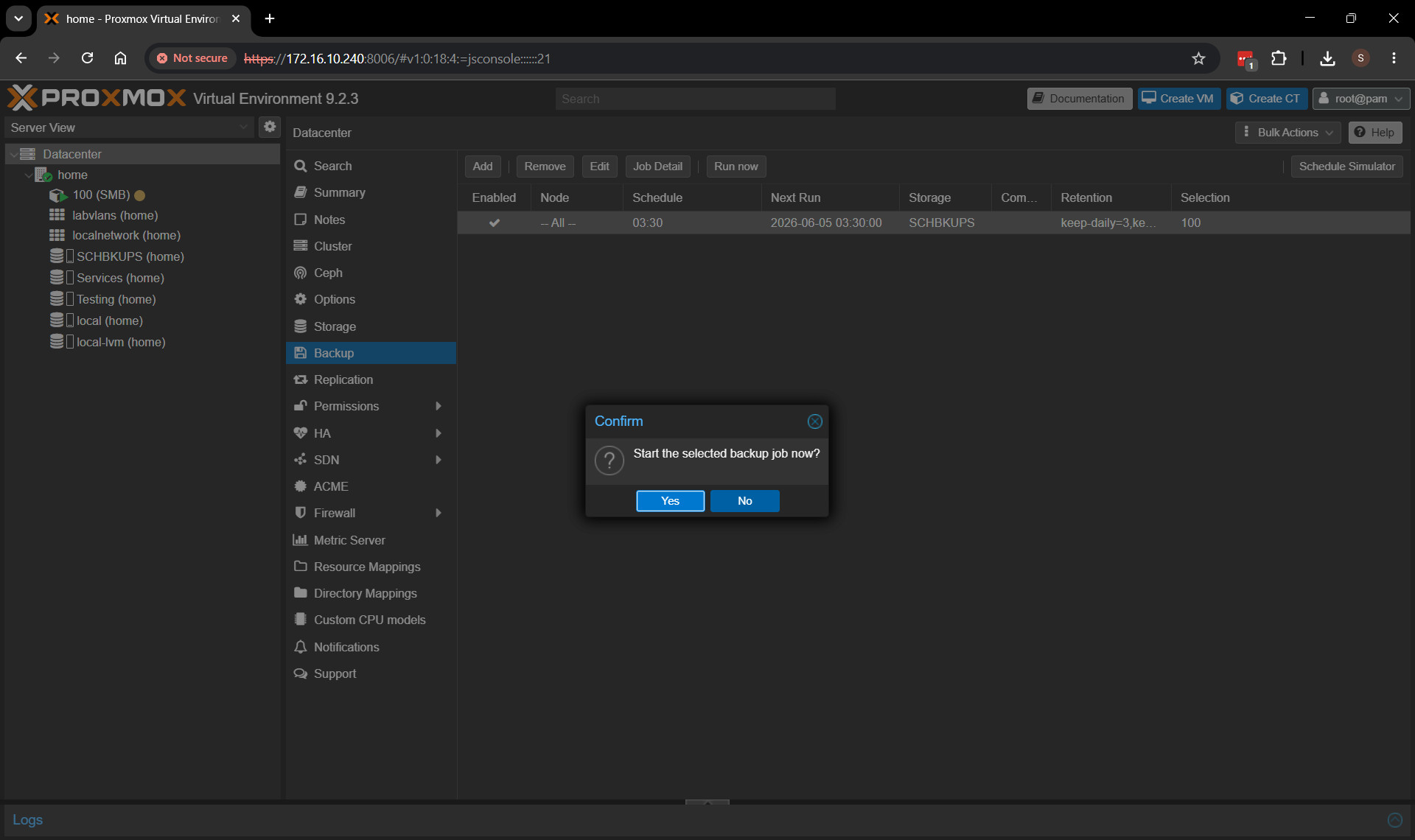
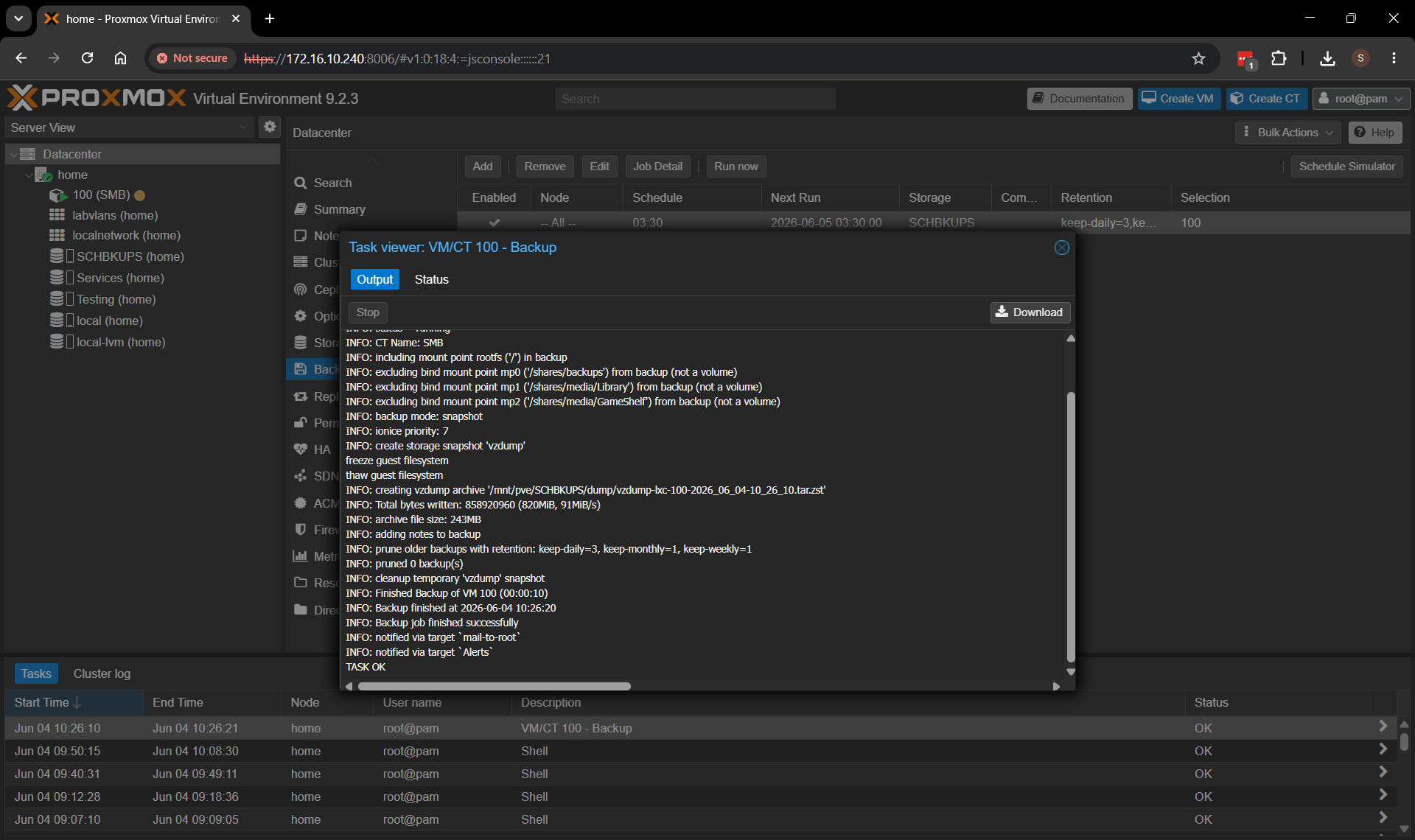
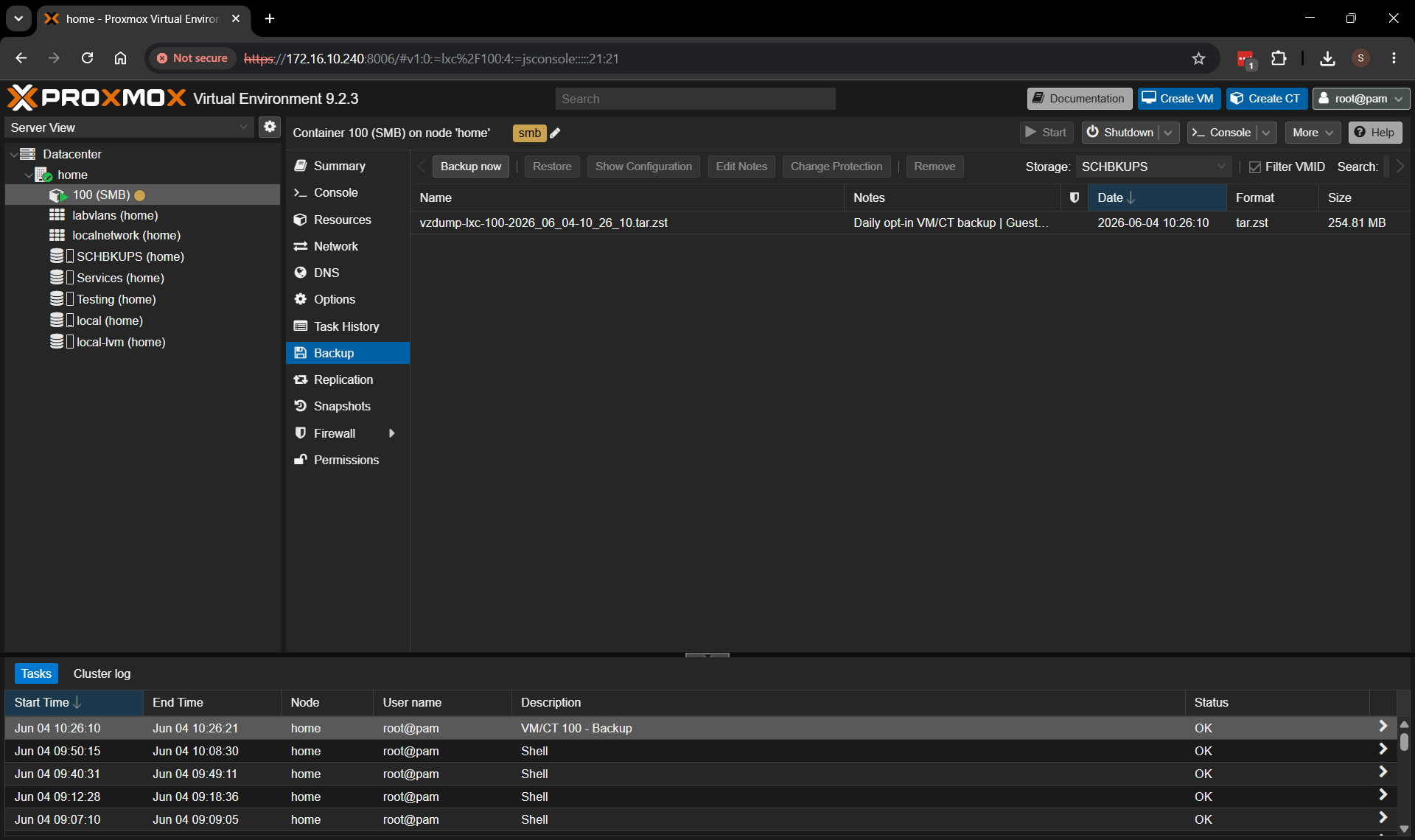
After creating the Proxmox backup job, I ran a manual Run now test to confirm that the selected guests were backed up successfully and that a notification was sent to email.
The backup completed successfully.
ZFS Autotrim (Add-on Section)#
This section is an add-on after the article was published, as the drives I purchased for the intended Database arrived. I installed these drives and created the ZFS pool with standard settings.
At this time, I also preconfigured the autotrim Cron job, set monthly at 04:00 to avoid I/O during the scheduled backup routines happening between 03:00 and 03:30. Back and forth with AI helped me land on this script that deals with autotrim and sends an email alert. This targets only the SSDs for Services and Database once per month, during off hours early in the morning.
monthly-zpool-trim.sh
#!/usr/bin/env bash
set -euo pipefail

# ===============================================================
# ZFS Monthly TRIM Maintenance Routine
# Target: SSD-backed ZFS pools
# Schedule intent: Monthly, first day of month at 04:00
# Email alerts configured via PVE default matcher and Gmail SMTP
# ===============================================================

HOSTNAME_SHORT="$(hostname -s)"
DATE="$(date +%Y-%m-%d-%H-%M)"

LOG_DIR="/mnt/pve/SCHBKUPS/infrastructure/servers/home.lab/proxmox"
LOG_FILE="${LOG_DIR}/zpool-trim-schedule.log"
RUN_LOG="$(mktemp /tmp/zpool-trim-schedule.XXXXXX.log)"

EMAIL_ENABLED=true
EMAIL_TO="root"
EMAIL_SUBJECT_SUCCESS="[SUCCESS] home.lab ZFS Monthly TRIM"
EMAIL_SUBJECT_FAILURE="[FAILED] home.lab ZFS Monthly TRIM"

# Only include SSD-backed ZFS pools.
# Do not include HDD pools such as Media, Cloud, or SCHBKUPS.
POOLS=(
  Services
  Database
)

log() {
  echo "[$(date '+%Y-%m-%d %H:%M:%S')] $*"
}

send_email() {
  local subject="$1"
  local body_file="$2"

  if [[ "$EMAIL_ENABLED" != "true" ]]; then
    return 0
  fi

  if ! command -v mail >/dev/null 2>&1; then
    log "WARNING: Email notification skipped. Mail command not found."
    return 0
  fi

  if ! mail -s "$subject" "$EMAIL_TO" < "$body_file"; then
    log "WARNING: Email notification failed."
  fi

  return 0
}

cleanup() {
  rm -f "$RUN_LOG"
}

on_failure() {
  local exit_code=$?

  {
    echo
    log "ZFS monthly TRIM failed."
    log "Exit code: $exit_code"
  } | tee -a "$RUN_LOG"

  mkdir -p "$LOG_DIR"
  cat "$RUN_LOG" >> "$LOG_FILE"
  send_email "$EMAIL_SUBJECT_FAILURE" "$RUN_LOG"

  exit "$exit_code"
}

trap on_failure ERR
trap cleanup EXIT

main() {
  mkdir -p "$LOG_DIR"

  {
    log "============================================================"
    log "Starting ZFS monthly TRIM maintenance."
    log "Host: $HOSTNAME_SHORT"
    log "Schedule intent: Monthly, first day of month at 04:00"
    log "Pools targeted:"
    printf '  - %s\n' "${POOLS[@]}"
    log "Email enabled: $EMAIL_ENABLED"
    log "Email recipient: $EMAIL_TO"
    log "============================================================"
    echo
  } | tee -a "$RUN_LOG"

  for POOL in "${POOLS[@]}"; do
    if ! zpool list -H "$POOL" >/dev/null 2>&1; then
      log "Skipping missing pool: $POOL" | tee -a "$RUN_LOG"
      continue
    fi

    log "Checking pool: $POOL" | tee -a "$RUN_LOG"

    if zpool status "$POOL" | grep -q "scan:.*trim in progress"; then
      log "TRIM already in progress for pool: $POOL. Skipping." | tee -a "$RUN_LOG"
      continue
    fi

    log "Starting TRIM on pool: $POOL" | tee -a "$RUN_LOG"
    zpool trim "$POOL" 2>&1 | tee -a "$RUN_LOG"

    log "TRIM command issued successfully for pool: $POOL" | tee -a "$RUN_LOG"
    echo | tee -a "$RUN_LOG"
  done

  {
    log "Current ZFS pool status after TRIM commands:"
    echo
    zpool status
    echo
  } | tee -a "$RUN_LOG"

  {
    log "ZFS monthly TRIM maintenance completed successfully."
    log "Log file: $LOG_FILE"
    log "============================================================"
    echo
  } | tee -a "$RUN_LOG"

  cat "$RUN_LOG" >> "$LOG_FILE"
  send_email "$EMAIL_SUBJECT_SUCCESS" "$RUN_LOG"
}

main
/etc/cron.d/monthly-zpool-trim
# Monthly ZFS TRIM maintenance for SSD-backed pools
# Runs on the first day of every month at 04:00.
0 4 1 * * root /usr/local/sbin/zpool-trim-schedule.sh
Current Status#
At this point, this phase of the rebuild is complete. I now have initial configuration exports for iDRAC, FortiSwitch, UDM SE, Proxmox VE, SMB, and Pi-hole, as well as a solid foundation for backup scheduling and working notifications.
The next phase will focus on building a second DNS server and improving DNS resiliency. The current Pi-hole instance is running on a thin client, and I don’t want the entire home lab DNS path depending on one small device forever. I plan to create a second Pi-hole instance and explore a low-level replication strategy so the two DNS servers can stay aligned.
Once the second DNS server is online, I’ll add it to the UDM SE as a secondary DNS server. This should allow clients to use either DNS server and improve resiliency if one instance is unavailable.
The next phase will also involve deploying Portainer in a dedicated LXC so Docker containers can be managed more easily throughout the rest of the rebuild. After that, I’ll migrate the existing Pi-hole Portainer Agent over to the new Portainer instance from the temporary Agent being deployed against my workstation.
Thinking much further ahead, I’m planning to create my own NAS solution with a custom enclosure to help offload these backups onto something a little more purpose-built for the occasion, as the SCHBKUPS pool isn’t technically a good recovery device should the server suffer a disaster.