Pi-hole Initial Start-up Issues#
After deploying Pi-hole, the dashboard showed DNS/FTL errors. Logs showed that Pi-hole FTL could not bind DNS on port 53 because the address was already in use.
The conflict was caused by systemd-resolved listening on local stub resolver addresses.
The fix was to disable the DNS stub listener, since this service will not be needed.
sudo nano /etc/systemd/resolved.confUncommment DNSStubListener and set to no.
[Resolve]
DNSStubListener=no
Update /etc/resolv.conf and restart systemd-resolved:
sudo ln -sf /run/systemd/resolve/resolv.conf /etc/resolv.conf
sudo systemctl restart systemd-resolved
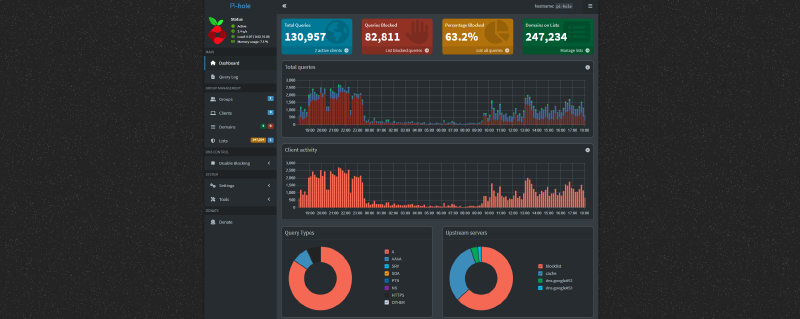
After redeploying the Pi-hole container via Portainer, Pi-hole DNS came online and the dashboard worked normally. I restored the configuration from a backup to ensure close to identical performance compared to the original Pi-hole instance.
Pi-hole DNS Integration#
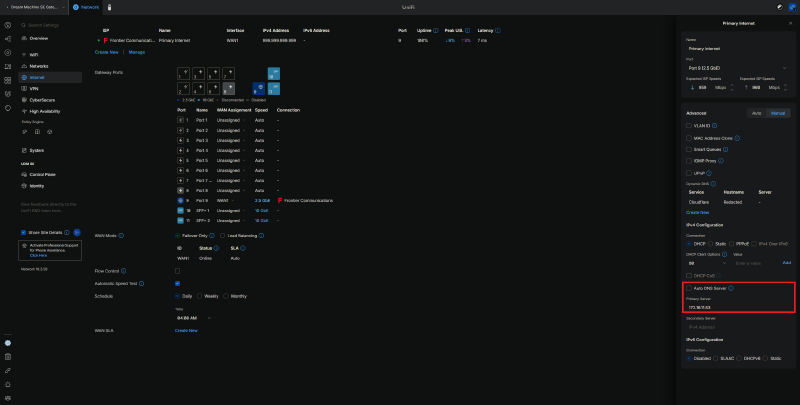
The UDM SE DHCP configuration was updated so client networks receive Pi-hole as the default DNS server. This is easily achieved by pointing UDM SE to the IP address that is now responsible for DNS resolution (172.16.11.53). The UDM SE itself can continue using external upstream DNS on the WAN side to avoid circular dependency. Clients use Pi-hole, and Pi-hole forwards upstream as configured.
- Secondary DNS is still disabled at UDM SE, as it is treated as a load balancer instead of a fallback resolver (please fix this, Ubiquiti).