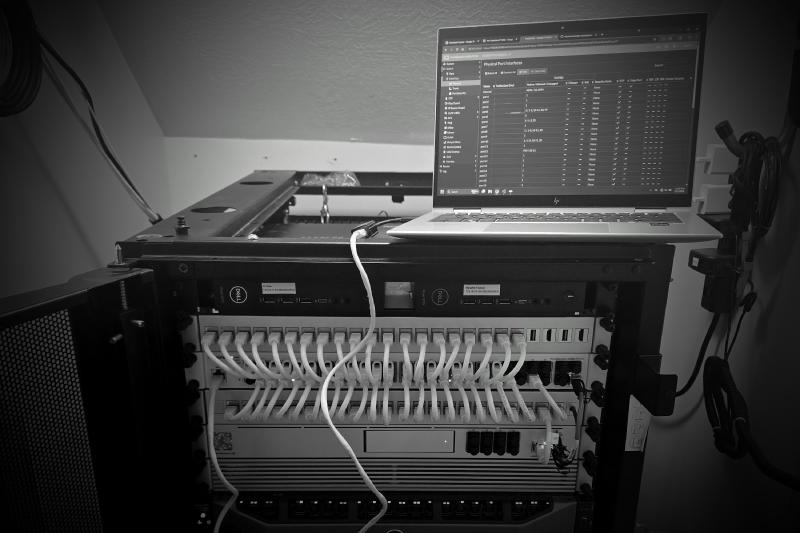
Overview#
Over the last two days, I made a major set of changes to the home lab network. The main goal was to move away from placing infrastructure, services, and client devices together on the default/native network and start building a cleaner VLAN-based layout around dedicated management and services networks.
Before this change, most of the environment still lived in the 192.168.x.x range, with many infrastructure devices using static addresses on the default VLAN. That worked, but it was not ideal for a rebuilt home lab where management interfaces, hosted services, IoT devices, cameras, guest devices, and user devices should not all have the same level of access. I had some level of VLAN segregation in the past already, but this was a full migration to support the longer vision of the home lab and mimics closer to an enterprise approach.
The new design transitions the lab toward a 172.16.x.x addressing scheme, with VLAN IDs matching the third octet wherever possible. This makes the network easier to understand, document, and troubleshoot.
Migration Objectives#
Before starting this project, I thought for a while to “understand the problem” (the first step to solving any problem that involves information gathering).
- Document all current IP address assignments, DHCP and DNS settings, firewall rules, port mappings, VLAN tags and etc.
- Preserve a safe recovery path during migration so network access was not lost.
- Create a dedicated Management VLAN for infrastructure administration.
- Create a dedicated Services VLAN for internal services like Pi-hole and future hosted applications.
- Move the FortiSwitch management interface off the default/native VLAN and onto the management VLAN, when created.
- Build firewall policies that prevent normal client networks from reaching management interfaces.
- Prevent broad scanning/enumeration of the Services VLAN via firewall rules.
- Keep approved services reachable without exposing every backend service interface.
- Deploy a temporary Pi-hole DNS server on a Wyse 5070 thin client that was previously operating Proxmox Backup Server.
- Minimize downtime during the migration. Most of the work will be done late at night or early in the morning when most clients are away from their devices to minimize disruptions.