Updates, Regional Defaults, Power, and Lock#
Windows - Update Ring Baseline#
This keeps updates moving while reducing the chance of unexpected reboots during normal usage hours.
Policy name:
Windows - Update Ring Baseline
Microsoft product updates:
Allow
Windows drivers:
Allow
Quality update deferral:
0 days
Feature update deferral:
7 days
Upgrade Windows 10 devices to latest Windows 11 release:
Yes
Feature update uninstall period:
10 days
Servicing channel:
General Availability channelAutomatic update behavior:
Auto install and restart at maintenance time
Active hours:
8 AM to 11 PM
Option to pause Windows updates:
Disabled
Option to check for Windows updates:
Enabled
Notification level:
Default Windows Update notifications
Use deadline settings:
Allowed
Feature update deadline:
7 days
Quality update deadline:
2 days
Grace period:
1 day
Auto reboot before deadline:
No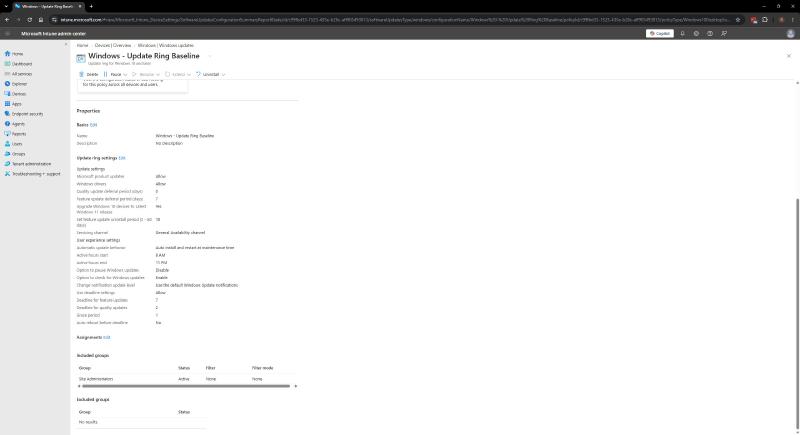
Regional, Time Zone, Power, and Lock Policies#
Windows - Regional Baseline#
Configures regional settings for managed Windows devices.
Policy name:
Windows - Regional Baseline
Time zone:
Eastern Standard Time
Preferred UI language:
en-US
System locale:
en-US
Region/Home location:
United States
Keyboard:
US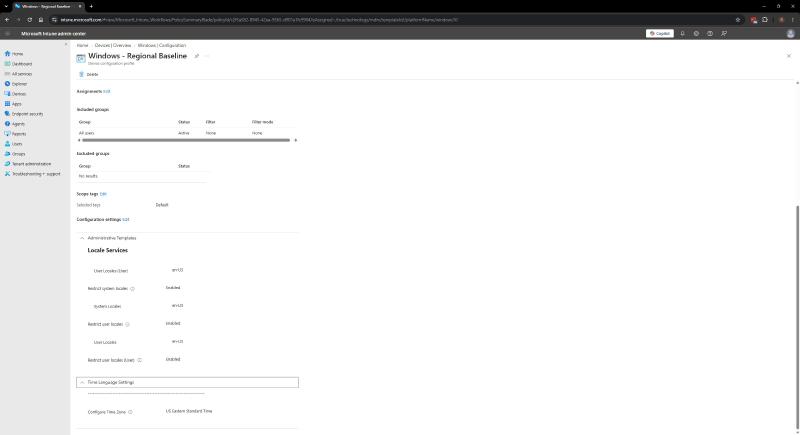
Windows - Power and Lock Baseline#
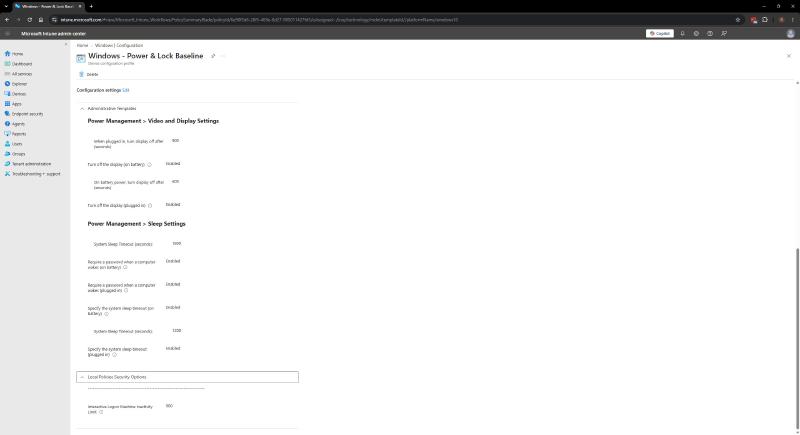
This creates a reasonable balance between security and usability. Battery-powered devices save power after 10 minutes, but the session does not lock until 15 minutes of inactivity.
Policy name:
Windows - Power & Lock Baseline
Turn off display on battery:
Enabled
600 seconds
Turn off display plugged in:
Enabled
900 secondsSystem sleep timeout on battery:
Enabled
1200 seconds
System sleep timeout plugged in:
Enabled
1800 secondsRequire password when computer wakes on battery:
Enabled
Require password when computer wakes plugged in:
EnabledInteractive Logon: Machine Inactivity Limit:
900 secondsResulting behavior:
| Time | Battery | Plugged In |
|---|---|---|
| 10 minutes | Display turns off | No action |
| 15 minutes | Session locks | Display turns off and session locks |
| 20 minutes | Sleep | No action |
| 30 minutes | No additional action | Sleep |