Update Instance Manager#
Inside the AMP container, initiate the base update command.
getamp update 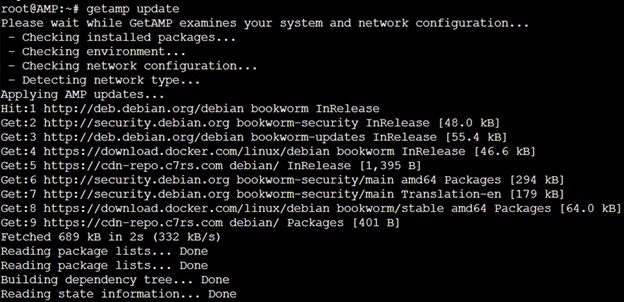
After updating, switch to the AMP Instance Manager interface.
su -l ampUpgrade ADS#
Initiate the ADS upgrade command.
ampinstmgr upgradeall 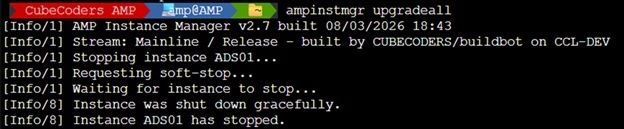
Update Generic Modules#
Navigate to the AMP dashboard, login and perform a manual update for all local instances.
Important! Restart affected servers after update is completed.
Known Issues#
After an upgrade, the license may not transfer properly. If this happens, reinitialize ADS01 and enter the license key, found on the AMP License Manager dashboard.
ampinstmgr reactivate ADS01