Pergola Frame Hook#
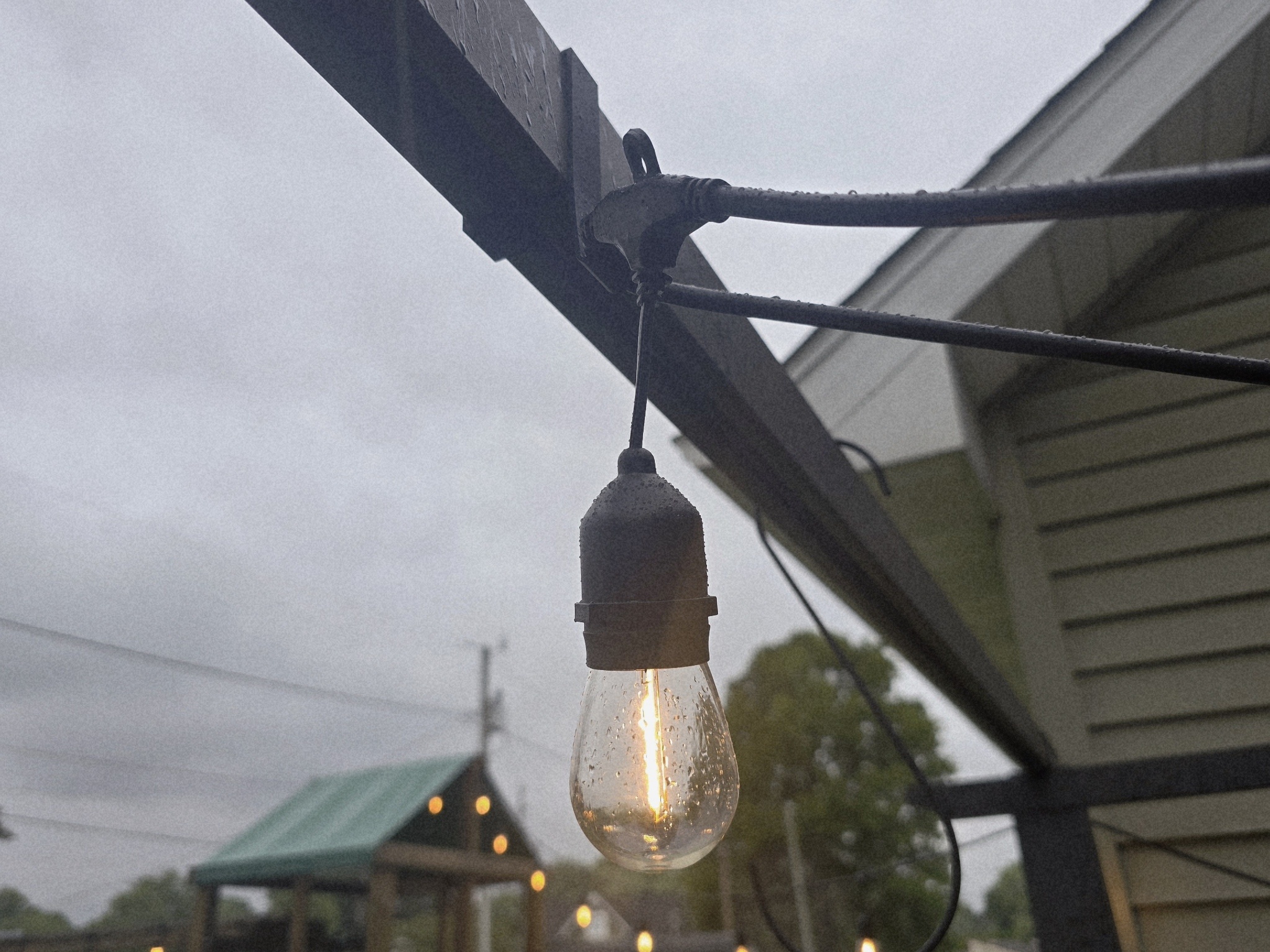
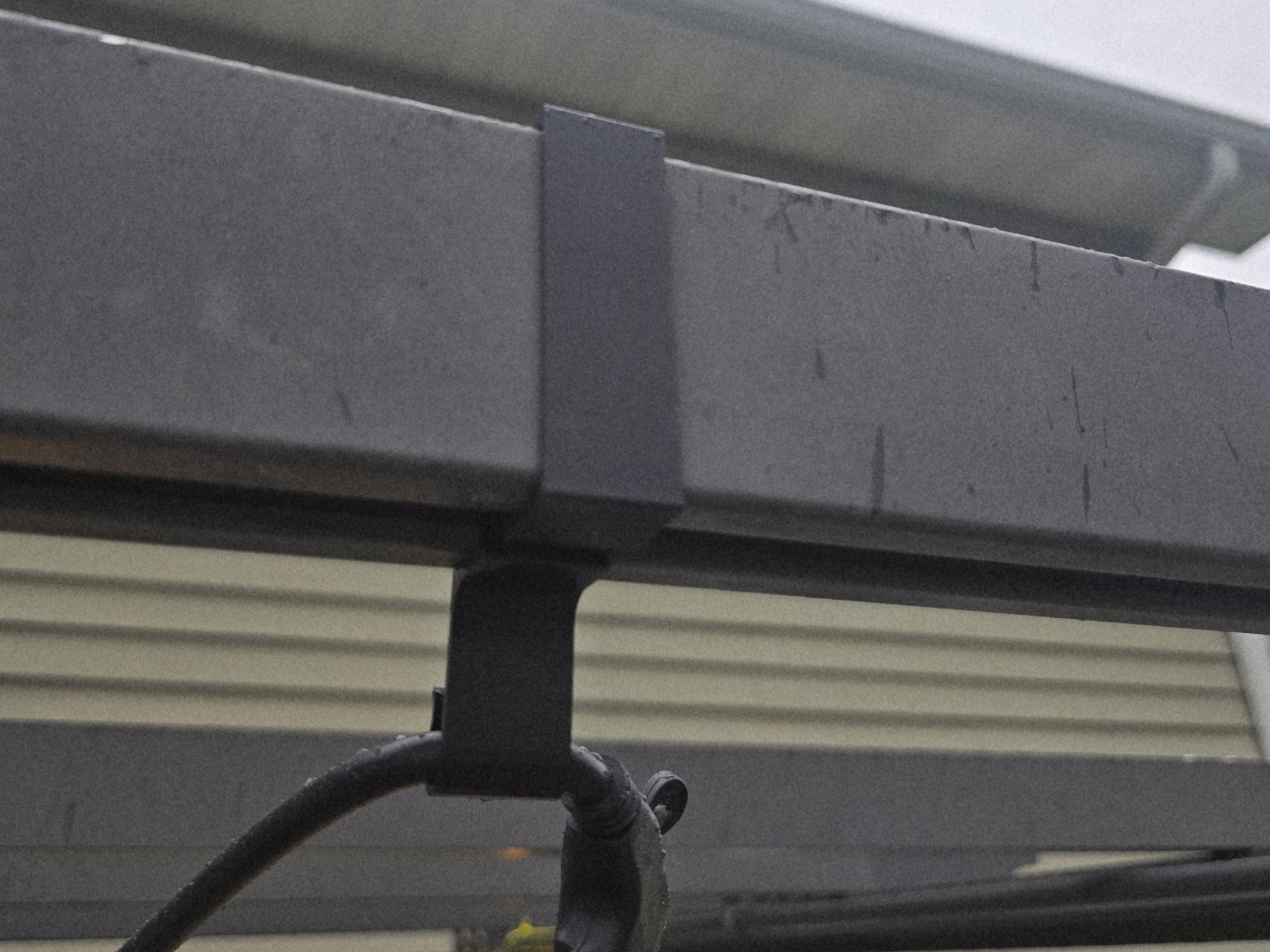
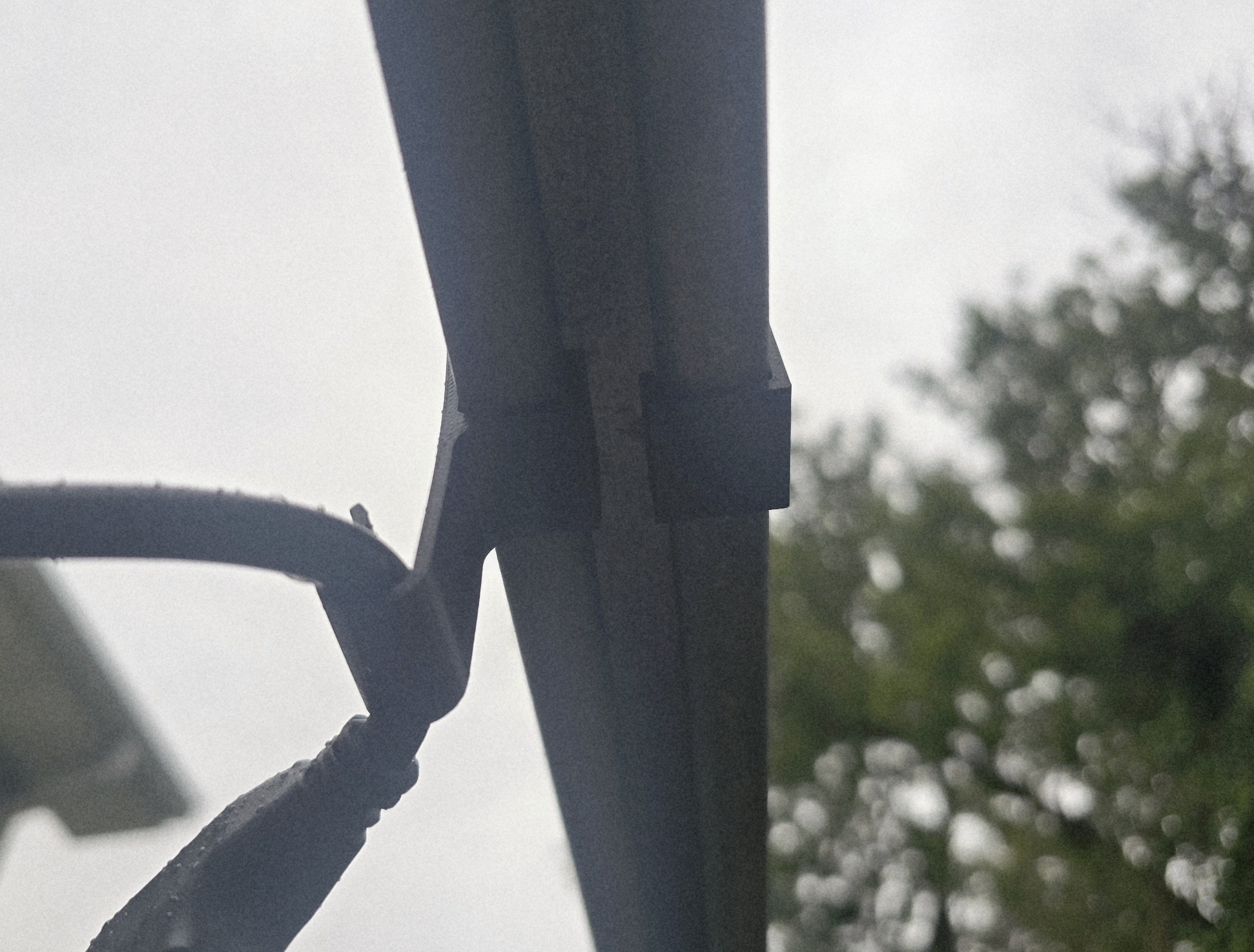
I couldn’t find a clip I was happy with for hanging up the string lights on our pergola, so I measured out the dimensions and iterated several times in TinkerCAD before I was happy with a design that fit the bill. I ended up making two different versions of the same clip. The drop-down hook design allows the string lights to sit below the canopy while deployed, while the standard version’s hook sits at the very bottom edge of the frame clip with filler material for added strength.
One of the drawbacks to this design is that while I accounted for the bracket that the canopy rails attach to and slide along the track with as best as I could while still being strong enough to withstand inclement weather, the material that sits within the rail opening is still thick enough that it interferes with the bracket’s ability to slide back and forth. For this reason, I have noted in the model description that it’s best for the bracket to be installed after the canopy has been deployed.
MakerWorld page: Pergola Frame Hook
APC AP7750 Modified Cable Tray#
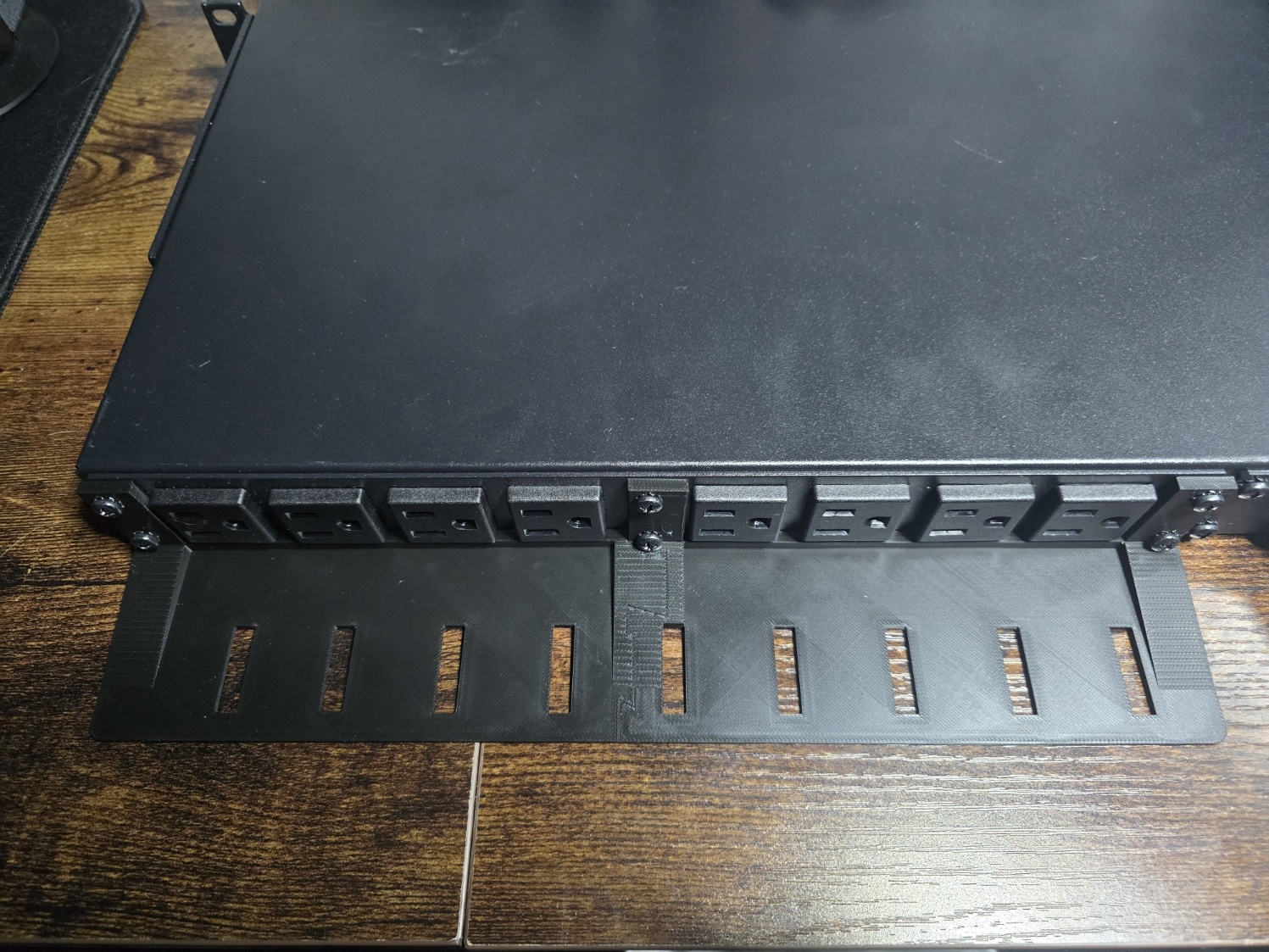
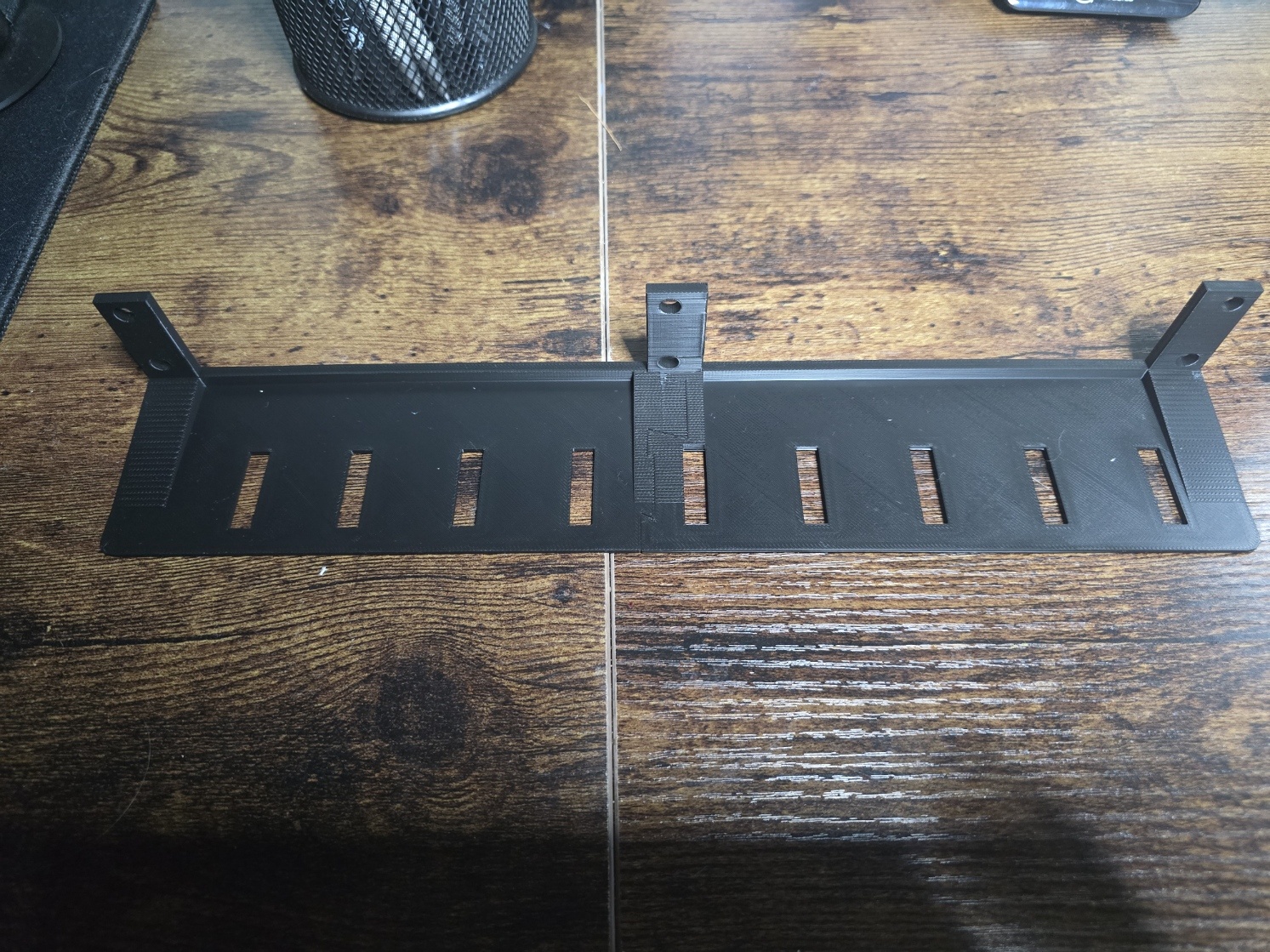
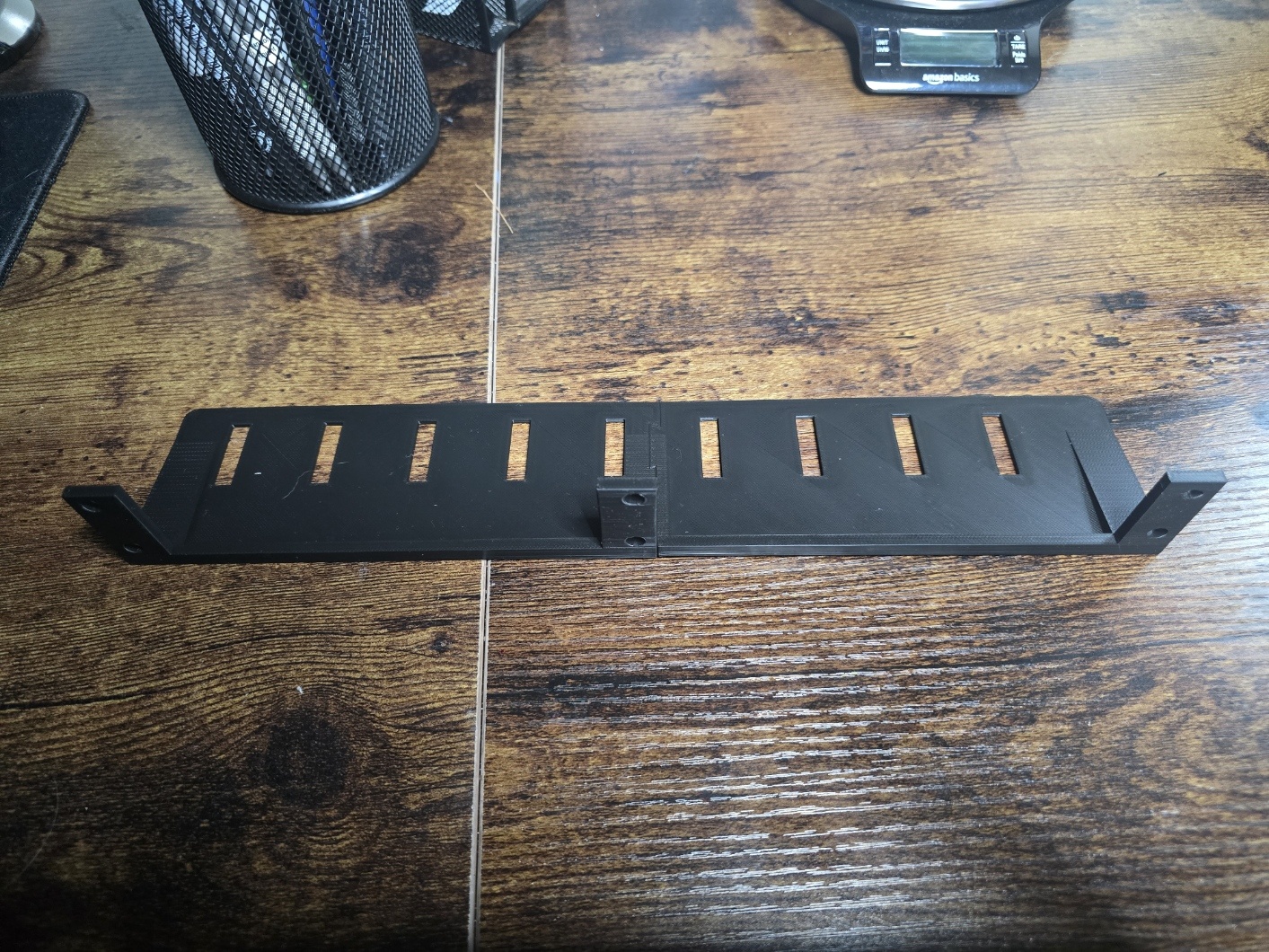
While installing two APC transfer switches, I noticed that the intended install location did not mesh well with either of APC UPS units due to the length of the cable tray. I wanted to keep the tray available to have some offer of protection against accident disconnects, so I decided to model a slightly shorter version with some basic geometry for cable ties.
This model took more time that it should have, and there is an over-complicated dovetail included to avoid the need for super glue. The dovetail split was introduced after the part dimensions were found to exceed the length of the print bed, even when adjusted diagonally to maximize the available space. This created needlessly complex geometry and resulted in several additional revisions until I was happy with the design. Although this took time and revisions than I would have hoped for, I’m left with some valuable workflow insight that will persist with me into future projects.
MakerWorld page: APC AP7750 Modified Cable Tray
Basic Coaster#
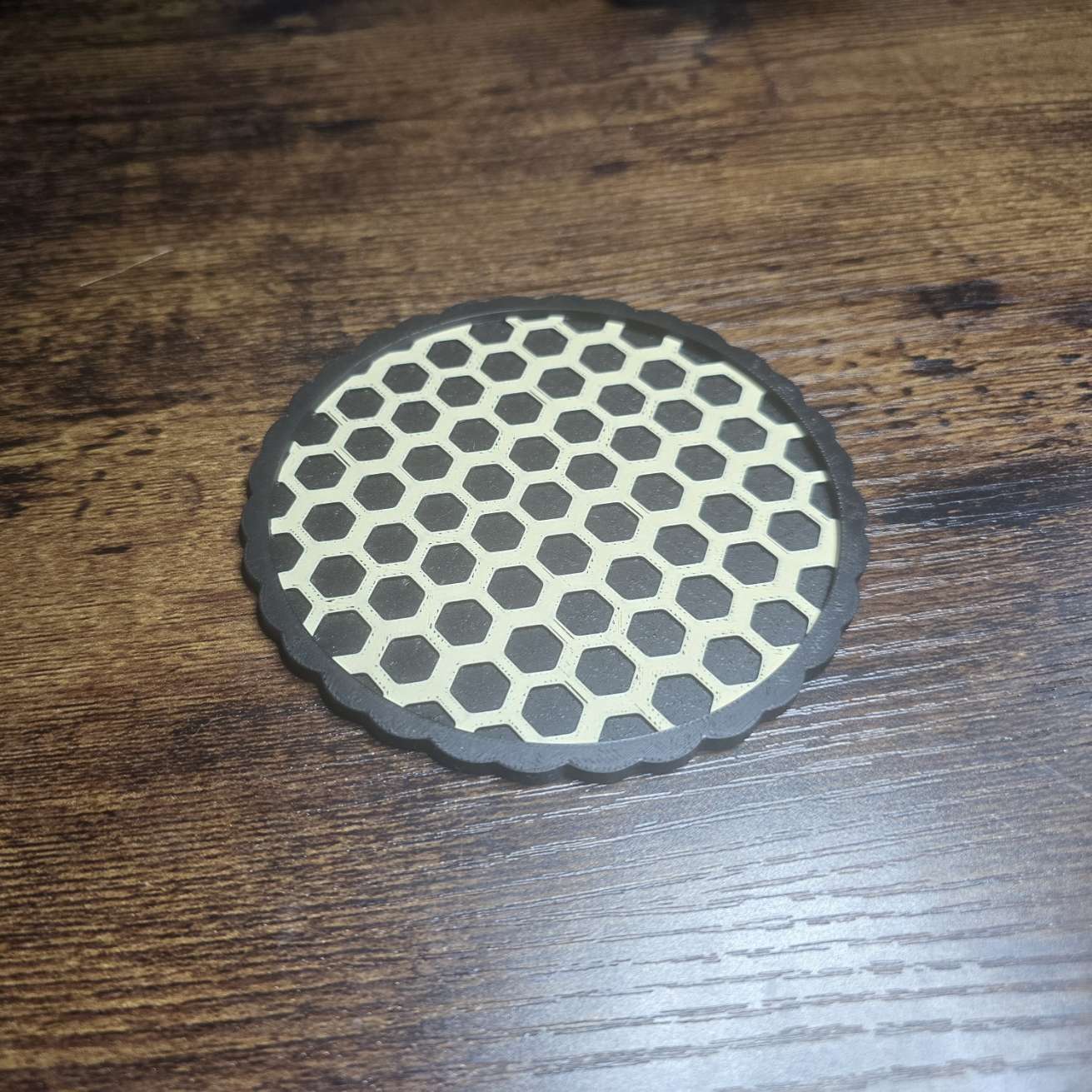
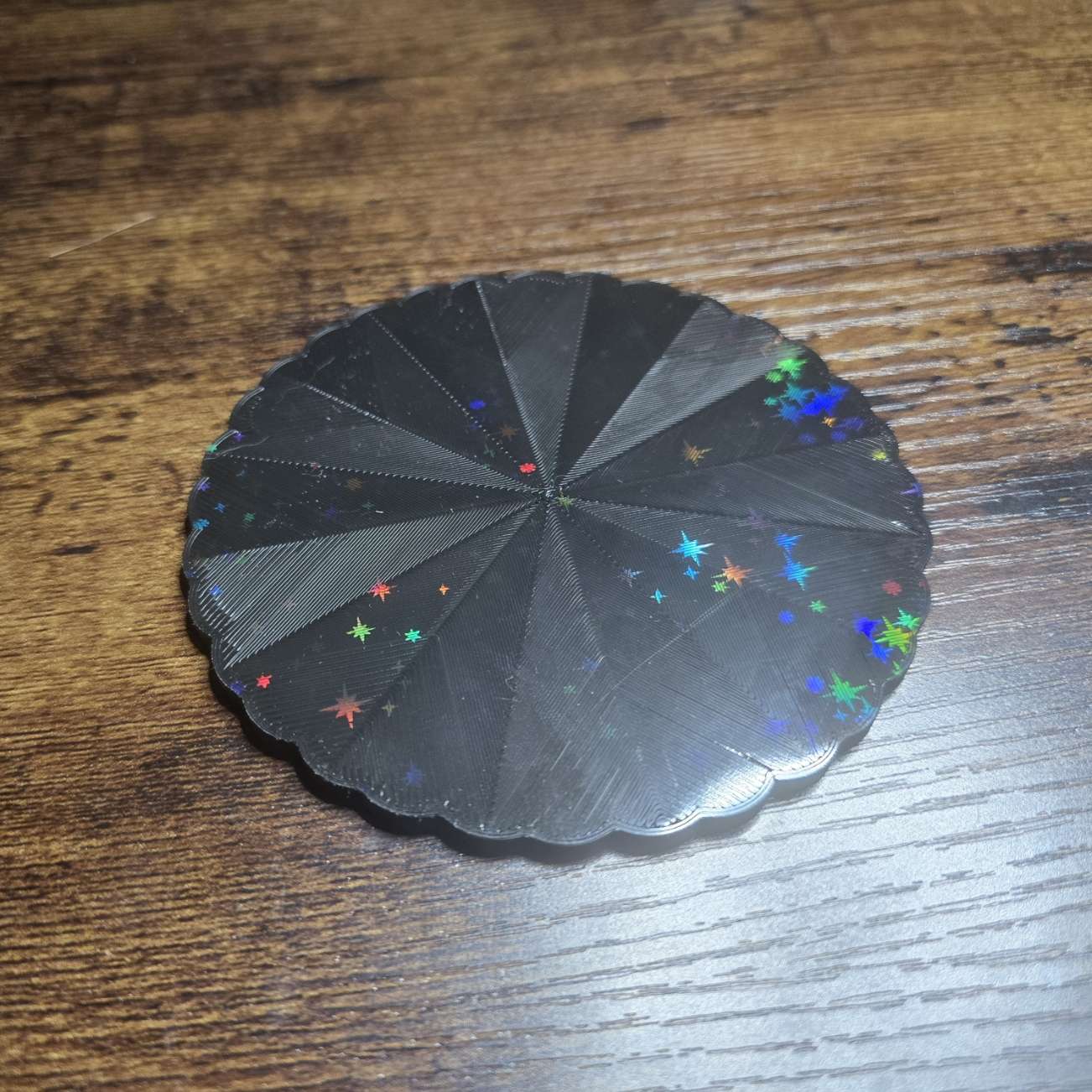
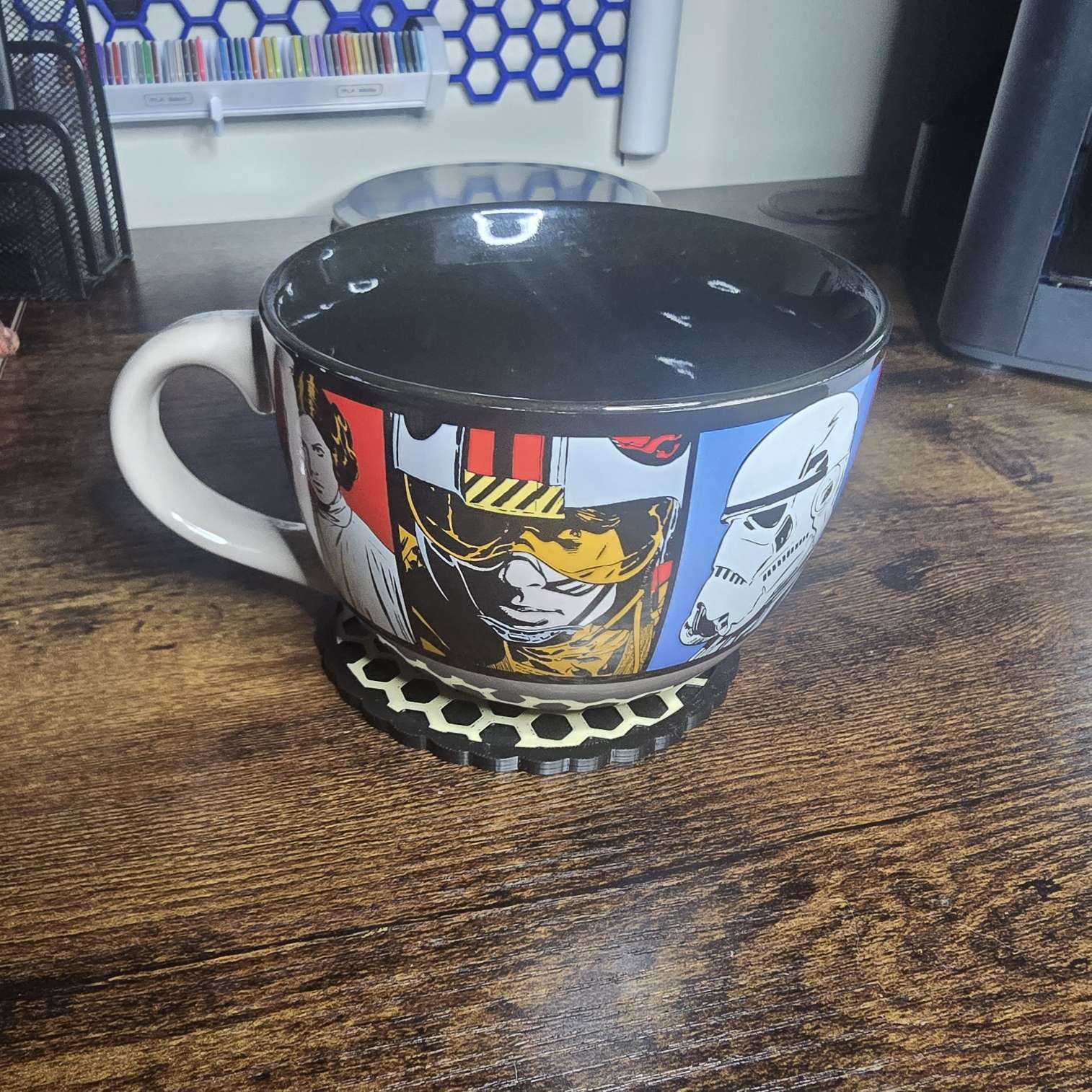
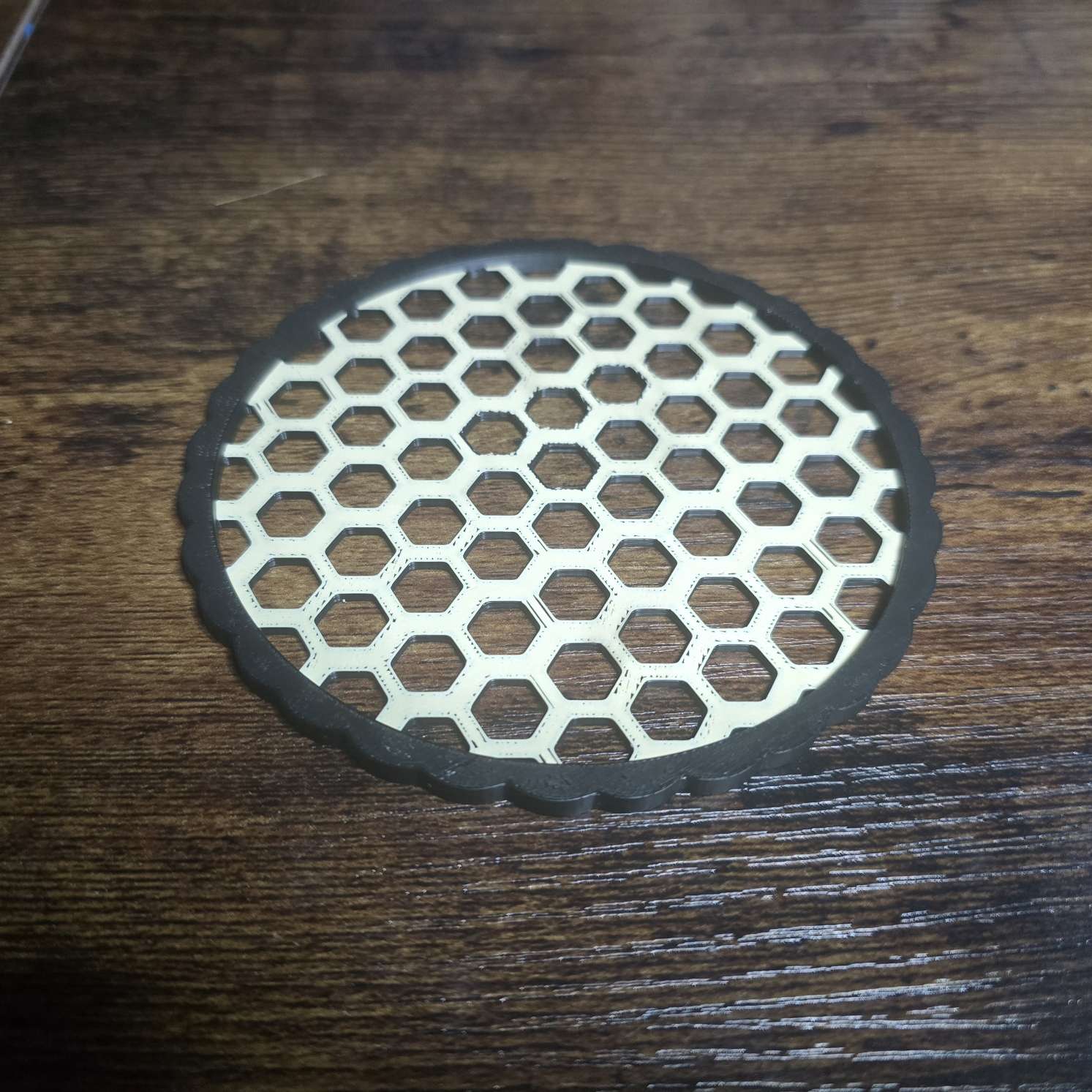
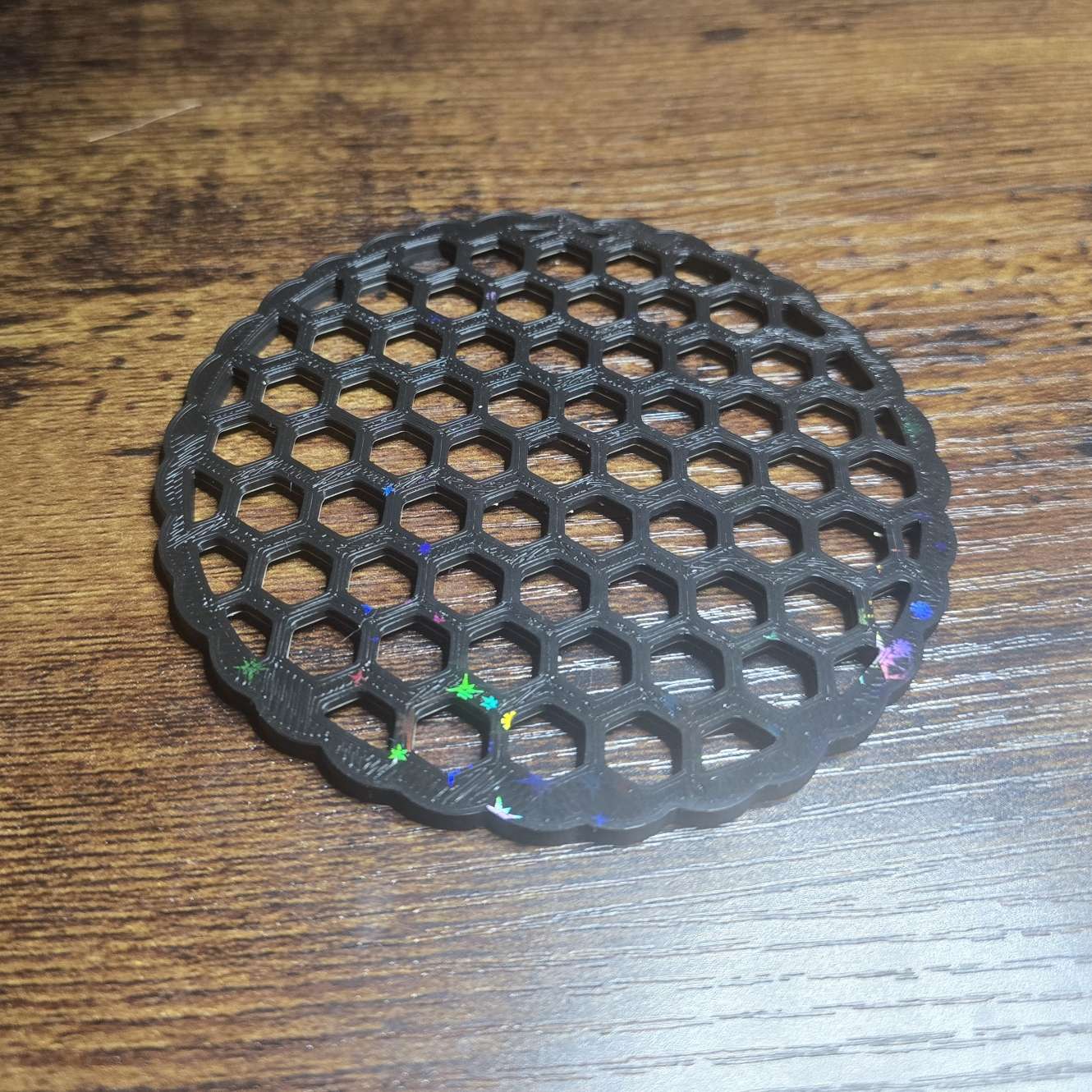
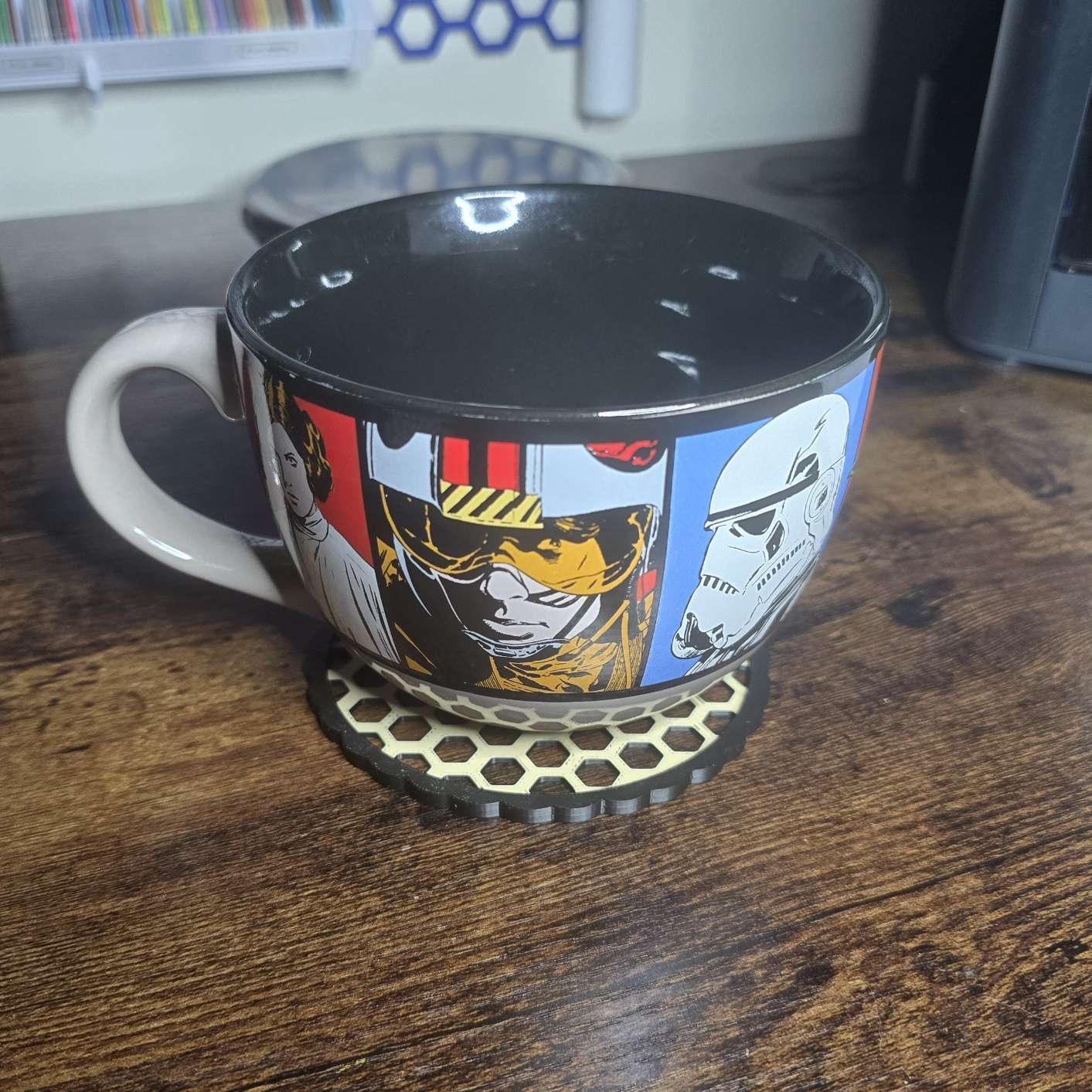
There are about a million coaster designs out there, and I could have just grabbed one from anywhere to download and print. This just gave me the opportunity to learn a little bit more about patterns and removing infill material to reduce cost and weight, as well as how to go about generating a custom edge design around the outer ring.
I also learned how to create a dedicated shape from the existing geometry, which turned out to be necessary to reduce complex geometry in order to generate a file for this part. Really just a learning opportunity, but I do use it!
MakerWorld page: Basic Coaster
RC Controller Battery Cover#
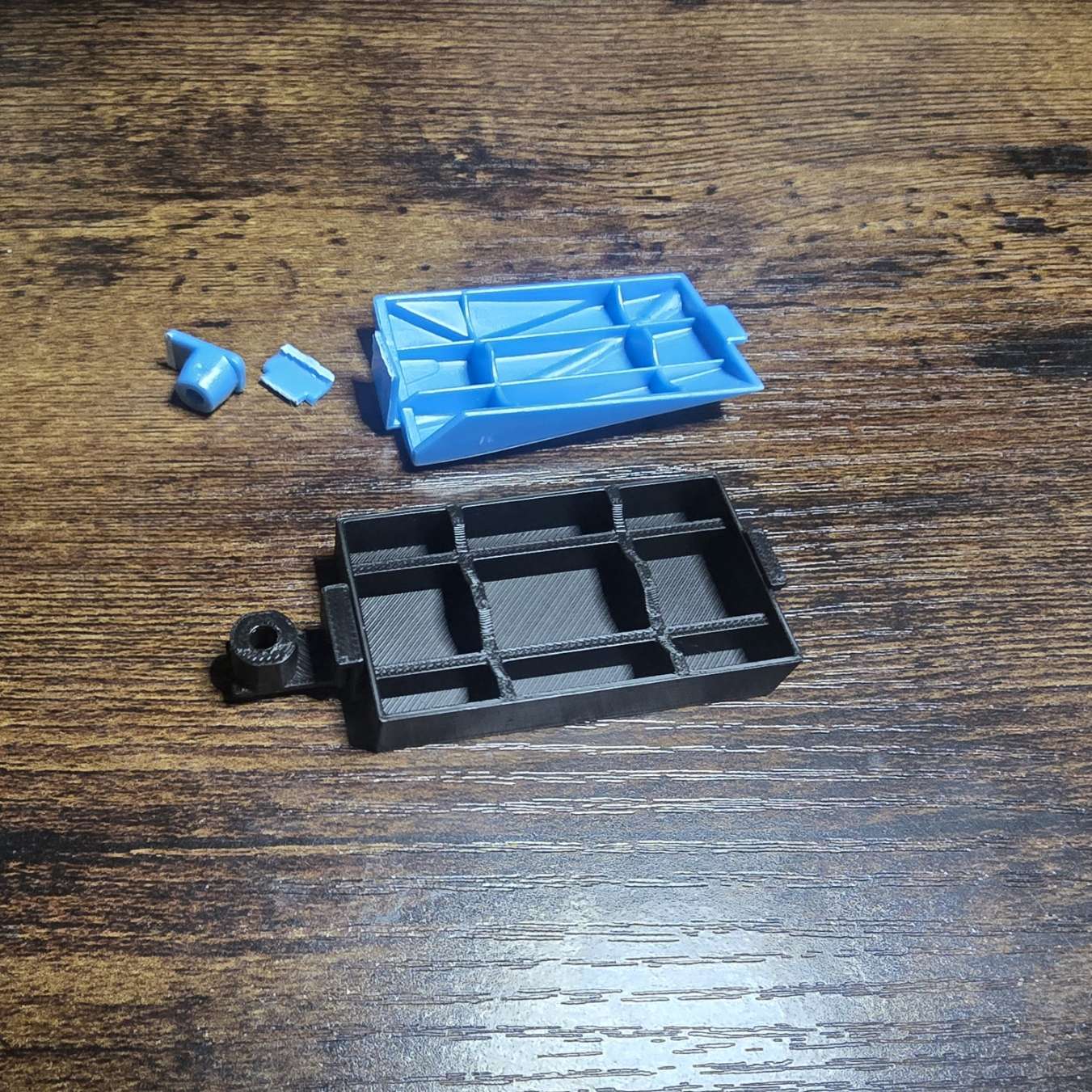
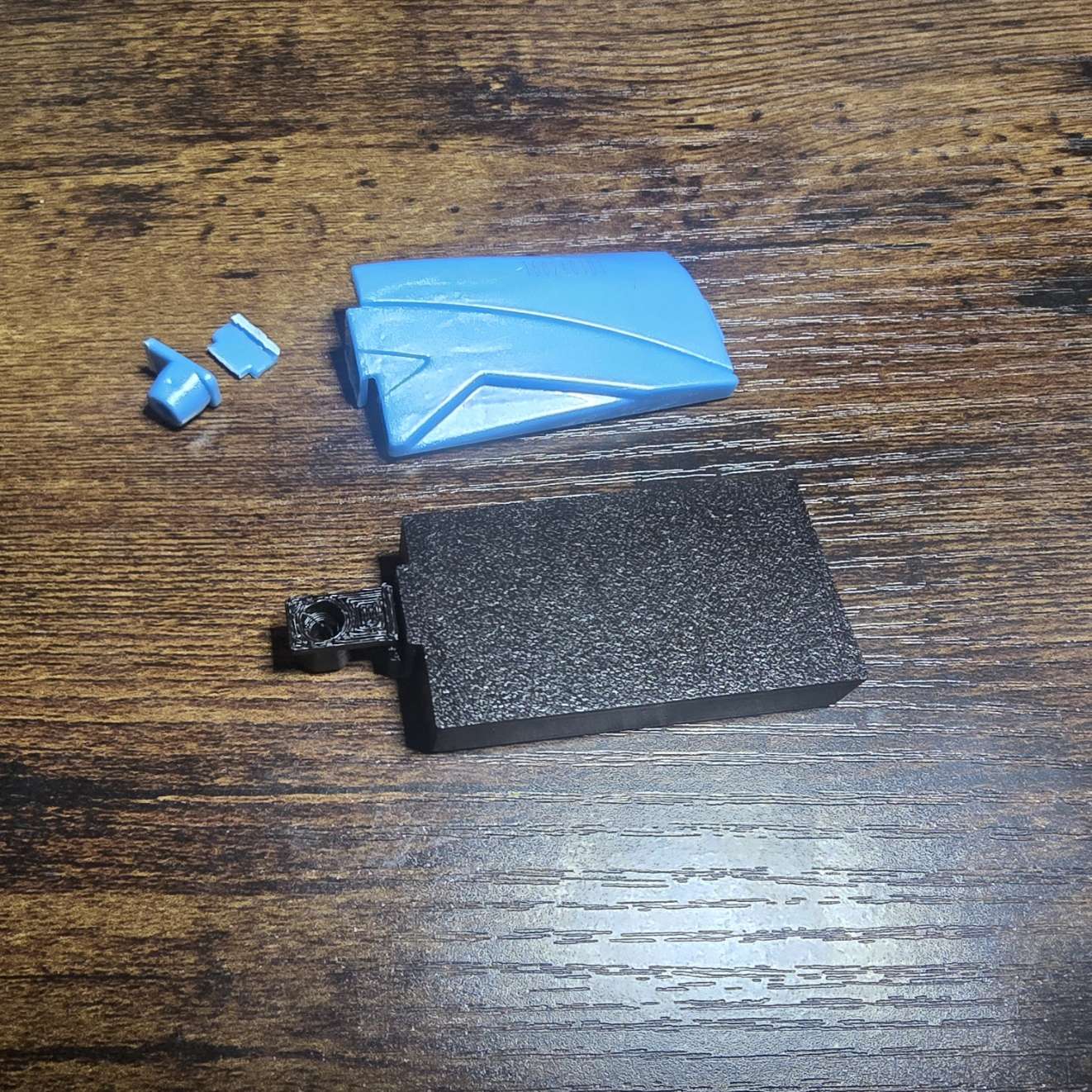
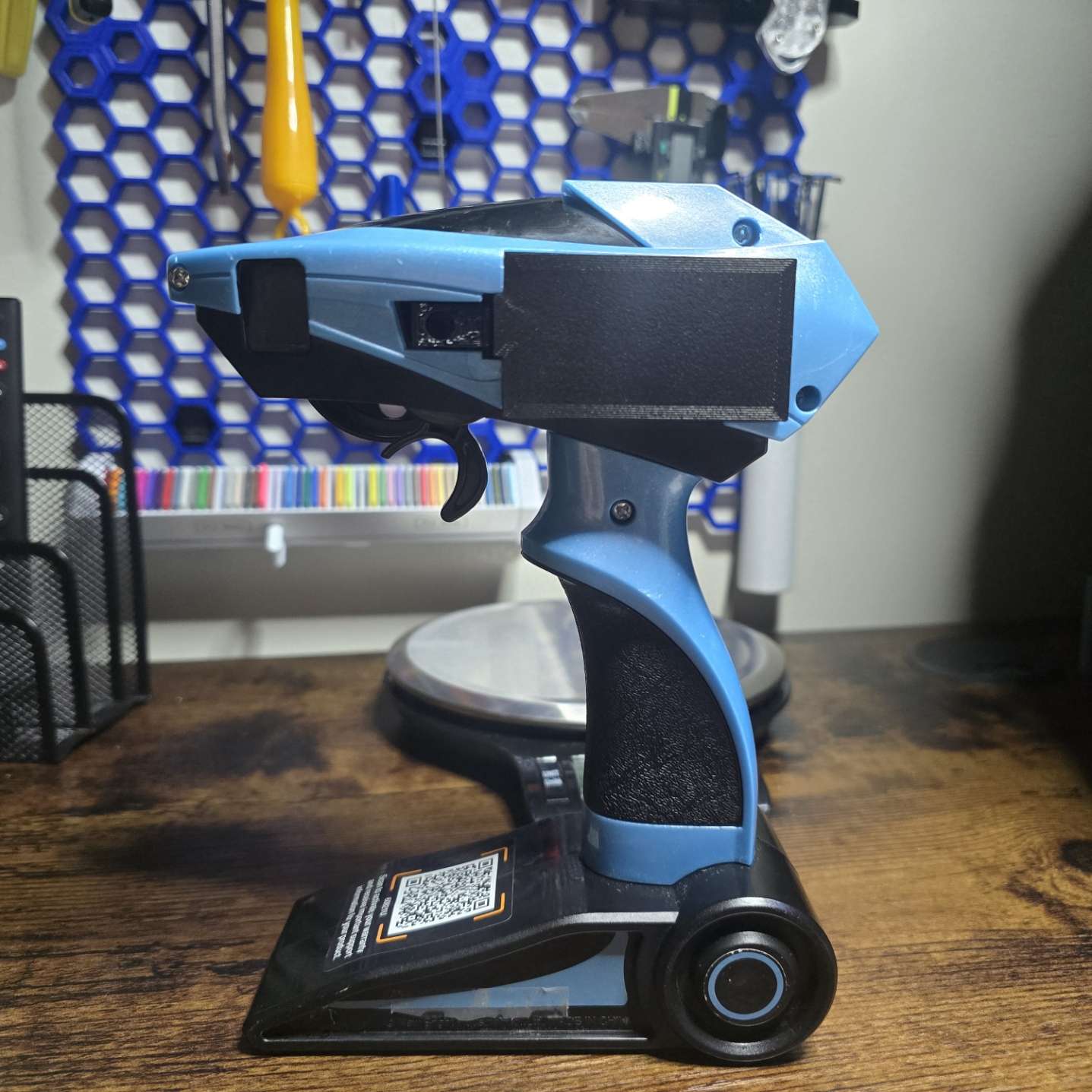
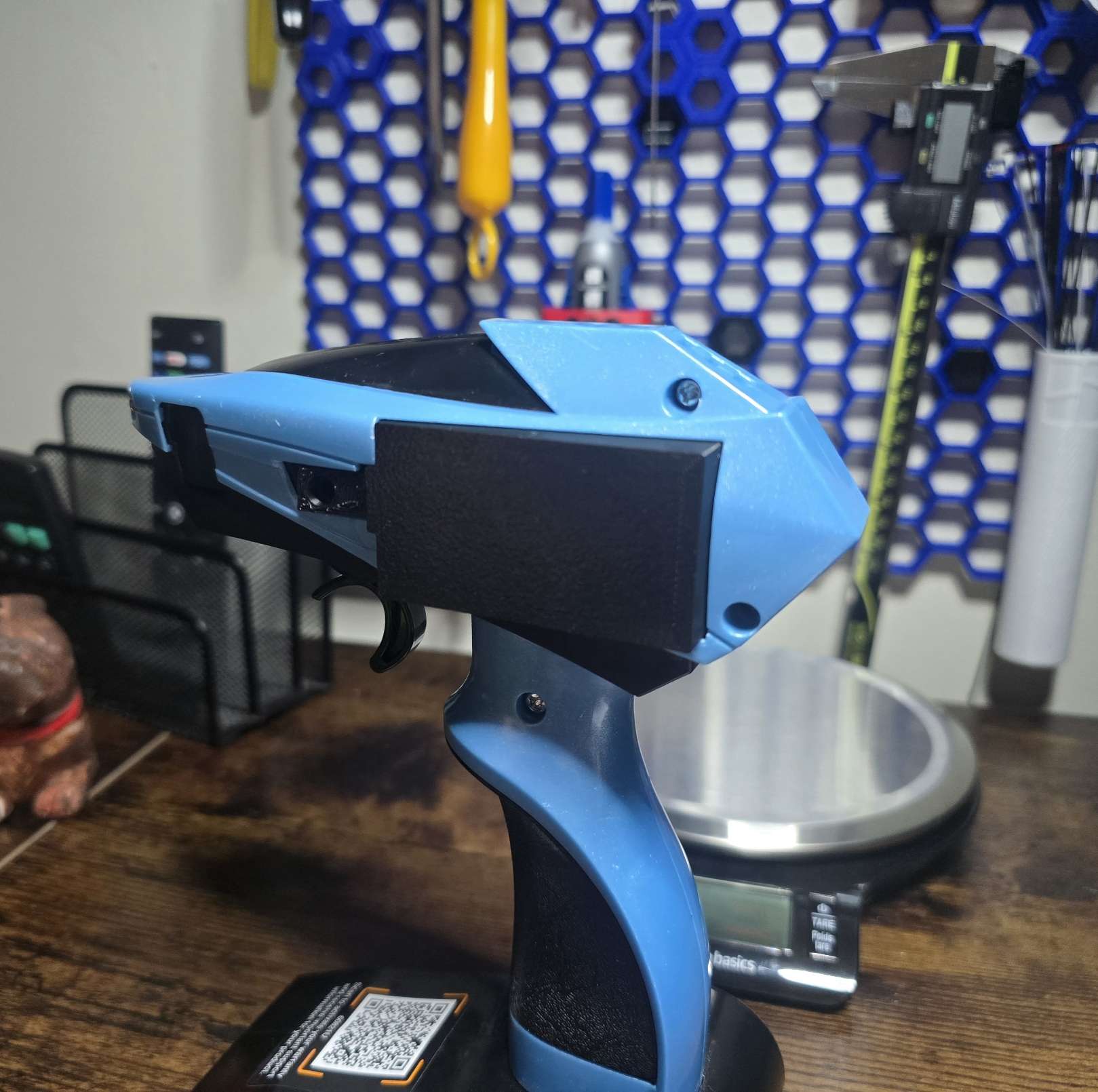
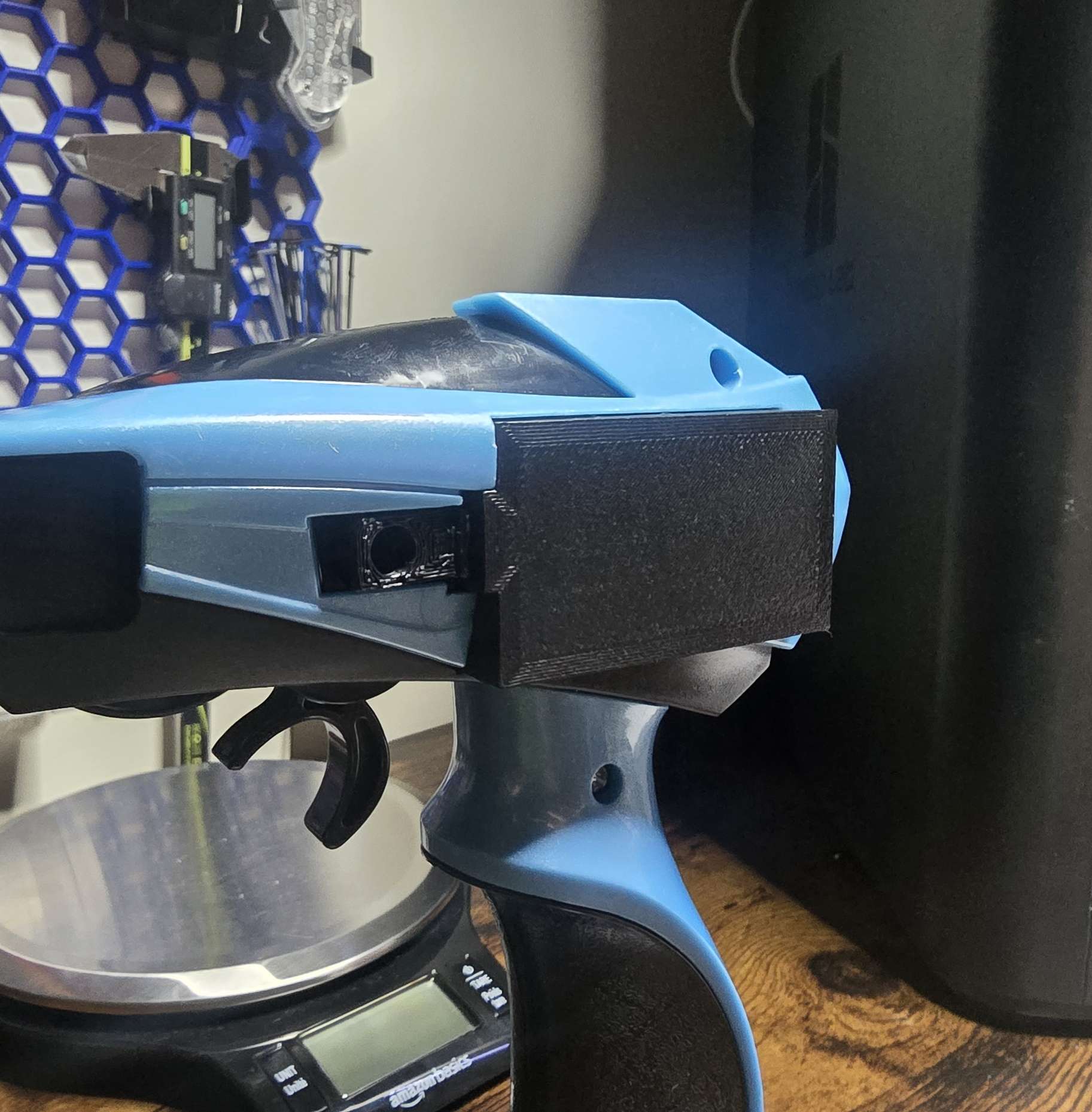
I spent a little bit of time modeling a battery cover replacement door after one of my children accidentally snapped the clips off the original. It’s a very basic replacement to the original, but works great as a replacement part.
MakerWorld page: New Bright Industrial Co. RC Battery Cover
Faresea Water Bottle Gasket#
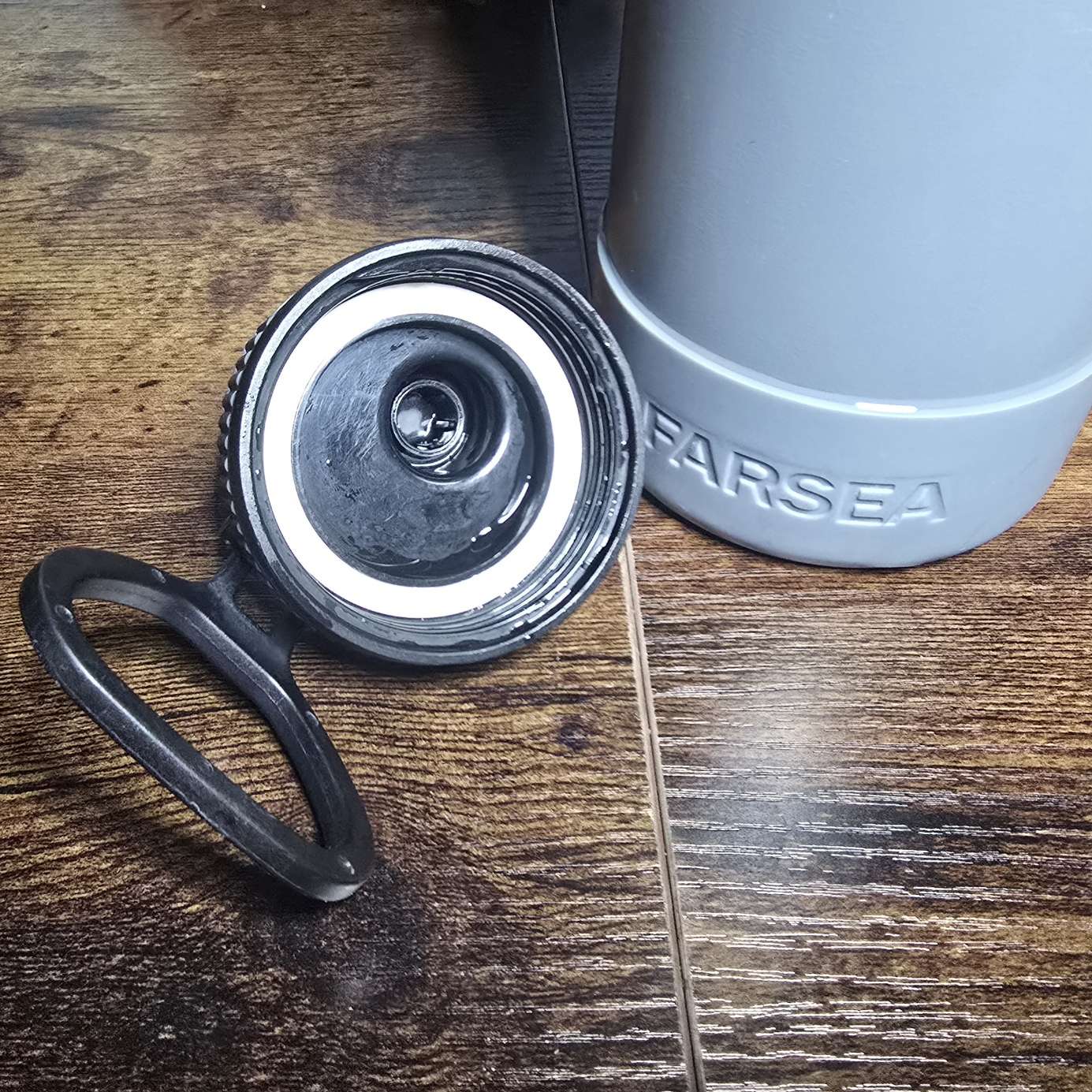
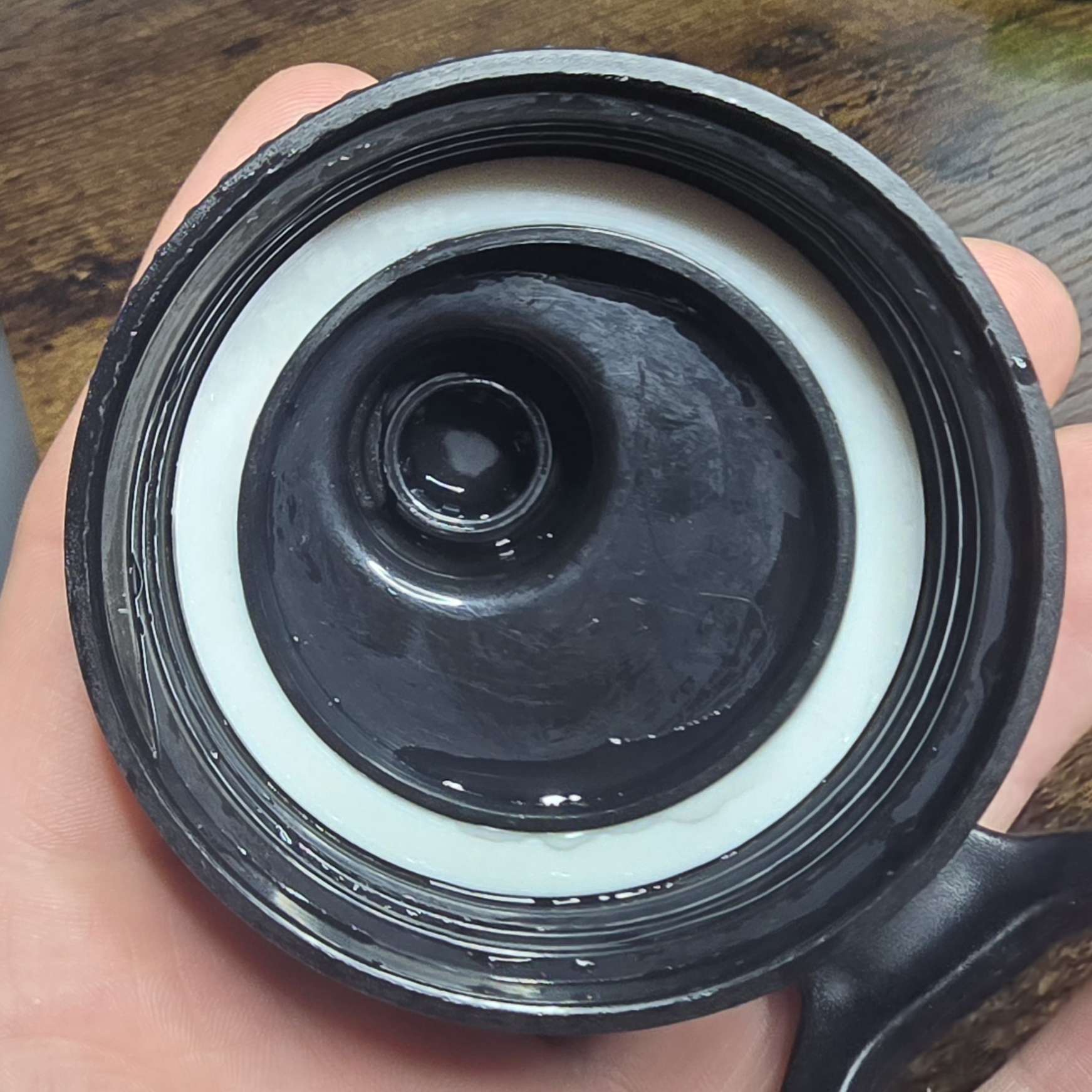
A simple replacement for the screw-top gasket for a water bottle.
MakerWorld page: Farsea Bottle TPU Seal
Shop Vac Attachment#
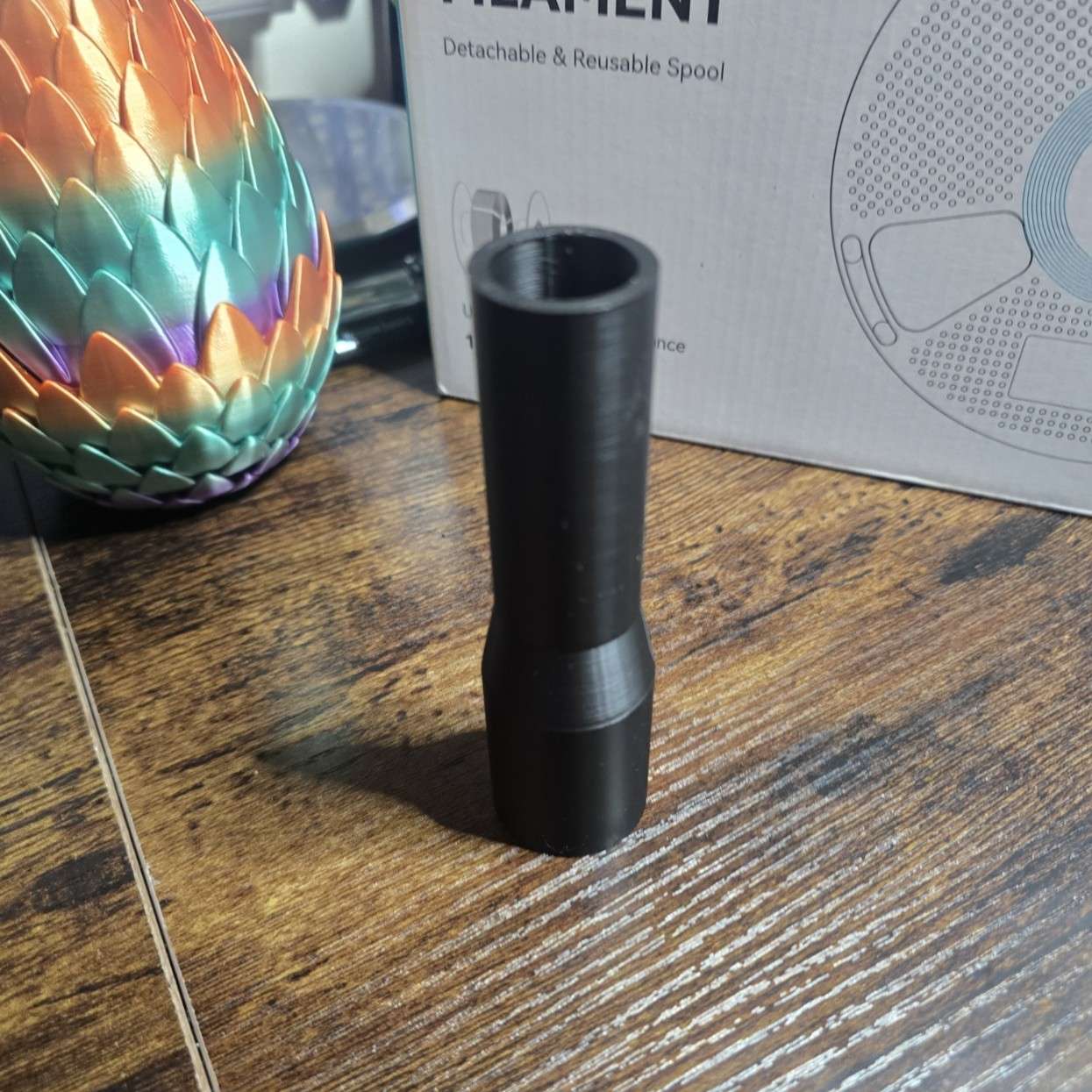
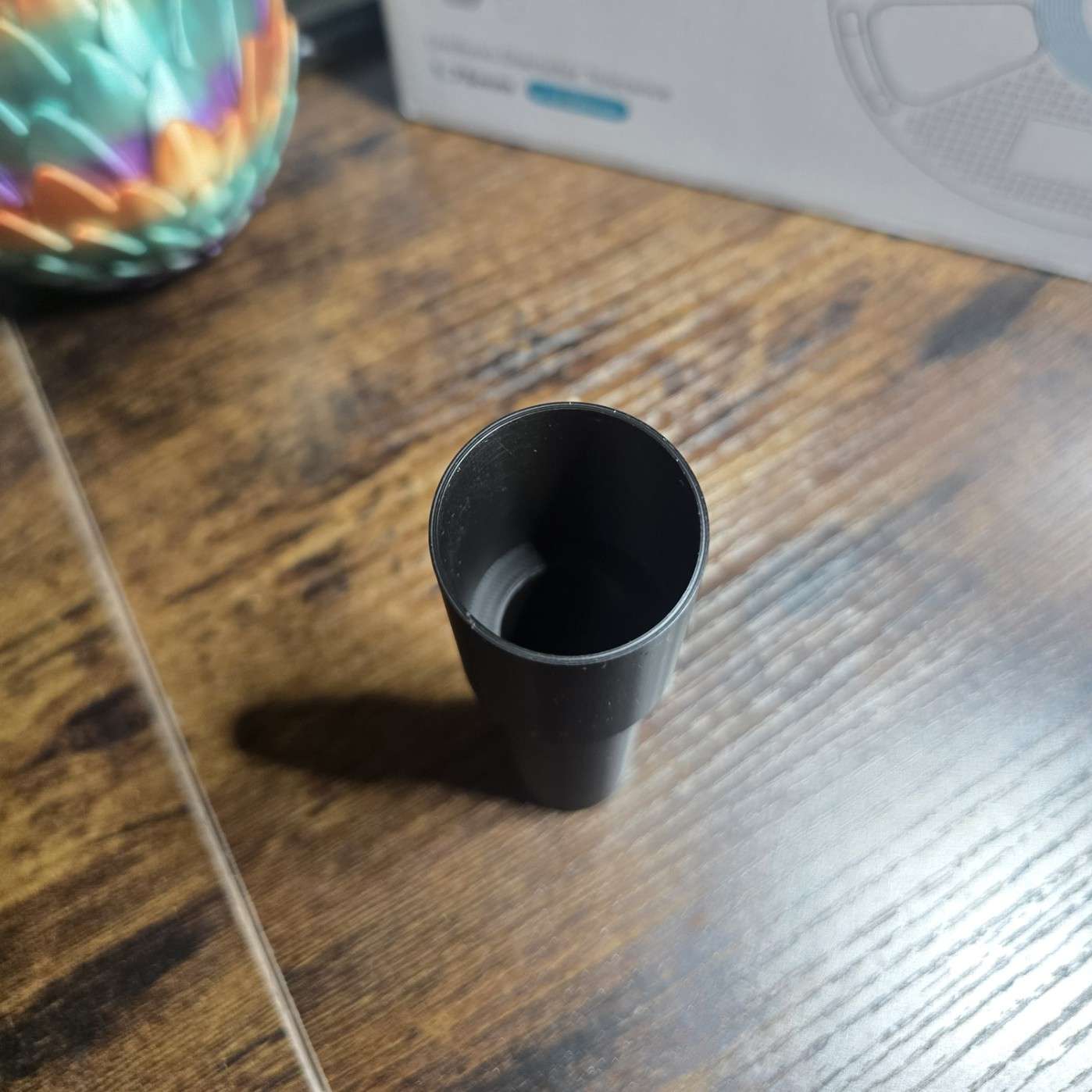
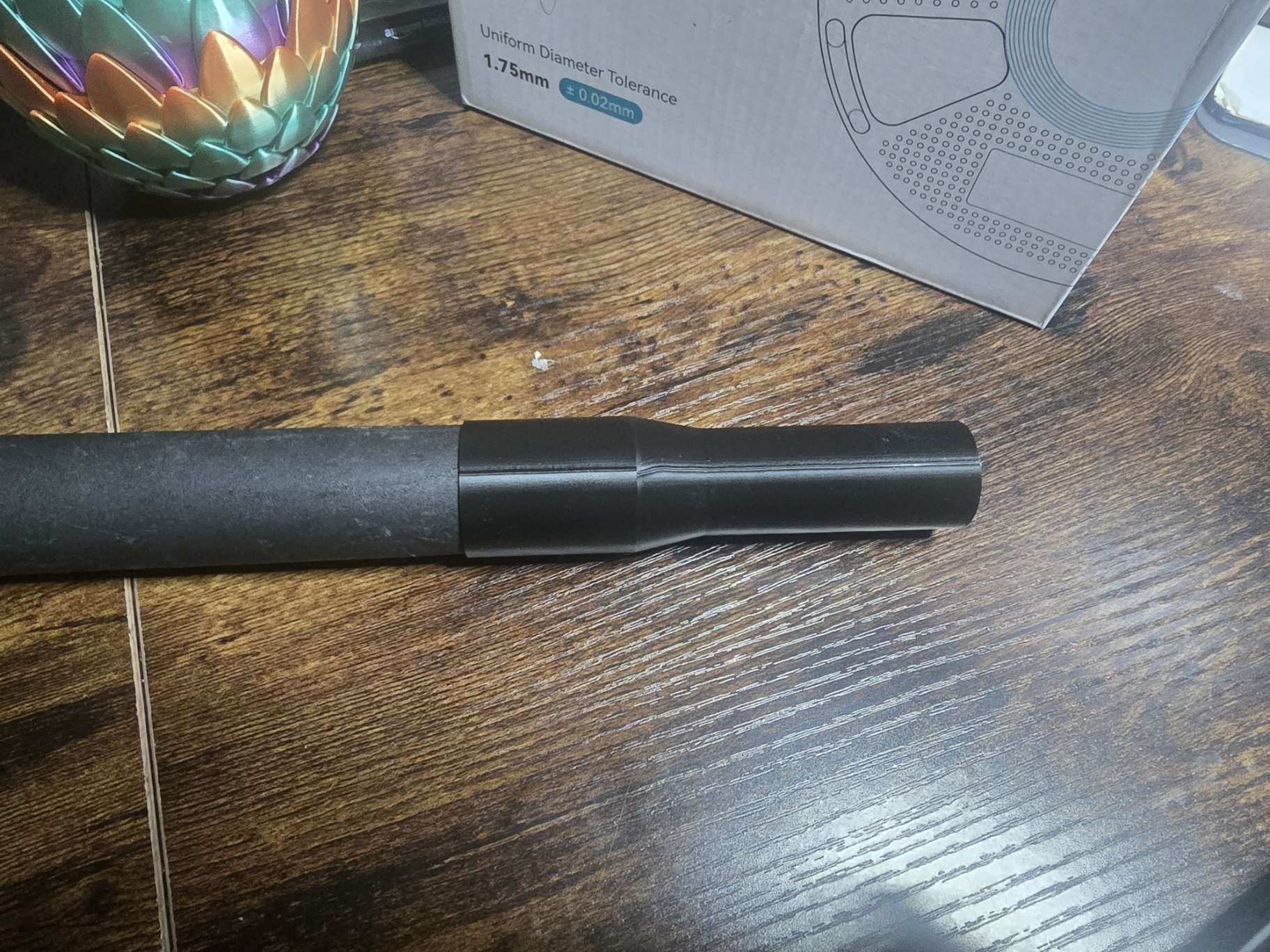
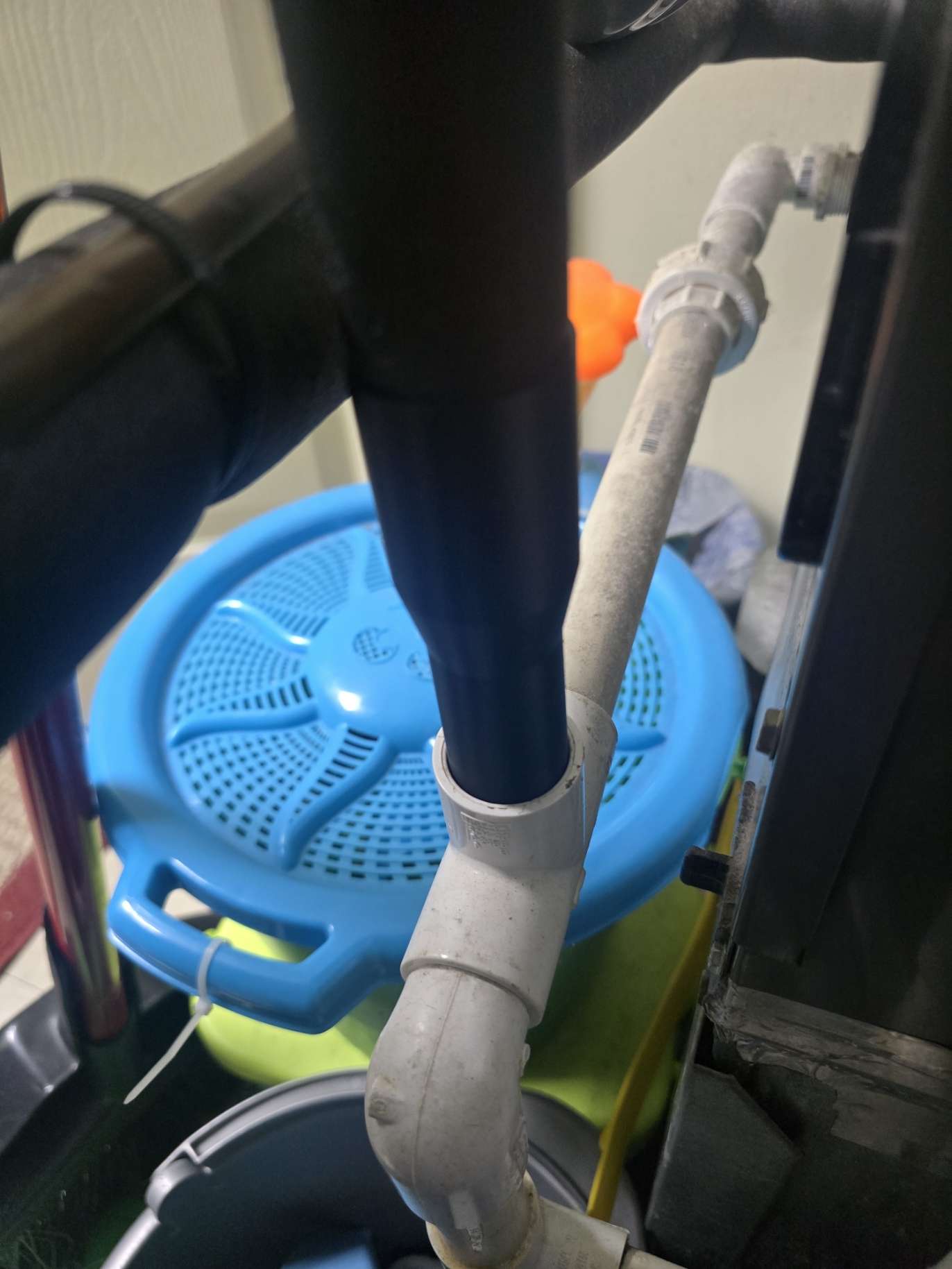
A simple Shop Vac adapter that I created to vacuum and clear the condensation drain line for the air conditioner.
MakerWorld page: Shop Vac Attachment
ThinkNAS Remix (Dell Wyse 5070)#
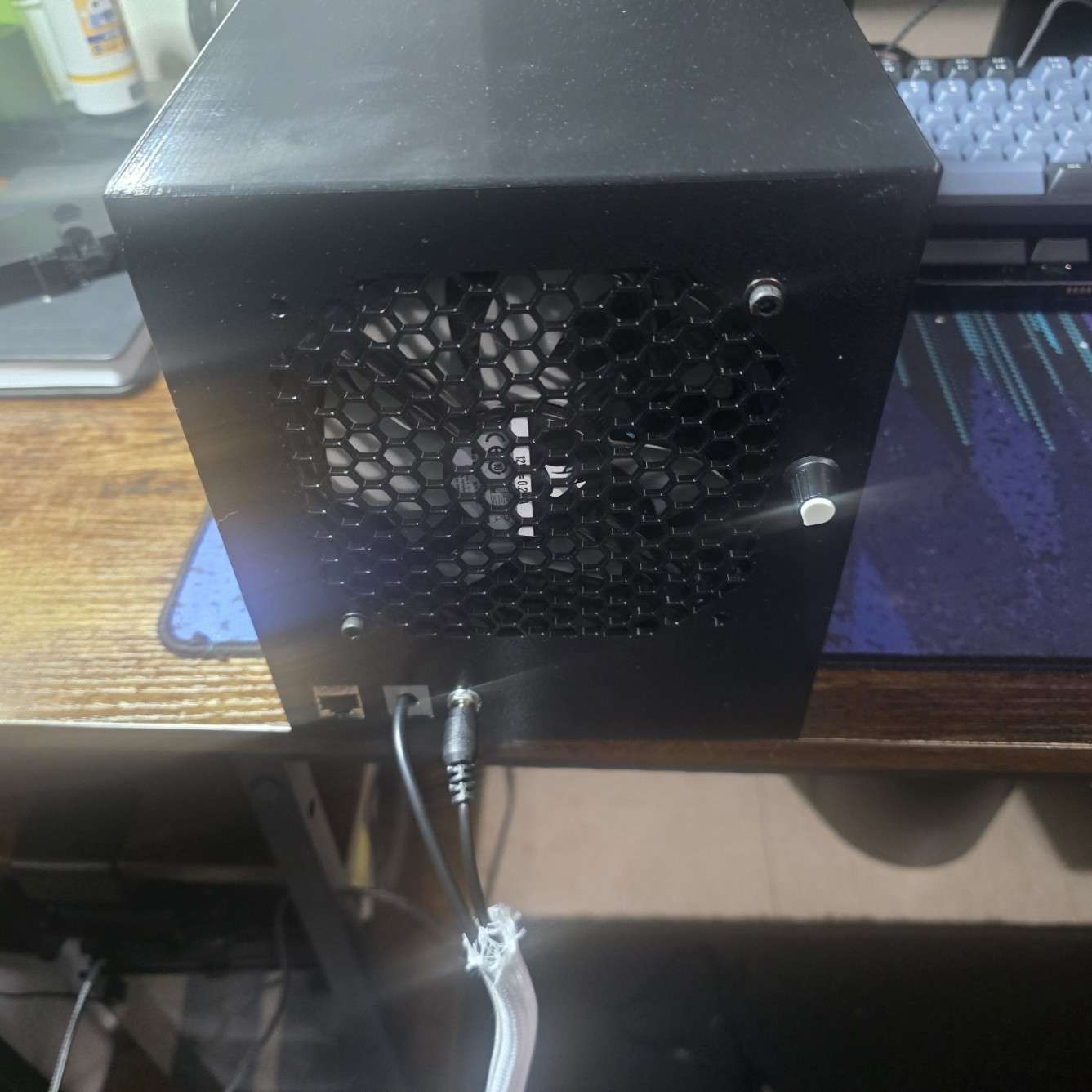
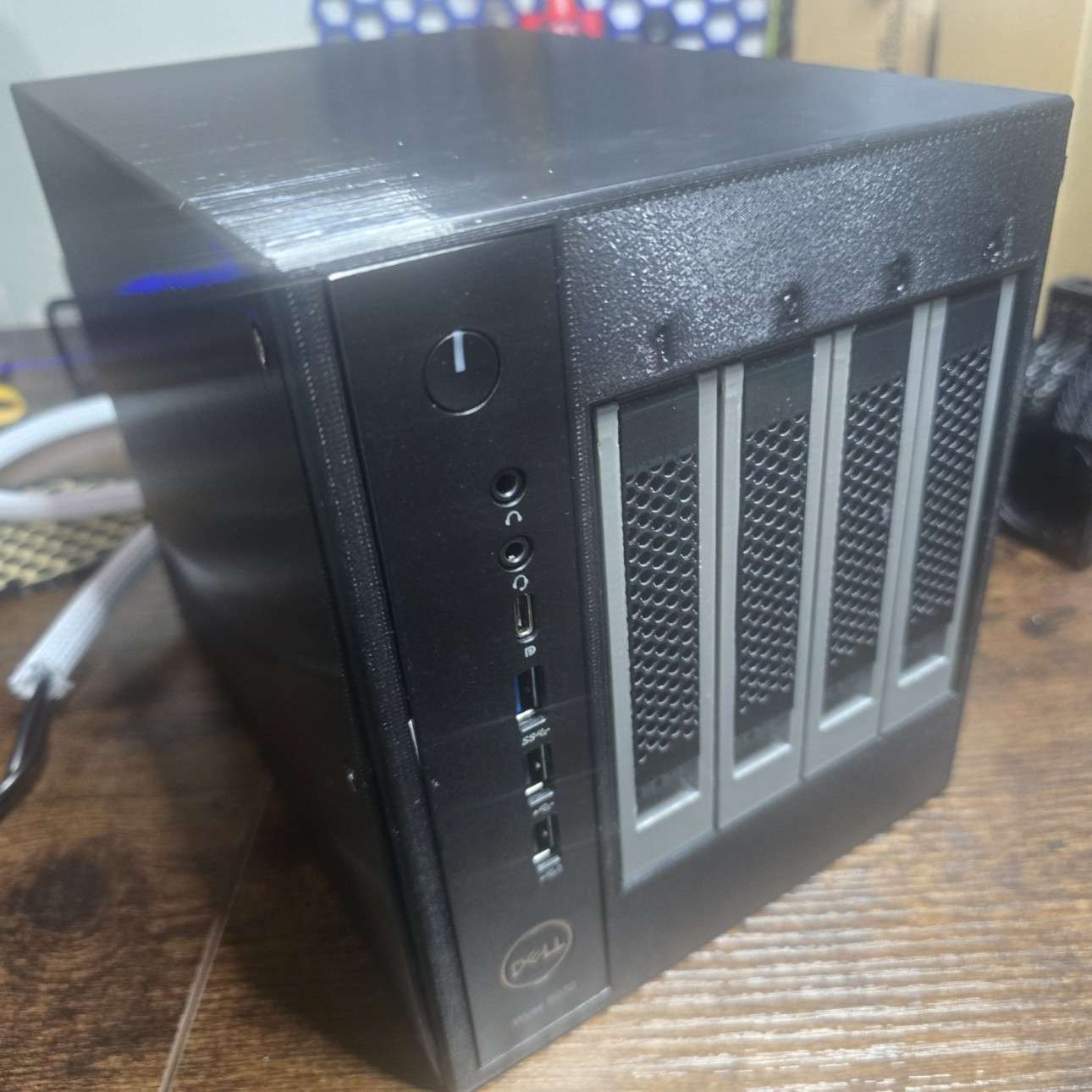
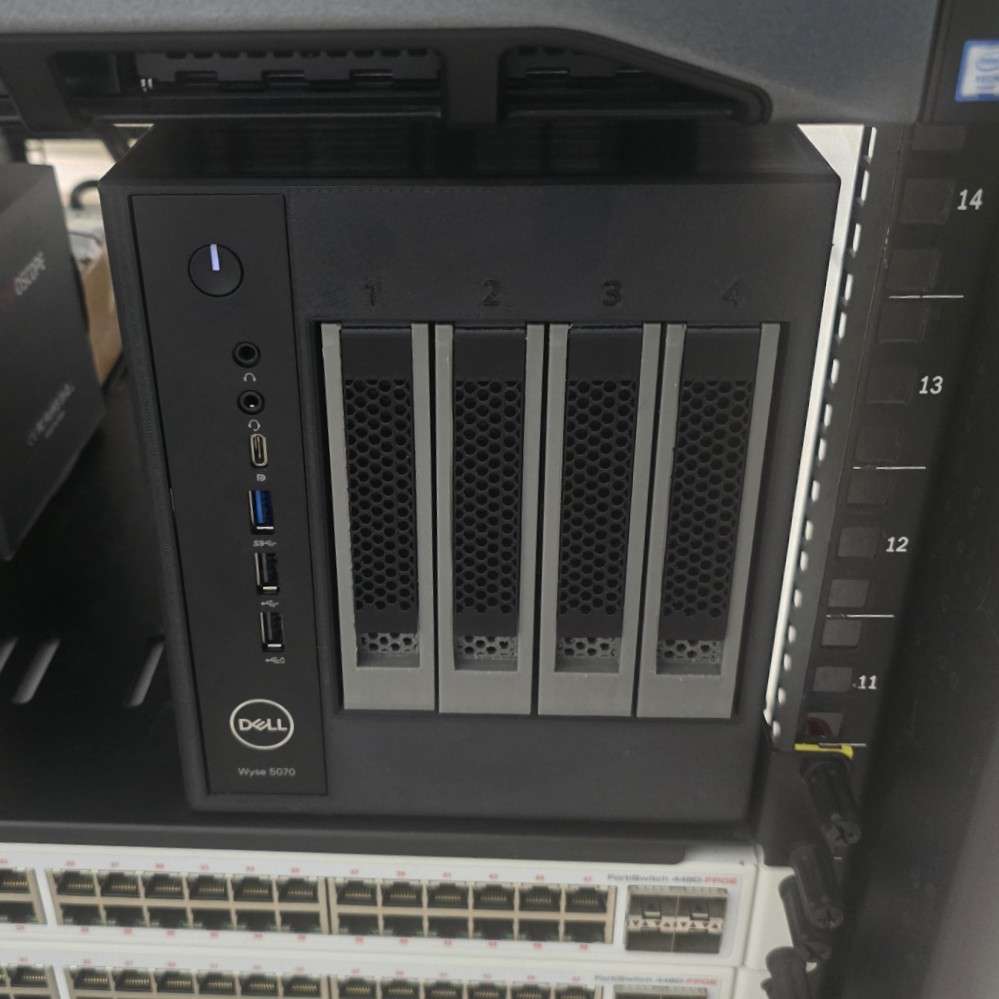
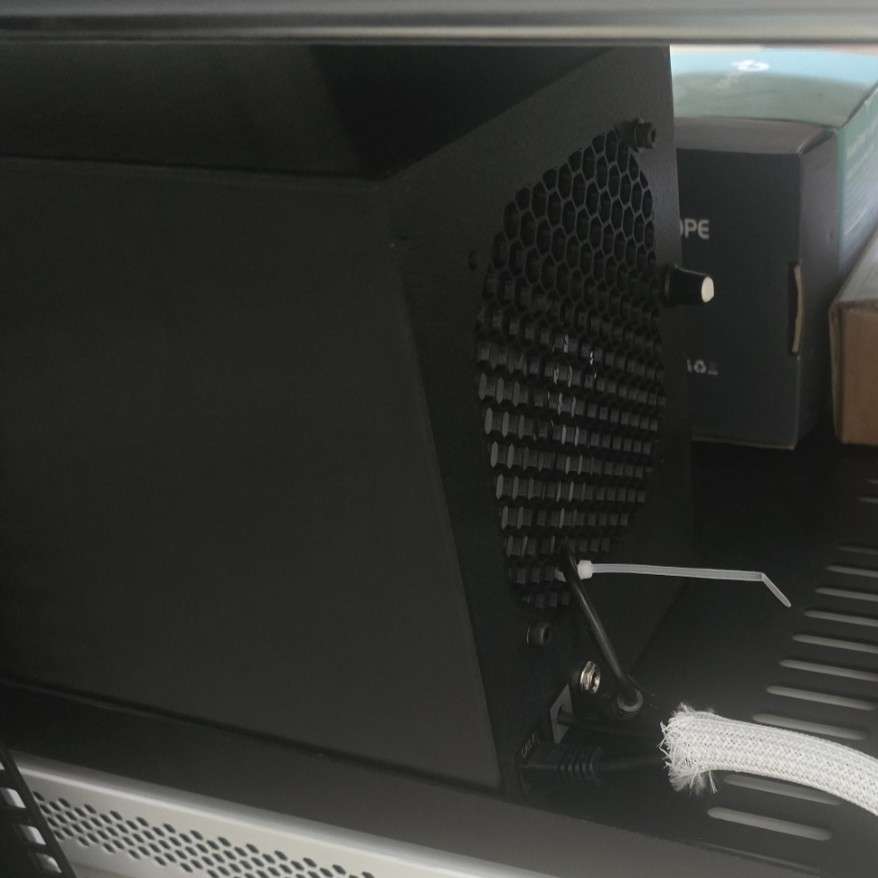
I modified Fisz’s DIY printable ThinkNAS to fit my Dell Wyse 5070 thin clients. Additionally, I included a modified rear case as an optional print to replace the original that closes the giant central opening and instead adds a small hole for the SATA power supply next to two Ethernet keystone slots.
For the fan controller in the rear, I personally drilled a hole after the print was completed. I did not add this hole in the print profile as the fan controller seems to be a “your mileage may vary depending on where you buy the controller from” type of situation (some people leave the fan controller inside the case, some drill holes, it’s entirely up to you).
MakerWorld print profile: ThinkNAS - Modified to Fit Dell Wyse 5070